







Question: 5. Create the following SQL queries using Select in the query window. Comment each step in the script. Each task must use a subquery. A.
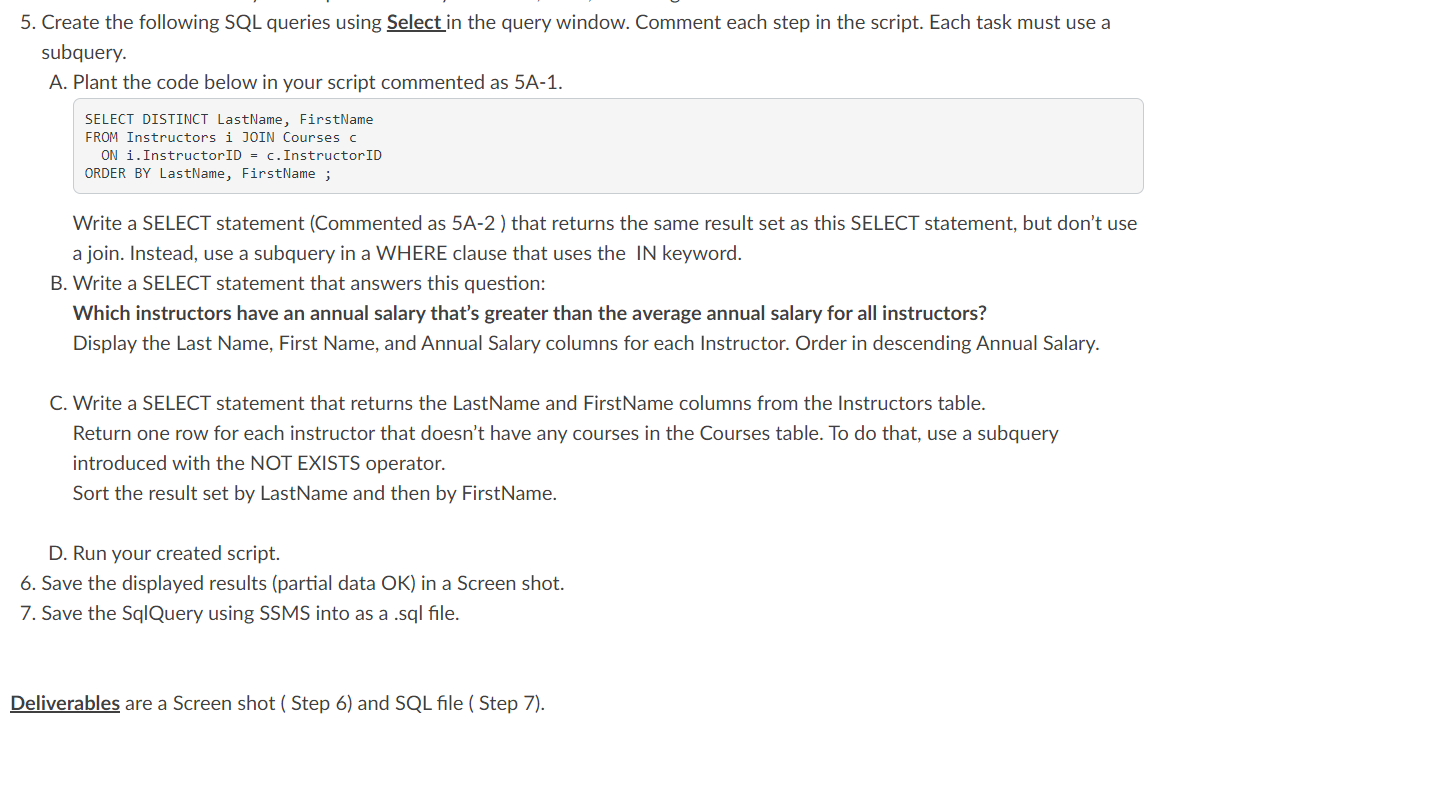
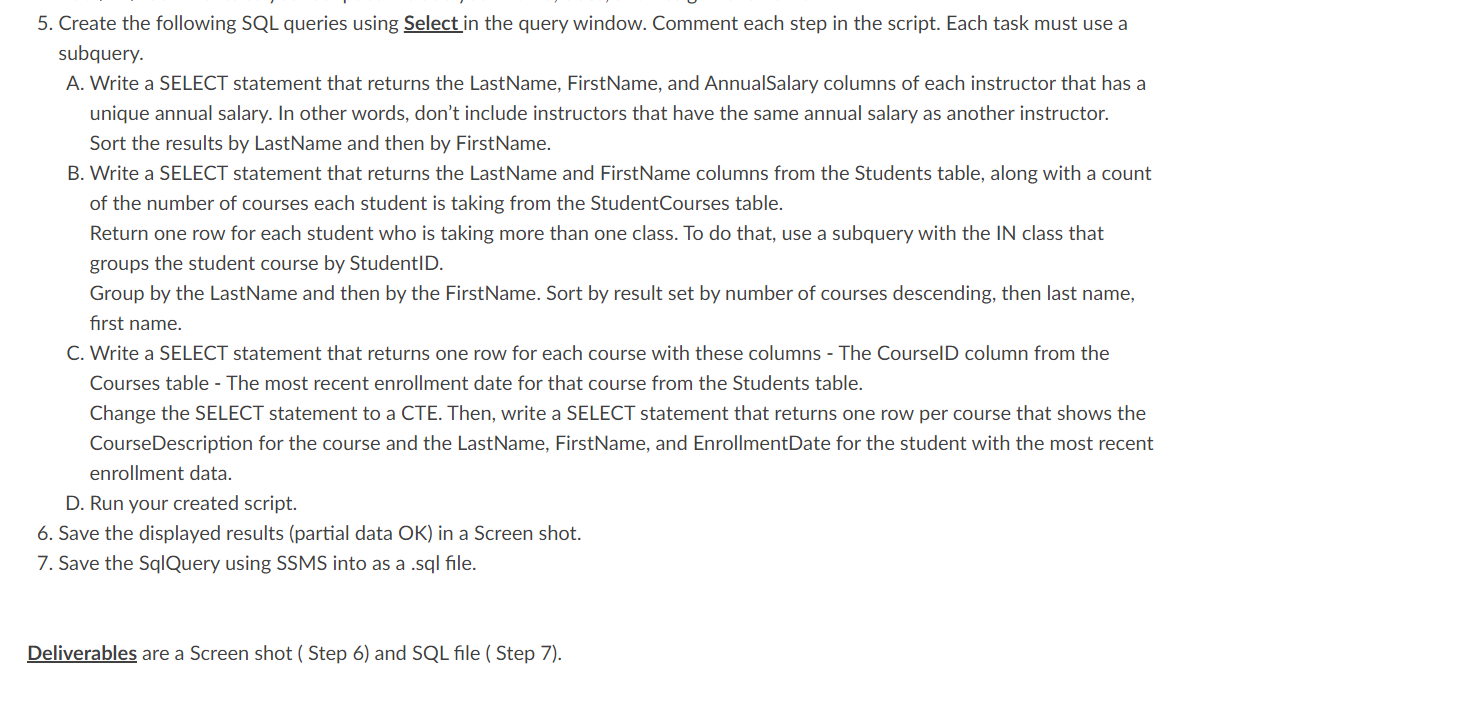
5. Create the following SQL queries using Select in the query window. Comment each step in the script. Each task must use a subquery. A. Plant the code below in your script commented as 5A-1. SELECT DISTINCT LastName, FirstName FROM Instructors i JOIN Courses c ON i. Instructor ID=c. Instructor ID ORDER BY LastName, FirstName; Write a SELECT statement (Commented as 5A-2 ) that returns the same result set as this SELECT statement, but don't use a join. Instead, use a subquery in a WHERE clause that uses the IN keyword. B. Write a SELECT statement that answers this question: Which instructors have an annual salary that's greater than the average annual salary for all instructors? Display the Last Name, First Name, and Annual Salary columns for each Instructor. Order in descending Annual Salary. C. Write a SELECT statement that returns the LastName and FirstName columns from the Instructors table. Return one row for each instructor that doesn't have any courses in the Courses table. To do that, use a subquery introduced with the NOT EXISTS operator. Sort the result set by LastName and then by FirstName. D. Run your created script. 6. Save the displayed results (partial data OK) in a Screen shot. 7. Save the SqlQuery using SSMS into as a .sql file. Deliverables are a Screen shot ( Step 6) and SQL file ( Step 7). 5. Create the following SQL queries using Select in the query window. Comment each step in the script. Each task must use a subquery. A. Write a SELECT statement that returns the LastName, FirstName, and AnnualSalary columns of each instructor that has a unique annual salary. In other words, don't include instructors that have the same annual salary as another instructor. Sort the results by LastName and then by FirstName. B. Write a SELECT statement that returns the LastName and FirstName columns from the Students table, along with a count of the number of courses each student is taking from the StudentCourses table. Return one row for each student who is taking more than one class. To do that, use a subquery with the IN class that groups the student course by StudentID. Group by the LastName and then by the FirstName. Sort by result set by number of courses descending, then last name, first name. C. Write a SELECT statement that returns one row for each course with these columns - The CourselD column from the Courses table - The most recent enrollment date for that course from the Students table. Change the SELECT statement to a CTE. Then, write a SELECT statement that returns one row per course that shows the CourseDescription for the course and the LastName, FirstName, and EnrollmentDate for the student with the most recent enrollment data. D. Run your created script. 6. Save the displayed results (partial data OK) in a Screen shot. 7. Save the SqlQuery using SSMS into as a sql file. Deliverables are a Screen shot ( Step 6) and SQL file ( Step 7)
Step by Step Solution
There are 3 Steps involved in it

Get step-by-step solutions from verified subject matter experts
 Study Help