







Question: ( 5 points ) Set the Author property to your first and last name. ( 7 points ) Go to the Budget Summary worksheet. Cut
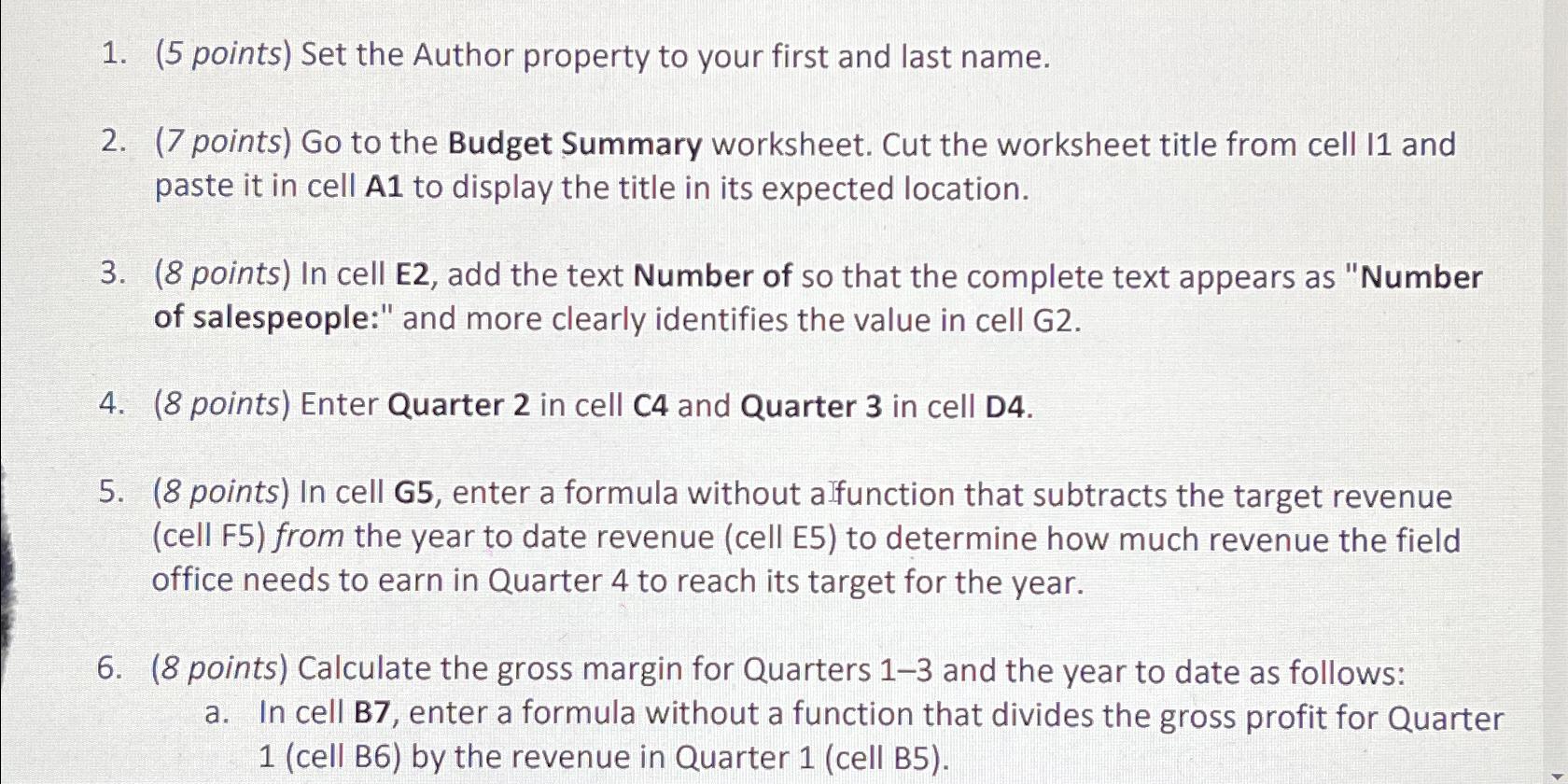
points Set the Author property to your first and last name.
points Go to the Budget Summary worksheet. Cut the worksheet title from cell II and paste it in cell to display the title in its expected location.
points In cell E add the text Number of so that the complete text appears as "Number of salespeople:" and more clearly identifies the value in cell G
points Enter Quarter in cell and Quarter in cell D
points In cell G enter a formula without alfunction that subtracts the target revenue cell F from the year to date revenue cell E to determine how much revenue the field office needs to earn in Quarter to reach its target for the year.
points Calculate the gross margin for Quarters and the year to date as follows:
a In cell B enter a formula without a function that divides the gross profit for Quarter cell B by the revenue in Quarter cell B
Step by Step Solution
There are 3 Steps involved in it
1 Expert Approved Answer
Step: 1 Unlock

Question Has Been Solved by an Expert!
Get step-by-step solutions from verified subject matter experts
Step: 2 Unlock
Step: 3 Unlock
 Study Help