







Question: 5.4.6 Implement a RAID Solution Next resource Listen to simulation instructions You work part-time at a computer repair store. You are in the process of
5.4.6 Implement a RAID Solution
Next resource
Listen to simulation instructions
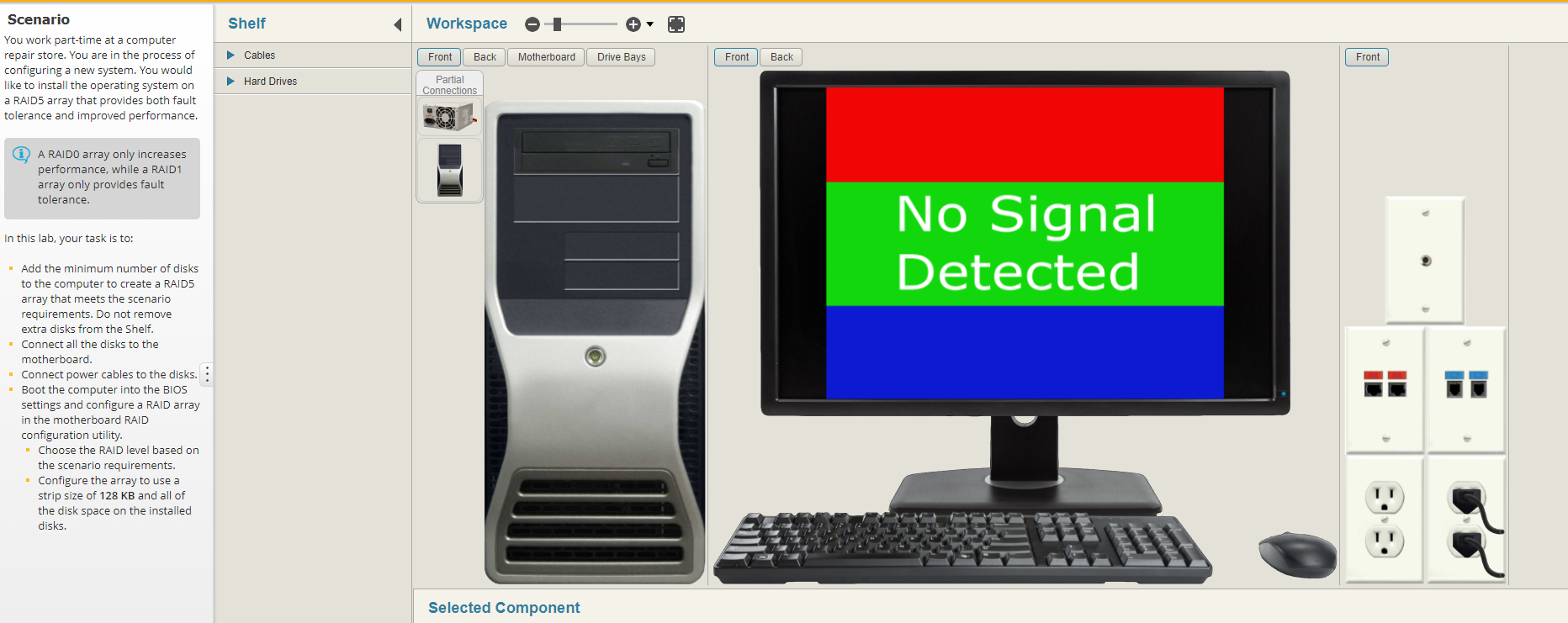
You work part-time at a computer repair store. You are in the process of configuring a new system. You would like to install the operating system on a RAID5 array that provides both fault tolerance and improved performance.
A RAID0 array only increases performance, while a RAID1 array only provides fault tolerance.
In this lab, your task is to:
Add the minimum number of disks to the computer to create a RAID5 array that meets the scenario requirements. Do not remove extra disks from the Shelf.
Connect all the disks to the motherboard.
Connect power cables to the disks.
Boot the computer into the BIOS settings and configure a RAID array in the motherboard RAID configuration utility.
Choose the RAID level based on the scenario requirements.
Configure the array to use a strip size of 128 KB and all of the disk space on the installed disks.
TO IMPLEMENT A RAID SOLUTION
Scenario You work part-time at a computer repair store. You are in the process of configuring a new system. You would like to install the operating system on a RAID5 array that provides both fault tolerance and improved performance. (i) A RAIDO array only increases performance, while a RAID1 array only provides fault tolerance. In this lab, your task is to: - Add the minimum number of disks to the computer to create a RAID5 array that meets the scenario requirements. Do not remove extra disks from the Shelf. - Connect all the disks to the motherboard. - Connect power cables to the disks. " Boot the computer into the BIOS settings and configure a RAID array in the motherboard RAID configuration utility. - Choose the RAID level based on the scenario requirements. - Configure the array to use a strip size of 128KB and all of the disk space on the installed disks
Step by Step Solution
There are 3 Steps involved in it

Get step-by-step solutions from verified subject matter experts
 Study Help