







Question: 7 . 1 6 LAB: To - do list ( JavaScript ) LAB ACTIVITY 7 . 1 6 . 1 : LAB: To - do
LAB: Todo list JavaScript
LAB
ACTIVITY
: LAB: Todo list JavaScript
Overview
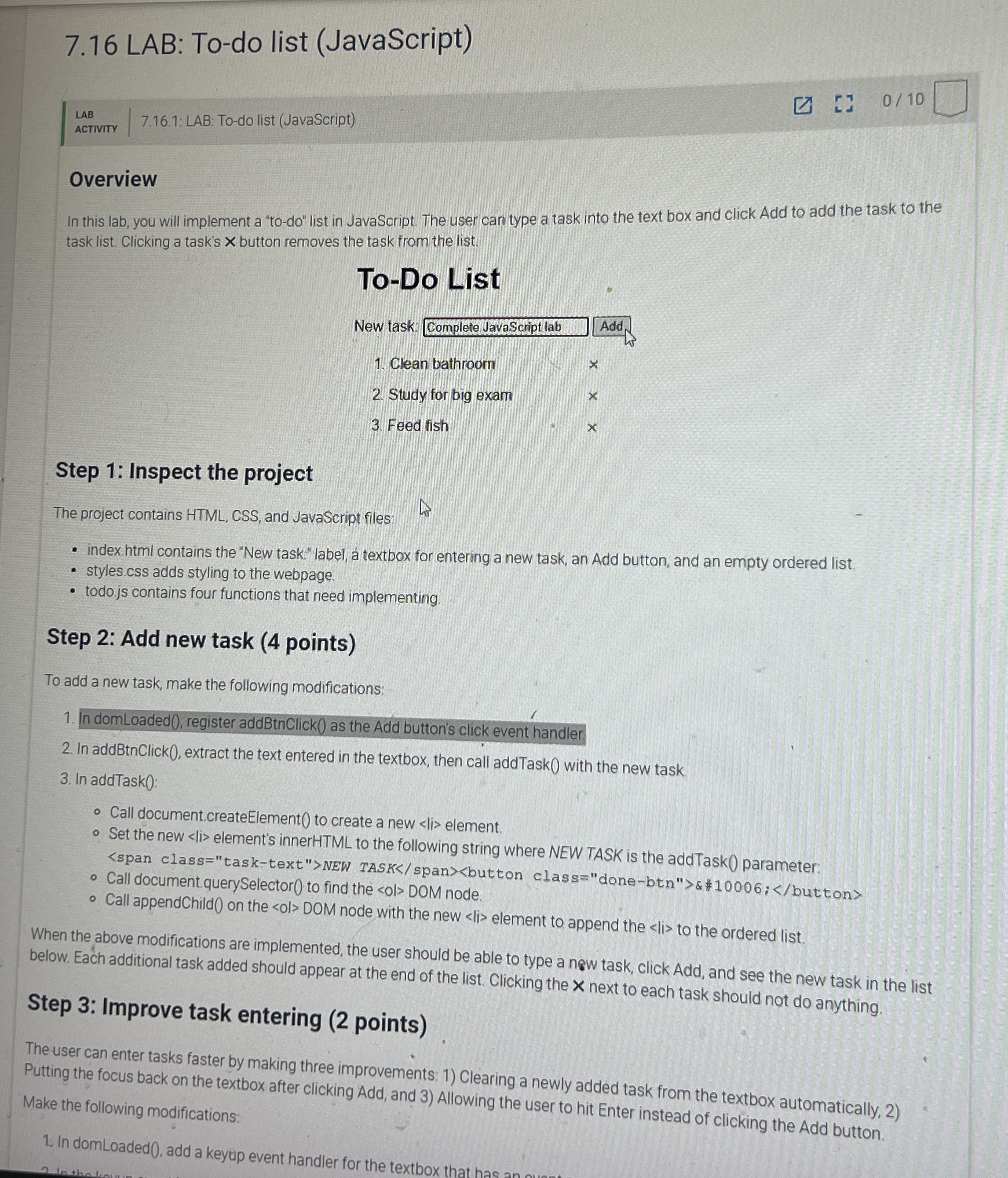
In this lab, you will implement a todo list in JavaScript. The user can type a task into the text box and click Add to add the task to the task list. Clicking a task's button removes the task from the list.
ToDo List
New task: Complete JavaScript lab Add
Clean bathroom
Study for big exam
Feed fish
Step : Inspect the project
The project contains HTML CSS and JavaScript files:
index. html contains the "New task:" label, textbox for entering a new task, an Add button, and an empty ordered list.
styles.css adds styling to the webpage.
todo.js contains four functions that need implementing.
Step : Add new task points
To add a new task, make the following modifications:
In domLoaded register addBtnClick as the Add button's click event handler.
In addBtnClick extract the text entered in the textbox, then call addTask with the new task.
In addTaskO:
Call document.createElement to create a new
Step by Step Solution
There are 3 Steps involved in it
1 Expert Approved Answer
Step: 1 Unlock

Question Has Been Solved by an Expert!
Get step-by-step solutions from verified subject matter experts
Step: 2 Unlock
Step: 3 Unlock
 Study Help