







Question: 7. To save this work and submit it for grading, you will need to save your WORKSPACE. This workspace will be a . RData file.
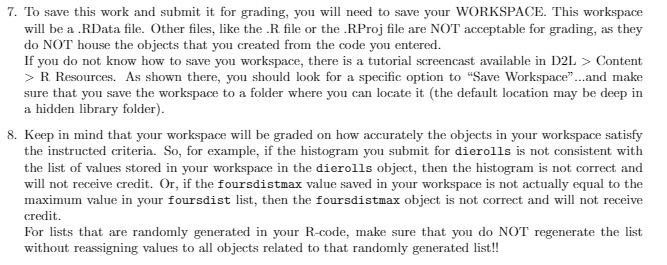
7. To save this work and submit it for grading, you will need to save your WORKSPACE. This workspace will be a . RData file. Other files, like the .R file or the . R.Proj file are NOT acceptable for grading, as they do NOT house the objects that you created from the code you entered. If you do not know how to save you workspace, there is a tutorial screencast available in D2L > Content >R. Resources. As shown there, you should look for a specific option to "Save Workspace"...and make sure that you save the workspace to a folder where you can locate it (the default location may be deep in a hidden library folder). 8. Keep in mind that your workspace will be graded on how accurately the objects in your workspace satisfy the instructed criteria. So, for example, if the histogram you submit for dierolls is not consistent with the list of values stored in your workspace in the dierolls object, then the histogram is not correct and will not receive credit. Or, if the foursdistmax value saved in your workspace is not actually equal to the maximum value in your foursdist list, then the foursdistmax object is not correct and will not receive credit. For lists that are randomly generated in your R-code, make sure that you do NOT regenerate the list without reassigning values to all objects related to that randomly generated list
Step by Step Solution
There are 3 Steps involved in it

Get step-by-step solutions from verified subject matter experts
 Study Help