







Question: 7.5 ' ' ... What security settings and features are available? Type your answers here. 3.Find the CPU settings. Navigate through each screen to find
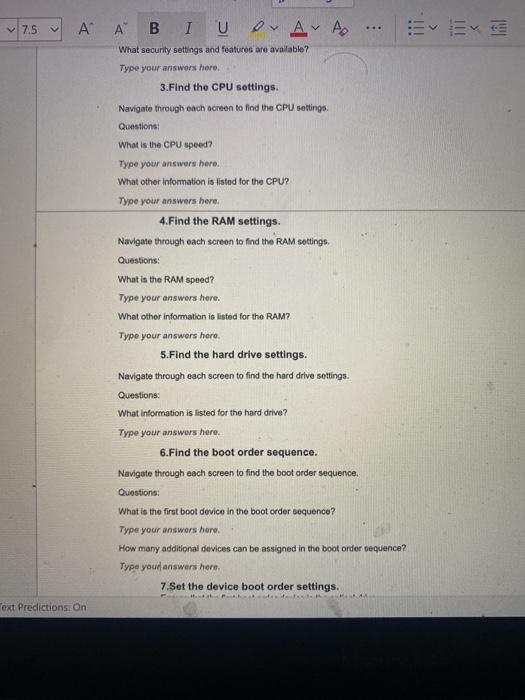
7.5 ' ' ... What security settings and features are available? Type your answers here. 3.Find the CPU settings. Navigate through each screen to find the CPU settings. Questions: What is the CPU speed? Type your answers here. What other information is listed for the CPU? Type your answers here, 4. Find the RAM settings Navigate through each screen to find the RAM settings Questions: What is the RAM speed? Type your answers here What other information is listed for the RAM? Type your answers here. 5.Find the hard drive settings. Navigate through each screen to find the hard drive settings. Questions: What information is listed for the hard drive? Type your answers here: 6.Find the boot order sequence. Navigate through each screen to find the boot order sequence. Questions: What is the first boot device in the boot order sequence? Type your answers here. How many additional devices can be assigned in the boot order sequence? Type your answers here. 7.Set the device boot order settings. ext Predictions: On
Step by Step Solution
There are 3 Steps involved in it

Get step-by-step solutions from verified subject matter experts
 Study Help