







Question: 7.5.6 Exploring Auto-Summarization In this lab, you will explore the effect that auto-summarization has on the routing table. You have two routers connected as shown
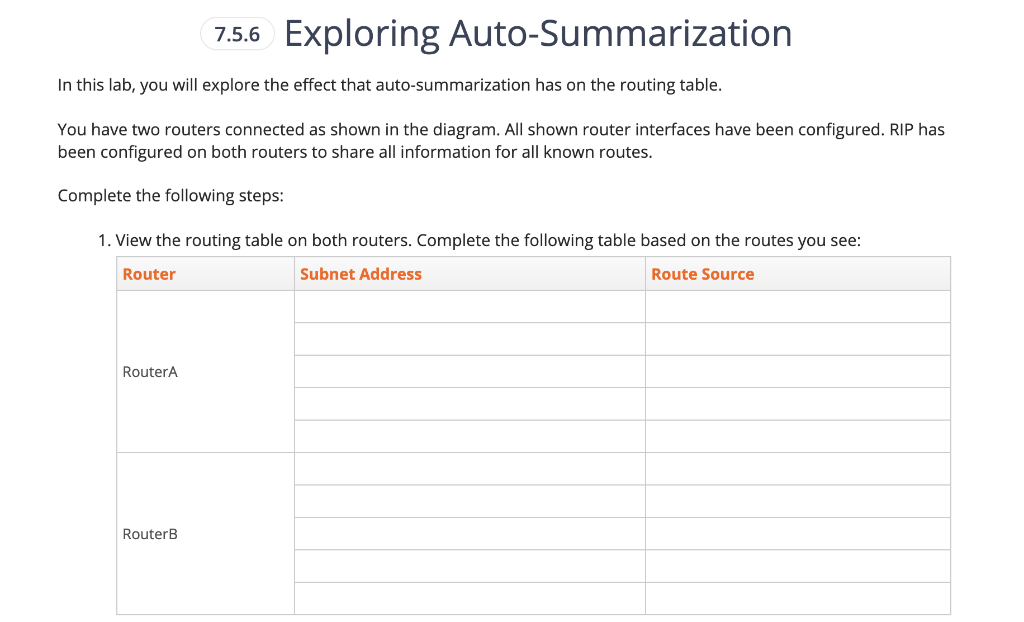
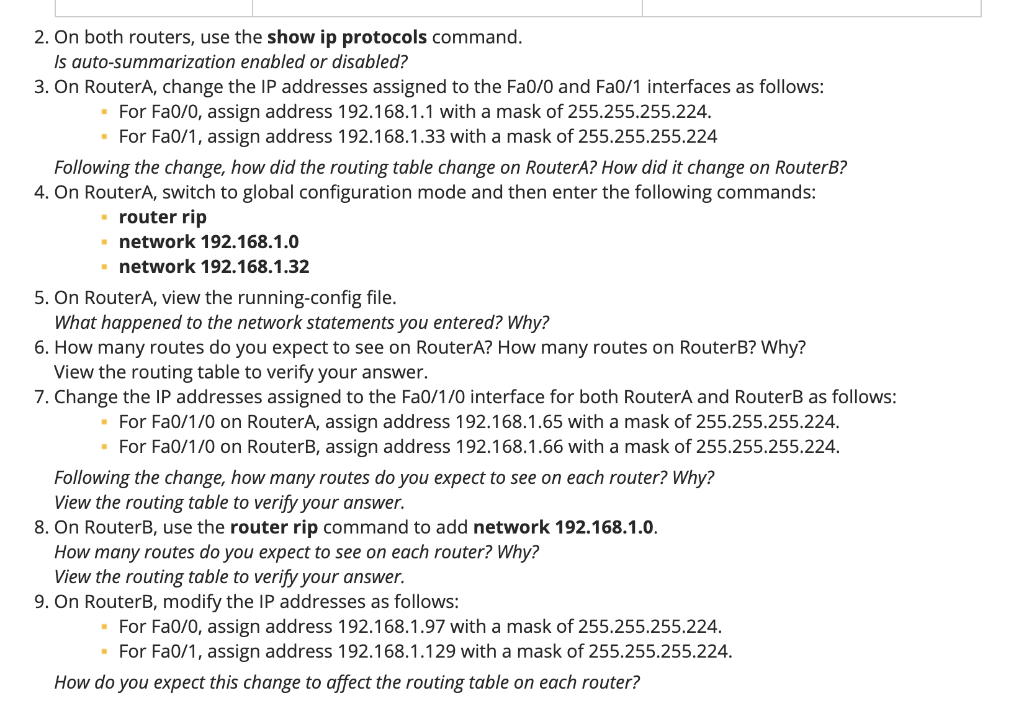
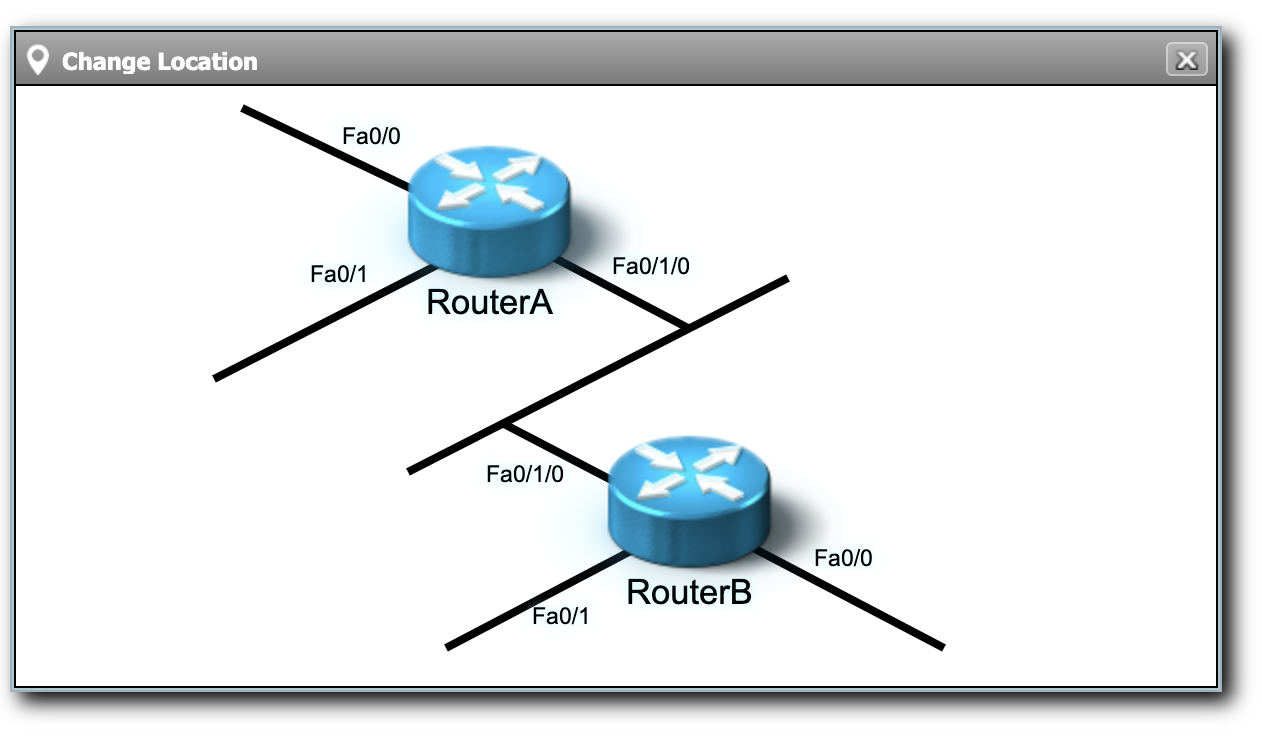
7.5.6 Exploring Auto-Summarization In this lab, you will explore the effect that auto-summarization has on the routing table. You have two routers connected as shown in the diagram. All shown router interfaces have been configured. RIP has been configured on both routers to share all information for all known routes. Complete the following steps: 1. View the routing table on both routers. Complete the following table based on the routes you see: Router Subnet Address Route Source RouterA RouterB 2. On both routers, use the show ip protocols command. Is auto-summarization enabled or disabled? 3. On RouterA, change the IP addresses assigned to the Fa0/0 and Fa0/1 interfaces as follows: - For Fa0/0, assign address 192.168.1.1 with a mask of 255.255.255.224. For Fa0/1, assign address 192.168.1.33 with a mask of 255.255.255.224 Following the change, how did the routing table change on RouterA? How did it change on RouterB? 4. On RouterA, switch to global configuration mode and then enter the following commands: - router rip network 192.168.1.0 network 192.168.1.32 5. On RouterA, view the running-config file. What happened to the network statements you entered? Why? 6. How many routes do you expect to see on RouterA? How many routes on RouterB? Why? View the routing table to verify your answer. 7. Change the IP addresses assigned to the Fa0/1/0 interface for both RouterA and RouterB as follows: For Fa0/1/0 on RouterA, assign address 192.168.1.65 with a mask of 255.255.255.224. For Fa0/1/0 on RouterB, assign address 192.168.1.66 with a mask of 255.255.255.224. Following the change, how many routes do you expect to see on each router? Why? View the routing table to verify your answer. 8. On RouterB, use the router rip command to add network 192.168.1.0. How many routes do you expect to see on each router? Why? View the routing table to verify your answer. 9. On RouterB, modify the IP addresses as follows: For Fa0/0, assign address 192.168.1.97 with a mask of 255.255.255.224. For Fa0/1, assign address 192.168.1.129 with a mask of 255.255.255.224. How do you expect this change to affect the routing table on each router? Change Location X Fa0/0 Fa0/1 Fa0/1/0 RouterA Fa0/1/0 Fa0/0 RouterB Fa0/1
Step by Step Solution
There are 3 Steps involved in it

Get step-by-step solutions from verified subject matter experts
 Study Help