







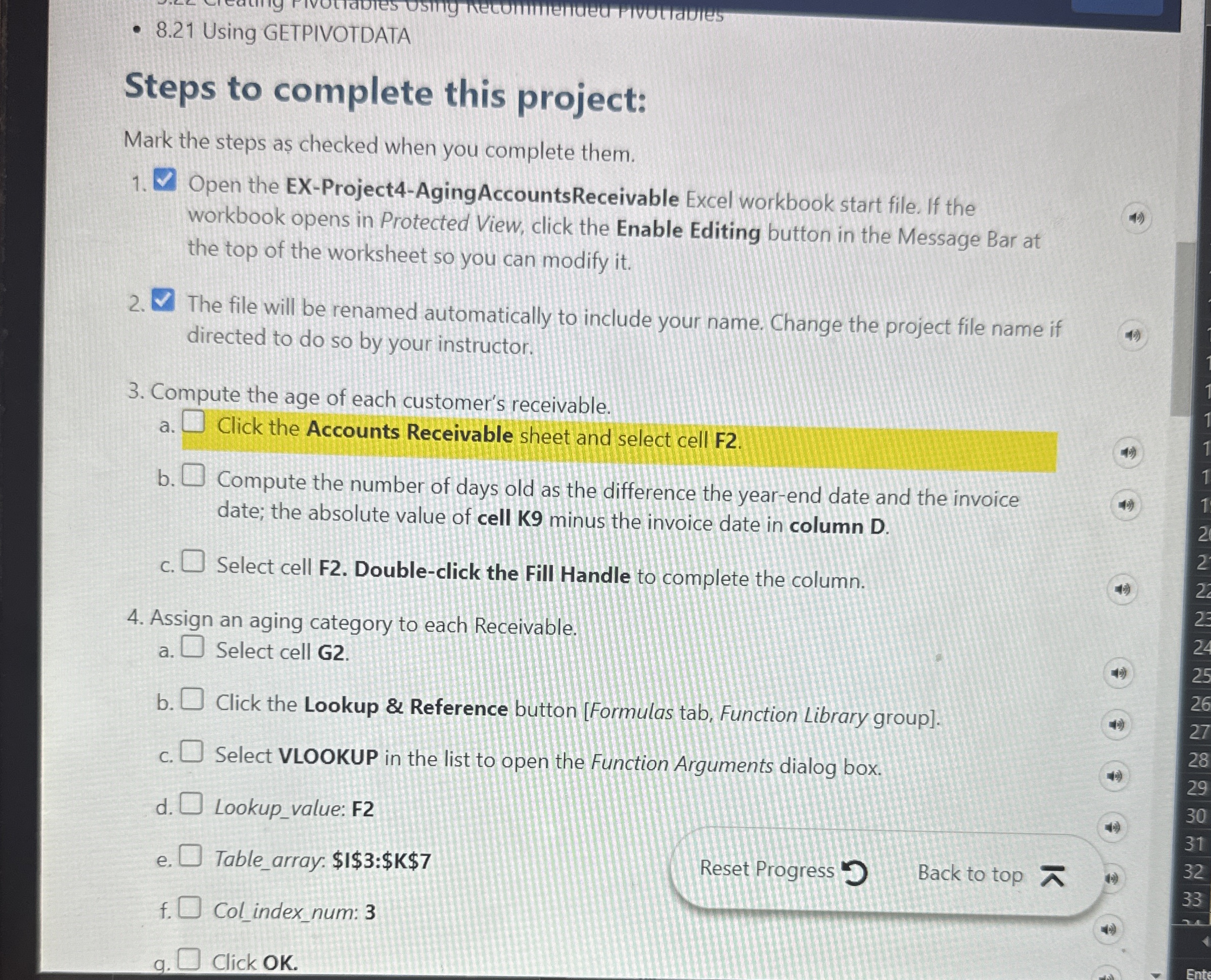
Question: 8 . 2 1 Using GETPIVOTDATA Steps to complete this project: Mark the steps as checked when you complete them. Open the EX - Project
Using GETPIVOTDATA
Steps to complete this project:
Mark the steps as checked when you complete them.
Open the EXProjectAgingAccountsReceivable Excel workbook start file. If the workbook opens in Protected View, click the Enable Editing button in the Message Bar at the top of the worksheet so you can modify it
The file will be renamed automatically to include your name. Change the project file name if directed to do so by your instructor.
Compute the age of each customer's receivable.
a Click the Accounts Receivable sheet and select cell F
b Compute the number of days old as the difference the yearend date and the invoice date; the absolute value of cell minus the invoice date in column
c Select cell F Doubleclick the Fill Handle to complete the column.
Assign an aging category to each Receivable.
a Select cell G
b Click the Lookup & Reference button Formulas tab, Function Library group
c Select VLOOKUP in the list to open the Function Arguments dialog box.
d Lookupvalue: F
e Tablearray: $$$$$
f Colindexnum:
Reset Progress Back to top
f Colindex
Click OK
Step by Step Solution
There are 3 Steps involved in it
1 Expert Approved Answer
Step: 1 Unlock

Question Has Been Solved by an Expert!
Get step-by-step solutions from verified subject matter experts
Step: 2 Unlock
Step: 3 Unlock
 Study Help