







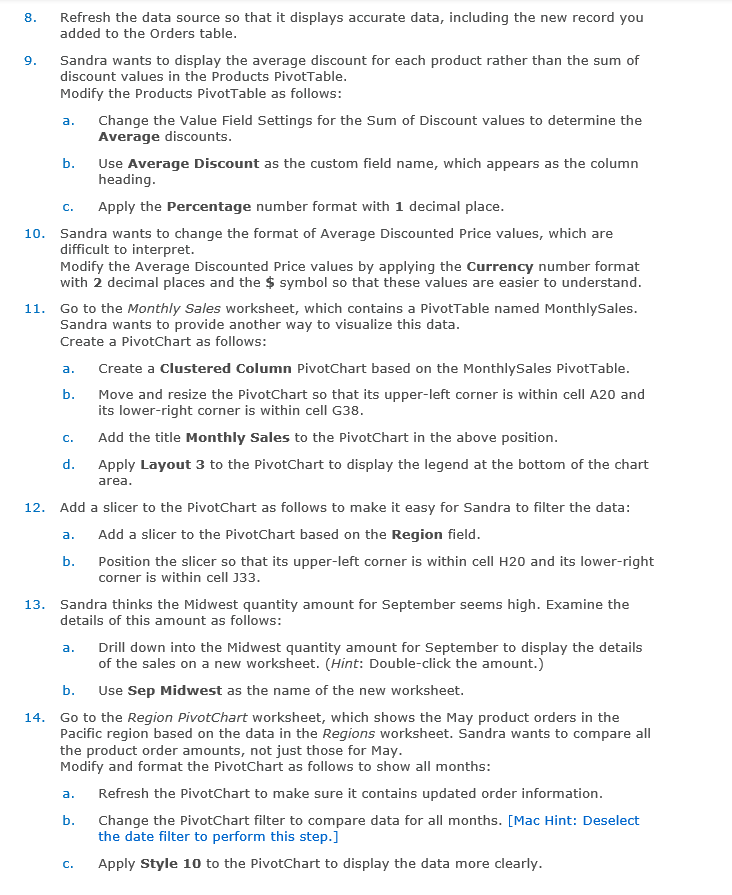
Question: 8 . Refresh the data source so that it displays accurate data, including the new record you added to the Orders table. 9 . Sandra
Refresh the data source so that it displays accurate data, including the new record you added to the Orders table.
Sandra wants to display the average discount for each product rather than the sum of discount values in the Products PivotTable.
Modify the Products PivotTable as follows:
a Change the Value Field Settings for the Sum of Discount values to determine the Average discounts.
b Use Average Discount as the custom field name, which appears as the column heading.
c Apply the Percentage number format with mathbf decimal place.
Sandra wants to change the format of Average Discounted Price values, which are difficult to interpret.
Modify the Average Discounted Price values by applying the Currency number format with decimal places and the $ symbol so that these values are easier to understand.
Go to the Monthly Sales worksheet, which contains a PivotTable named MonthlySales. Sandra wants to provide another way to visualize this data.
Create a PivotChart as follows:
a Create a Clustered Column PivotChart based on the MonthlySales PivotTable.
b Move and resize the PivotChart so that its upperleft corner is within cell A and its lowerright corner is within cell G
c Add the title Monthly Sales to the PivotChart in the above position.
d Apply Layout to the PivotChart to display the legend at the bottom of the chart area.
Add a slicer to the PivotChart as follows to make it easy for Sandra to filter the data:
a Add a slicer to the PivotChart based on the Region field.
b Position the slicer so that its upperleft corner is within cell H and its lowerright corner is within cell J
Sandra thinks the Midwest quantity amount for September seems high. Examine the details of this amount as follows:
a Drill down into the Midwest quantity amount for September to display the details of the sales on a new worksheet. Hint: Doubleclick the amount.
b Use Sep Midwest as the name of the new worksheet.
Go to the Region PivotChart worksheet, which shows the May product orders in the Pacific region based on the data in the Regions worksheet. Sandra wants to compare all the product order amounts, not just those for May.
Modify and format the PivotChart as follows to show all months:
a Refresh the PivotChart to make sure it contains updated order information.
b Change the PivotChart filter to compare data for all months. Mac Hint: Deselect the date filter to perform this step.
c Apply Style mathbf to the PivotChart to display the data more clearly.
Step by Step Solution
There are 3 Steps involved in it
1 Expert Approved Answer
Step: 1 Unlock

Question Has Been Solved by an Expert!
Get step-by-step solutions from verified subject matter experts
Step: 2 Unlock
Step: 3 Unlock
 Study Help