



Question: 9 : 2 9 . M larr EXAM# 1 CST 2 4 0 5 _ Spring _ 2 0 2 4 . docx Create a
:
larr EXAM# CSTSpringdocx
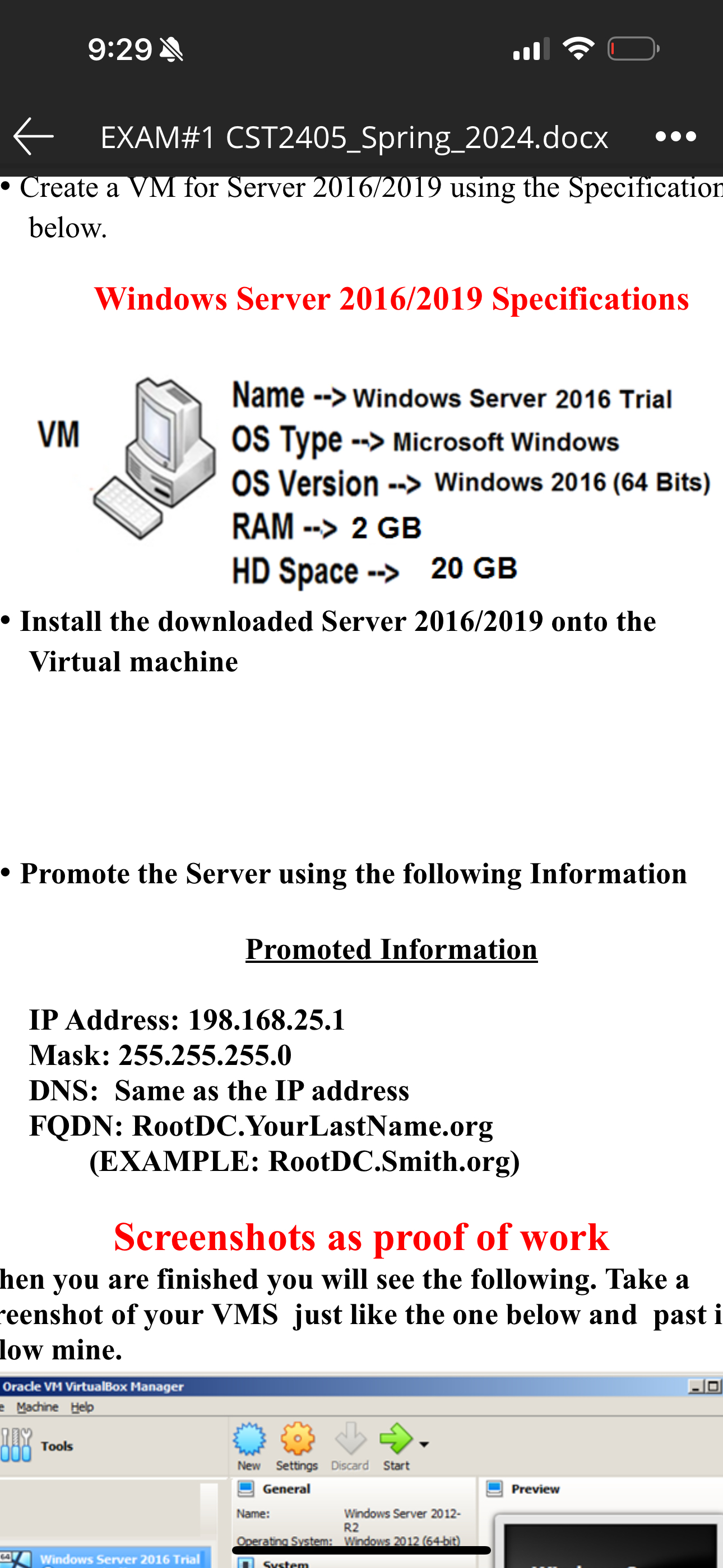
Create a VM for Server using the Specification below.
Windows Server Specifications
VM
Name Windows Server Trial OS Type Microsoft Windows OS Version Windows Bits RAM GB HD Space GB
Install the downloaded Server onto the Virtual machine
Promote the Server using the following Information
Promoted Information
IP Address:
Mask:
DNS: Same as the IP address
FQDN:
RootDC.YourLastName.org
EXAMPLE:
RootDC.Smith.org
Screenshots as proof of work
hen you are finished you will see the following. Take a censhot of your VMS just like the one below and past i low mine.
Oracle VM VirtualBox Manager
Machine Help
Tools
Windows Server Trial
New Settings Discard Start
General
Name:
Wind
R
Wind
R
Serve
Dorainasys
Step by Step Solution
There are 3 Steps involved in it
1 Expert Approved Answer
Step: 1 Unlock

Question Has Been Solved by an Expert!
Get step-by-step solutions from verified subject matter experts
Step: 2 Unlock
Step: 3 Unlock