







Question: a 1 - Python Basics Fill in the below code cells as specified. Note that cells may utilize variables and functions defined in previous cells;
a Python Basics
Fill in the below code cells as specified. Note that cells may utilize variables and functions defined in previous cells; we should be able to reset
the kernal and then Run All the cells to execute your entire notebook and see the correct output.
Part Introductions
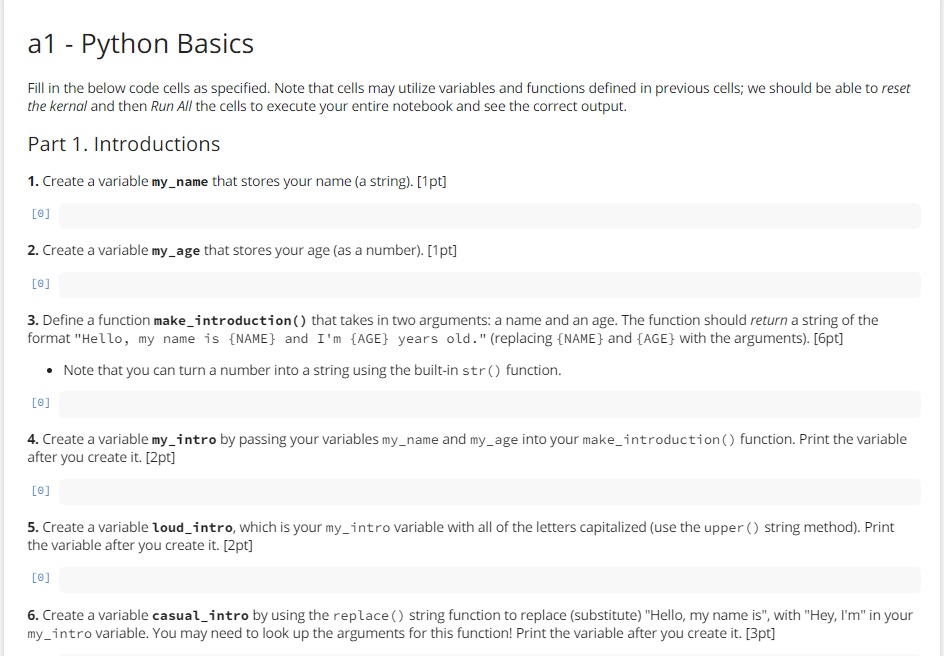
Create a variable myname that stores your name a stringpt
Create a variable myage that stores your age as a numberpt
Define a function makeintroduction that takes in two arguments: a name and an age. The function should return a string of the
format "Hello, my name is NAME and Im AGE years old." replacing NAME and AGE with the argumentspt
Note that you can turn a number into a string using the builtin str function.
Create a variable myintro by passing your variables myname and myage into your makeintroduction function. Print the variable
after you create itpt
Create a variable loudintro, which is your myintro variable with all of the letters capitalized use the upper string method Print
the variable after you create itpt
Create a variable casualintro by using the replace string function to replace substitute "Hello, my name is with "Hey, Im in your
myintro variable. You may need to look up the arguments for this function! Print the variable after you create itpt
Step by Step Solution
There are 3 Steps involved in it
1 Expert Approved Answer
Step: 1 Unlock

Question Has Been Solved by an Expert!
Get step-by-step solutions from verified subject matter experts
Step: 2 Unlock
Step: 3 Unlock
 Study Help