







Question: . a Create MATLAB function called myfirstimage. called myfirstimage. Using the optical image, Dividing_cancer_cell.jpg located on the eLearning course website, read this image into MATLAB
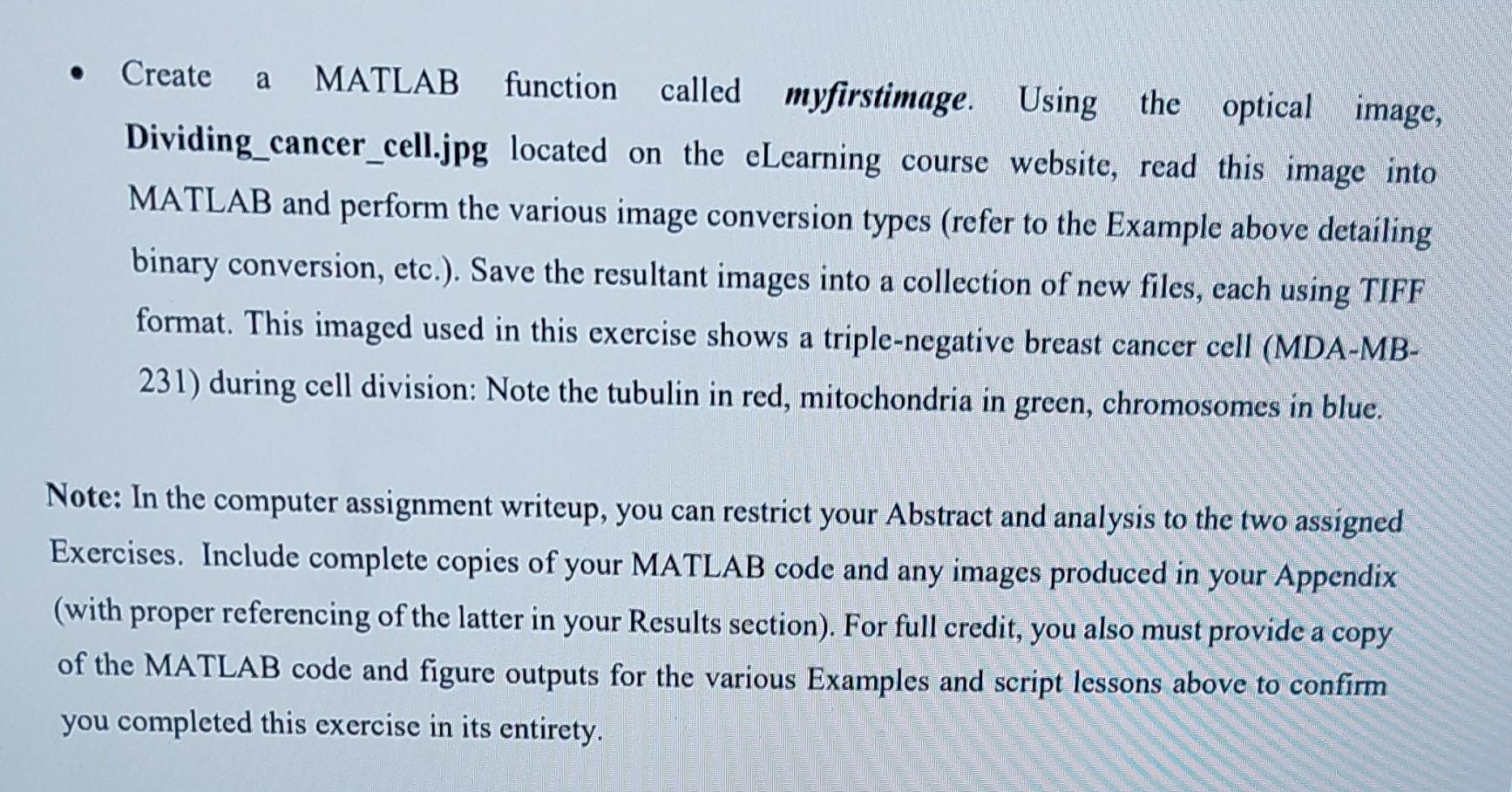
. a Create MATLAB function called myfirstimage. called myfirstimage. Using the optical image, Dividing_cancer_cell.jpg located on the eLearning course website, read this image into MATLAB and perform the various image conversion types (refer to the Example above detailing binary conversion, etc.). Save the resultant images into a collection of new files, each using TIFF format. This imaged used in this exercise shows a triple-negative breast cancer cell (MDA-MB- 231) during cell division: Note the tubulin in red, mitochondria in green, chromosomes in blue. Note: In the computer assignment writeup, you can restrict your Abstract and analysis to the two assigned Exercises. Include complete copies of your MATLAB code and any images produced in your Appendix (with proper referencing of the latter in your Results section). For full credit, you also must provide a copy of the MATLAB code and figure outputs for the various Examples and script lessons above to confirm you completed this exercise in its entirety
Step by Step Solution
There are 3 Steps involved in it

Get step-by-step solutions from verified subject matter experts
 Study Help