







Question: A disk in Windows Disk Management is displaying a volume status of Unallocated. What is the reason for this status? The volume is marked unallocated
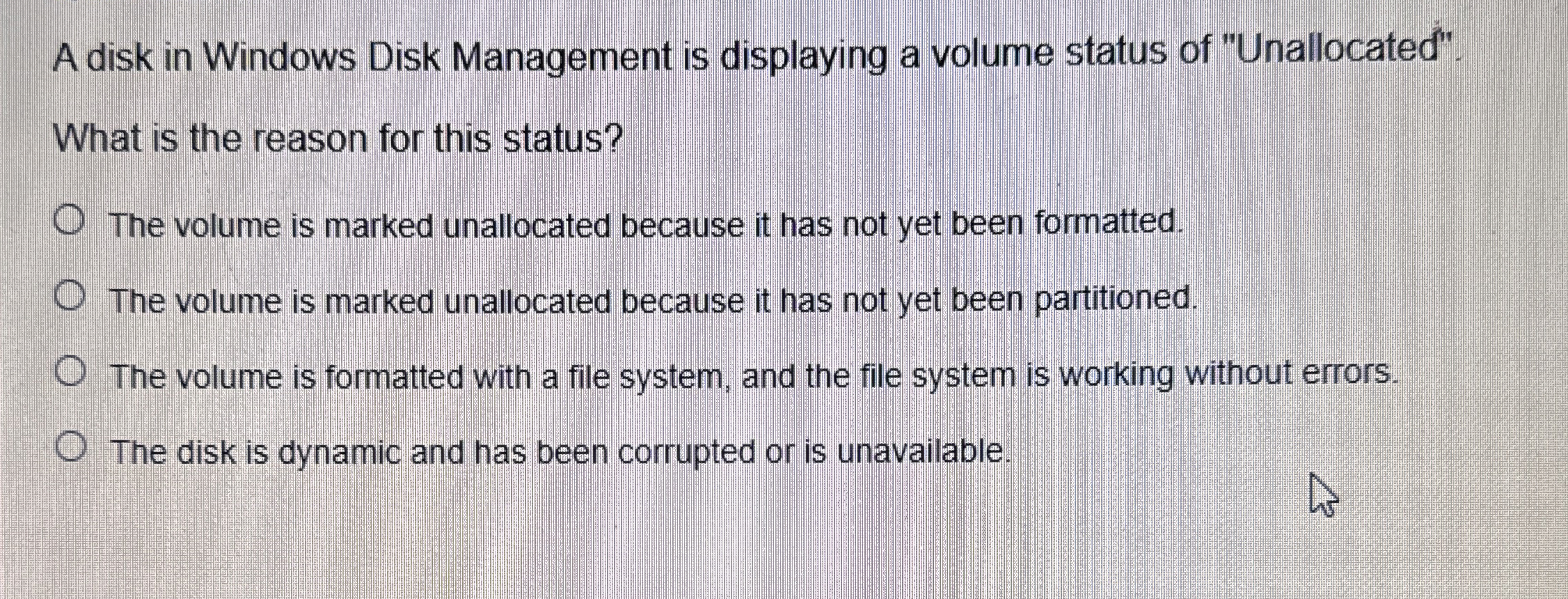
A disk in Windows Disk Management is displaying a volume status of "Unallocated".
What is the reason for this status?
The volume is marked unallocated because it has not yet been formatted.
The volume is marked unallocated because it has not yet been partitioned.
The volume is formatted with a file system, and the file system is working without errors.
The disk is dynamic and has been corrupted or is unavailable.
Step by Step Solution
There are 3 Steps involved in it
1 Expert Approved Answer
Step: 1 Unlock

Question Has Been Solved by an Expert!
Get step-by-step solutions from verified subject matter experts
Step: 2 Unlock
Step: 3 Unlock
 Study Help