







Question: a . From the Navigation Bar, select Sales > Customers tab > New customer. Add New Customer First Name: Sandy. Add Customer Last Name: Copper.
a From the Navigation Bar, select Sales Customers tab New customer. Add New Customer First Name: Sandy. Add Customer Last Name: Copper. Add New Subcustomer: Remy. Select Bill with parent.
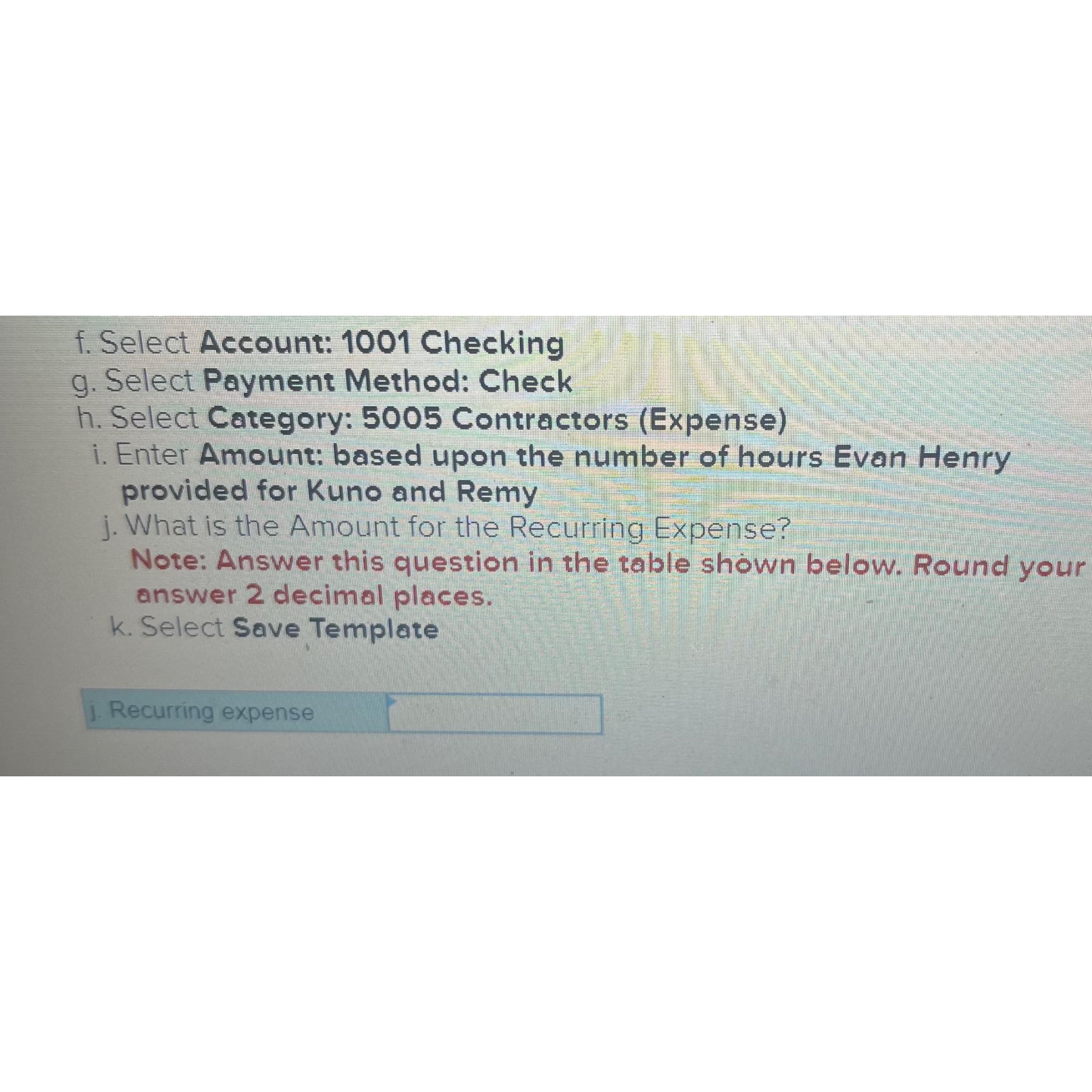
b Select New icon Invoice Customer: Remy
c Select Invoice Date:
d Select ProductService: Pet Care: Intensive
e Select QTY:
f Rate and Amount fields should autofill
Step by Step Solution
There are 3 Steps involved in it
1 Expert Approved Answer
Step: 1 Unlock

Question Has Been Solved by an Expert!
Get step-by-step solutions from verified subject matter experts
Step: 2 Unlock
Step: 3 Unlock
 Study Help