







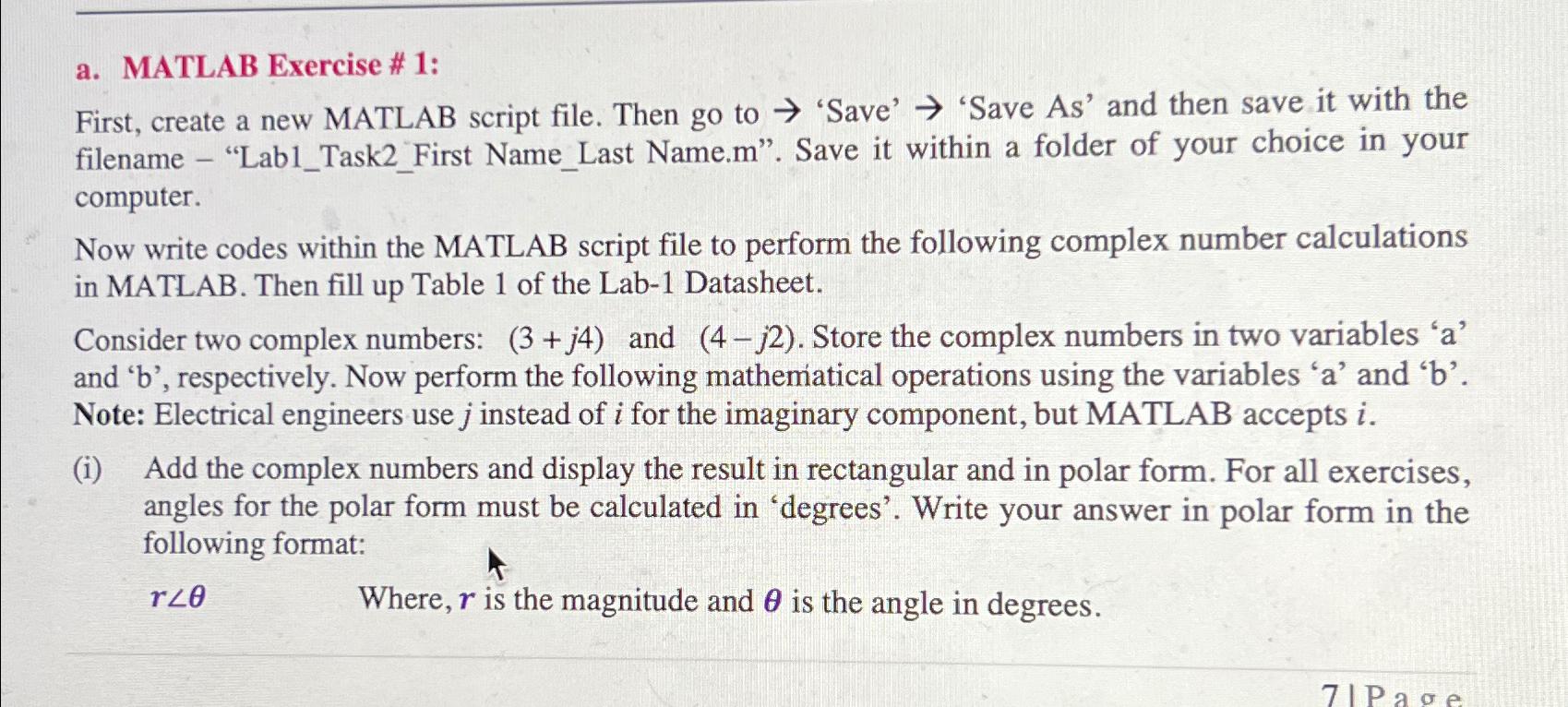
Question: a . MATLAB Exercise # 1 : First, create a new MATLAB script file. Then go to 'Save' 'Save As ' and then save it
a MATLAB Exercise # :
First, create a new MATLAB script file. Then go to 'Save' 'Save As and then save it with the filename "LabTaskFirst NameLast Name.m Save it within a folder of your choice in your computer.
Now write codes within the MATLAB script file to perform the following complex number calculations in MATLAB. Then fill up Table of the Lab Datasheet.
Consider two complex numbers: and Store the complex numbers in two variables and respectively. Now perform the following mathematical operations using the variables and Note: Electrical engineers use instead of i for the imaginary component, but MATLAB accepts
i Add the complex numbers and display the result in rectangular and in polar form. For all exercises, angles for the polar form must be calculated in 'degrees'. Write your answer in polar form in the following format:
Where, is the magnitude and is the angle in degrees.
Step by Step Solution
There are 3 Steps involved in it
1 Expert Approved Answer
Step: 1 Unlock

Question Has Been Solved by an Expert!
Get step-by-step solutions from verified subject matter experts
Step: 2 Unlock
Step: 3 Unlock
 Study Help