







Question: A page printed from an inkjet printer is missing lines on different locations. Select two tasks you would do to resolve the problem: Change the
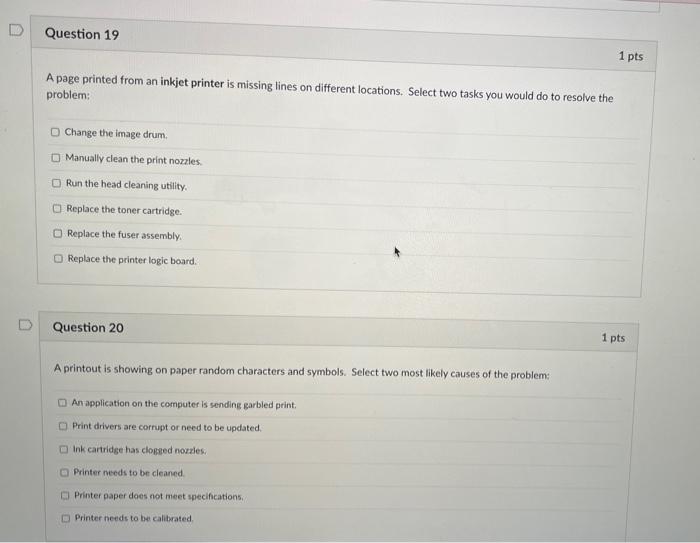
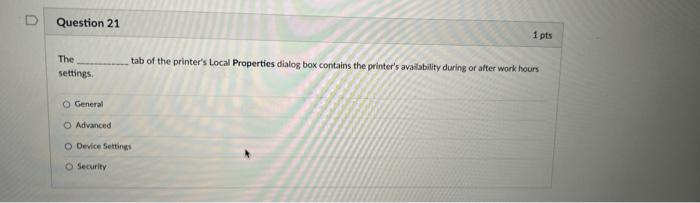
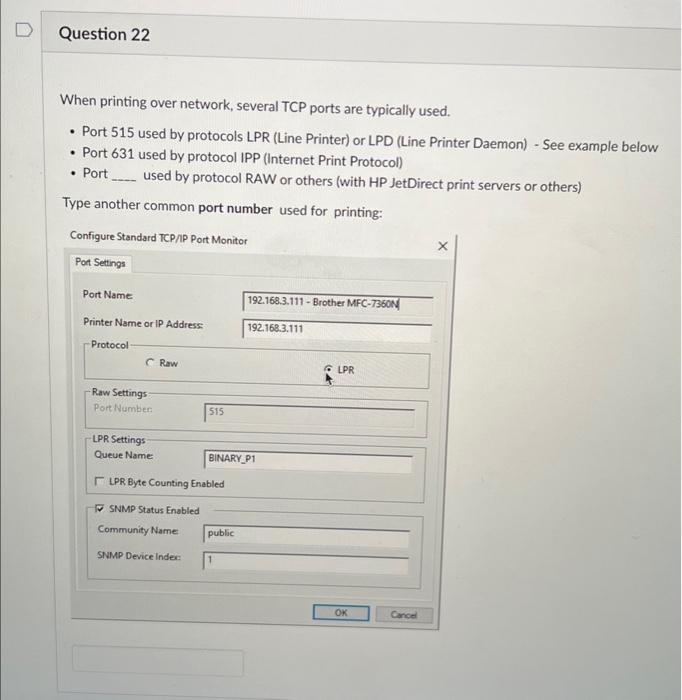
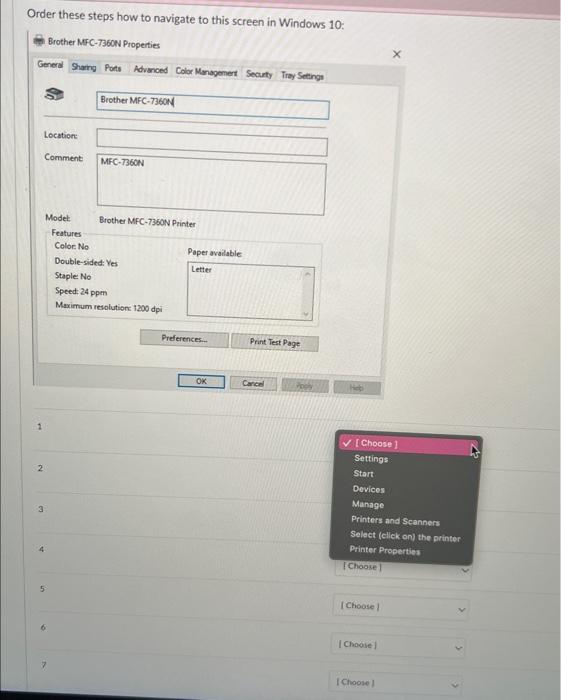
A page printed from an inkjet printer is missing lines on different locations. Select two tasks you would do to resolve the problem: Change the image drum. Manually clean the print nozles. Run the head cleaning utility. Replace the toner cartridge. Replace the fuser assembly. Replace the printer logic board. Question 20 A printout is showing on paper random characters and symbols. Select two most likely causes of the problem: An application on the computer is sending garbled print. Print drivers are corrupt or need to be updated. Ink cartridge has cloged nozzles. Printer needs to be cleaned Printer paper does not meet specifications. Printer needs to be calibrated The settings. tab of the printer's Local Properties dialog box contains the printer's avallability during or after work hours General Advanced Device settings Security When printing over network, several TCP ports are typically used. - Port 515 used by protocols LPR (Line Printer) or LPD (Line Printer Daemon) - See example below - Port 631 used by protocol IPP (Internet Print Protocol) - Port used by protocol RAW or others (with HP JetDirect print servers or others) Type another common port number used for printing: Order these steps how to navigate to this screen in Windows 10
Step by Step Solution
There are 3 Steps involved in it

Get step-by-step solutions from verified subject matter experts
 Study Help