







Question: A PLC will control an automatic system. The system will be simulated with a light conneeted to the output of the PLC. A two-position selector
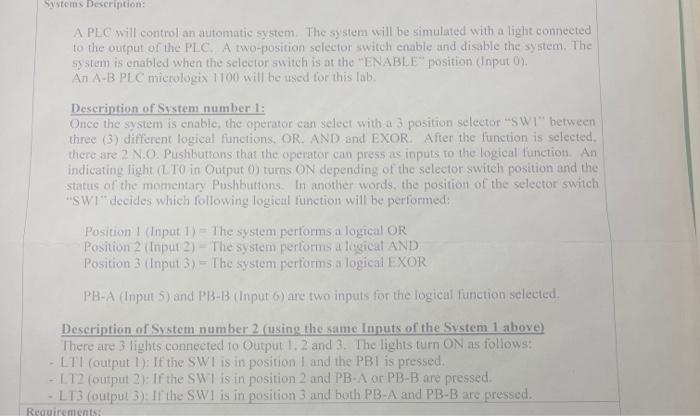
A PLC will control an automatic system. The system will be simulated with a light conneeted to the output of the PLC. A two-position selector switch enable and disable the system. The system is enabled when the selector switch is at the "ENABL.E position (Input 0). An A-B PLC mierologix 1100 will be used lor this lab: Description of System number 1: Once the system is enable, the operater can select with a 3 position selector "SWI" between three (3) differen (ogicat funcions, OR. AND and EXOR. After the function is selected. there are 2 N.O. Pushbuteons that the operator can press as inputs to the logical function. An indicating light (LTO in Output ) turns ON depending of the selector switch position and the status of the momentary Pushbuttons. In another words, the position of the selector switch "sWI" decides which foltowing logicat finction will be performed: Position I (Input 1) = The system performs a logical OR Position 2 (Input 2) - The systern perlorms a logical AND Position 3 (Input 3 ) = The system performs a logical EXOR PB-A (Input 5) and PB-B (Input 6) are two inputs for the logical function sclected. Description of System number 2 (using the satme finuts of the Sxstem 1 ithore) There are 3 lights connected to Output 1.2 and 3. The lights turn ON as follows: - LTI (output I): If the SWI is in position I and the PBI is pressed. - L.T2 (output 2): If the SWI is in position 2 and PBA or PBB are f ressed. - L13 (oulpul 3) II the SWI is in position 3 and both PB-A and PB-B are pressed
Step by Step Solution
There are 3 Steps involved in it

Get step-by-step solutions from verified subject matter experts
 Study Help