







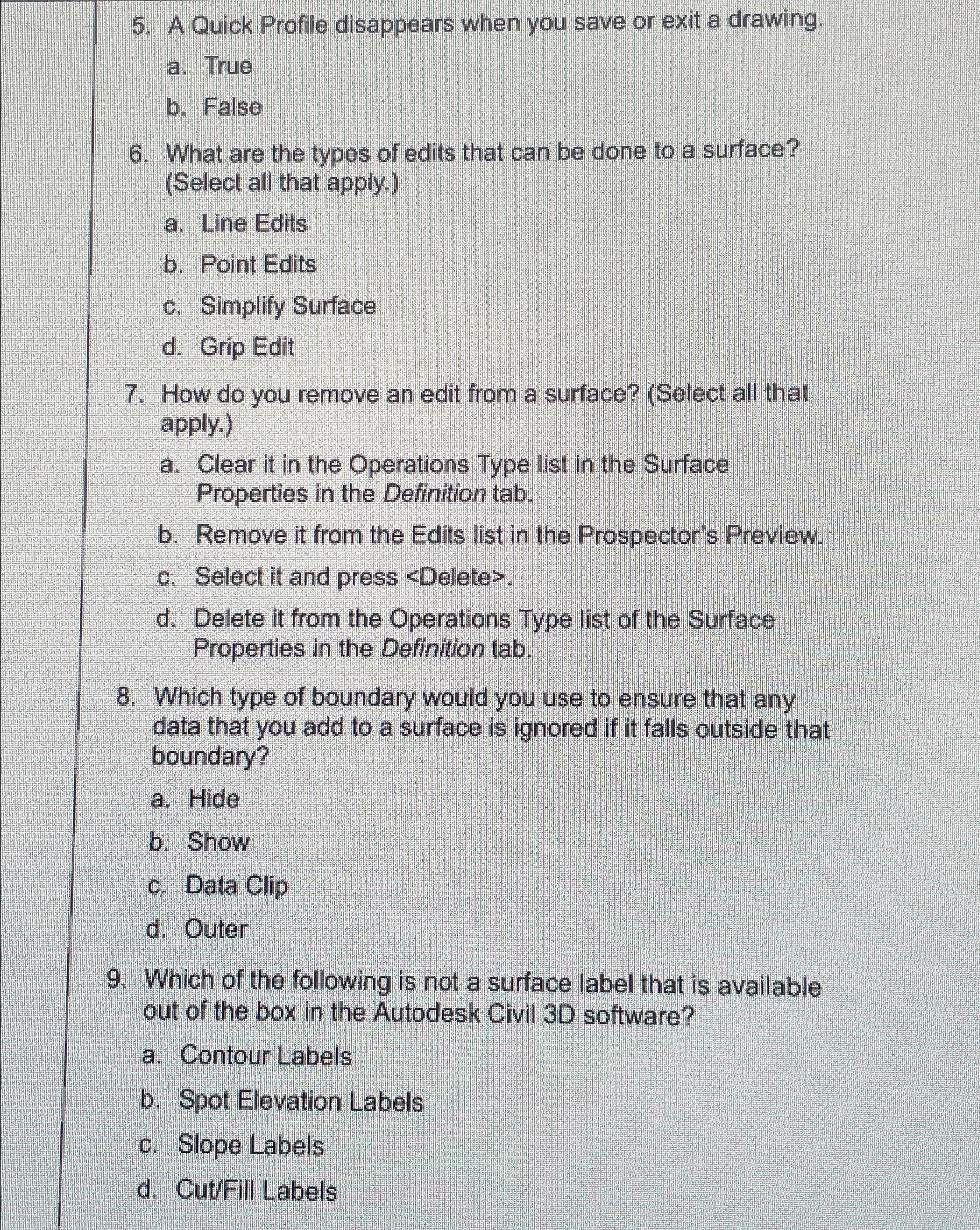
Question: A Quick Profile disappears when you save or exit a drawing. a . True b . False What are the typos of edits that can
A Quick Profile disappears when you save or exit a drawing.
a True
b False
What are the typos of edits that can be done to a surface? Select all that apply.
a Line Edits
b Point Edits
c Simplify Surface
d Grip Edit
How do you remove an edit from a surface? Select all that apply.
a Clear it in the Operations Type list in the Surface Properties in the Definition tab.
b Remove it from the Edits list in the Prospector's Preview.
c Select it and press
Step by Step Solution
There are 3 Steps involved in it
1 Expert Approved Answer
Step: 1 Unlock

Question Has Been Solved by an Expert!
Get step-by-step solutions from verified subject matter experts
Step: 2 Unlock
Step: 3 Unlock
 Study Help