







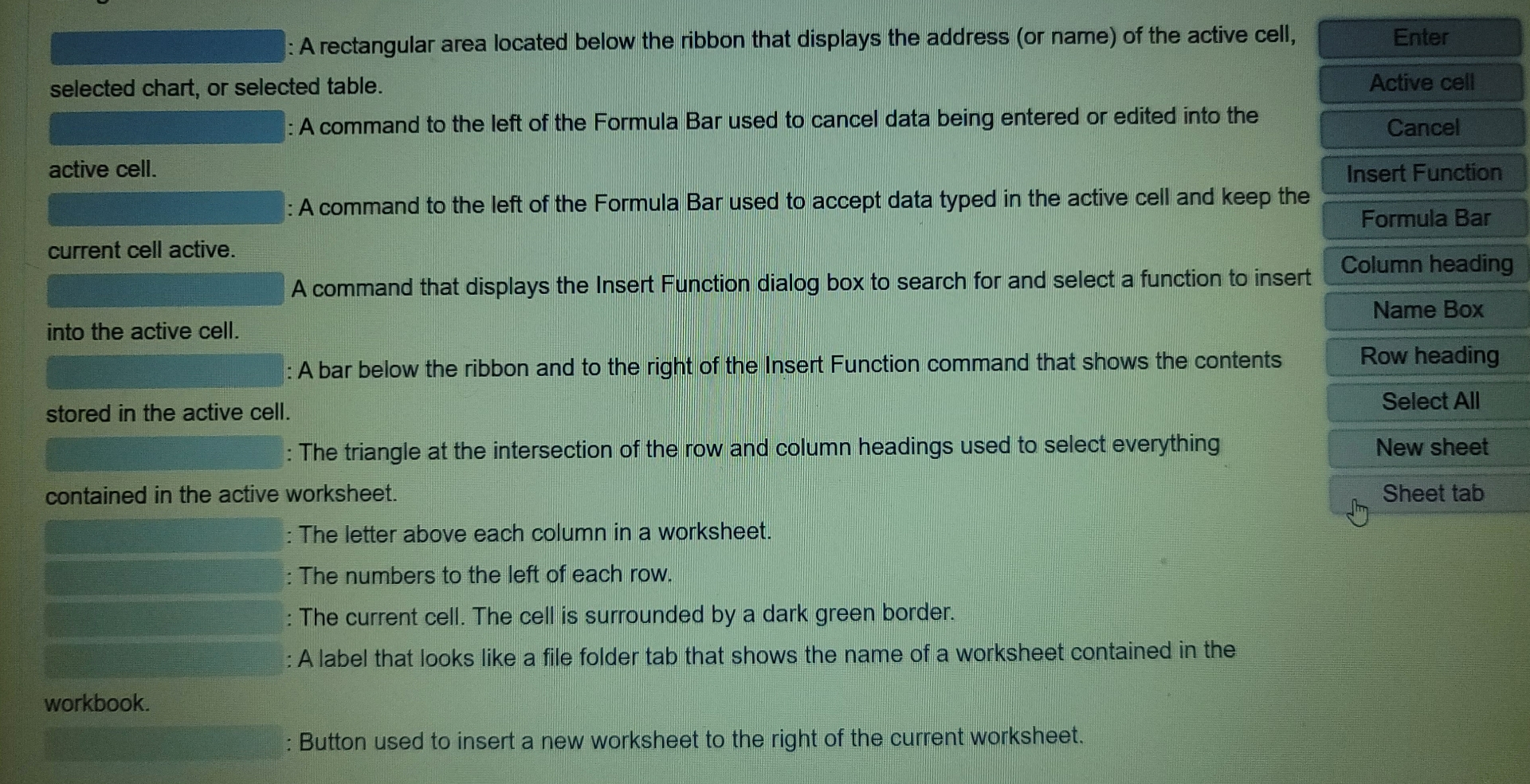
Question: : A rectangular area located below the ribbon that displays the address ( or name ) of the active cell, selected chart, or selected table.
: A rectangular area located below the ribbon that displays the address or name of the active cell, selected chart, or selected table.
A command to the left of the Formula Bar used to cancel data being entered or edited into the active cell.
: A command to the left of the Formula Bar used to accept data typed in the active cell and keep the current cell active. into the active cell.
A bar below the ribbon and to the right of the Insert Function command that shows the contents stored in the active cell.
: The triangle at the intersection of the row and column headings used to select everything contained in the active worksheet.
: The letter above each column in a worksheet.
: The numbers to the left of each row.
: The current cell. The cell is surrounded by a dark green border.
: A label that looks like a file folder tab that shows the name of a worksheet contained in the workbook. workbook.
: Button used to insert a new worksheet to the right of the current worksheet.
Step by Step Solution
There are 3 Steps involved in it
1 Expert Approved Answer
Step: 1 Unlock

Question Has Been Solved by an Expert!
Get step-by-step solutions from verified subject matter experts
Step: 2 Unlock
Step: 3 Unlock
 Study Help