







Question: A SKIIIS Approach: Excel 2016 Chapter 6: Exploring Advanced Functions 4. In the Summary sheet, calculate average and median sales and commissions. Use the named
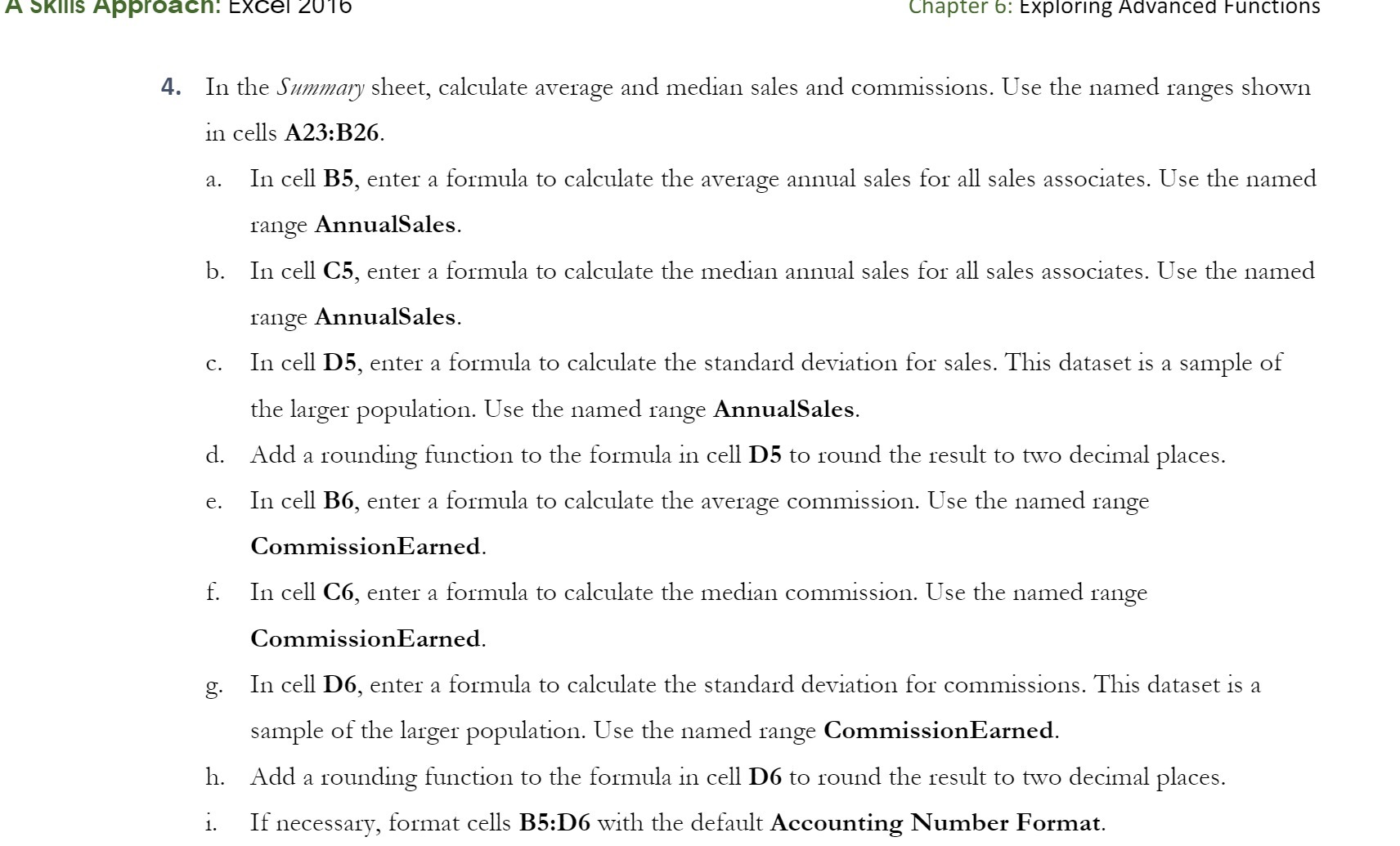
A SKIIIS Approach: Excel 2016 Chapter 6: Exploring Advanced Functions 4. In the Summary sheet, calculate average and median sales and commissions. Use the named ranges shown in cells A23:B26. a. In cell B5, enter a formula to calculate the average annual sales for all sales associates. Use the named range AnnualSales. b. In cell C5, enter a formula to calculate the median annual sales for all sales associates. Use the named range AnnualSales. c. In cell D5, enter a formula to calculate the standard deviation for sales. This dataset is a sample of the larger population. Use the named range AnnualSales. d. Add a rounding function to the formula in cell D5 to round the result to two decimal places. e. In cell B6, enter a formula to calculate the average commission. Use the named range CommissionEarned. f. In cell C6, enter a formula to calculate the median commission. Use the named range CommissionEarned. g. In cell Do, enter a formula to calculate the standard deviation for commissions. This dataset is a sample of the larger population. Use the named range CommissionEarned. h. Add a rounding function to the formula in cell Do to round the result to two decimal places. i. If necessary, format cells B5:D6 with the default Accounting Number Format
Step by Step Solution
There are 3 Steps involved in it

Get step-by-step solutions from verified subject matter experts
 Study Help