







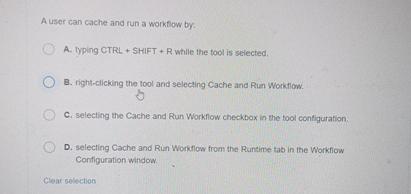
Question: A user can cache and run a workfow by . A . Typing CTRRL + SHRIFT + R whille the tool is selected. 8 .
A user can cache and run a workfow by
A Typing CTRRL SHRIFT R whille the tool is selected.
rightclicking the tool and selecting Cache and Run Worktiow.
C selecting the Cache and Run Workflow checkbox in the fool configuration.
D selecting Cache and Rin Wonkflow from the Runtime tab in the Workfiow Confliguration window.
Clear solection
Step by Step Solution
There are 3 Steps involved in it
1 Expert Approved Answer
Step: 1 Unlock

Question Has Been Solved by an Expert!
Get step-by-step solutions from verified subject matter experts
Step: 2 Unlock
Step: 3 Unlock
 Study Help