







Question: Access - Chapter 4 - Creating and Using Forms and Reports Matching Drag the letter from the list on the right to its matching term
Access Chapter Creating and Using Forms and Reports
Matching
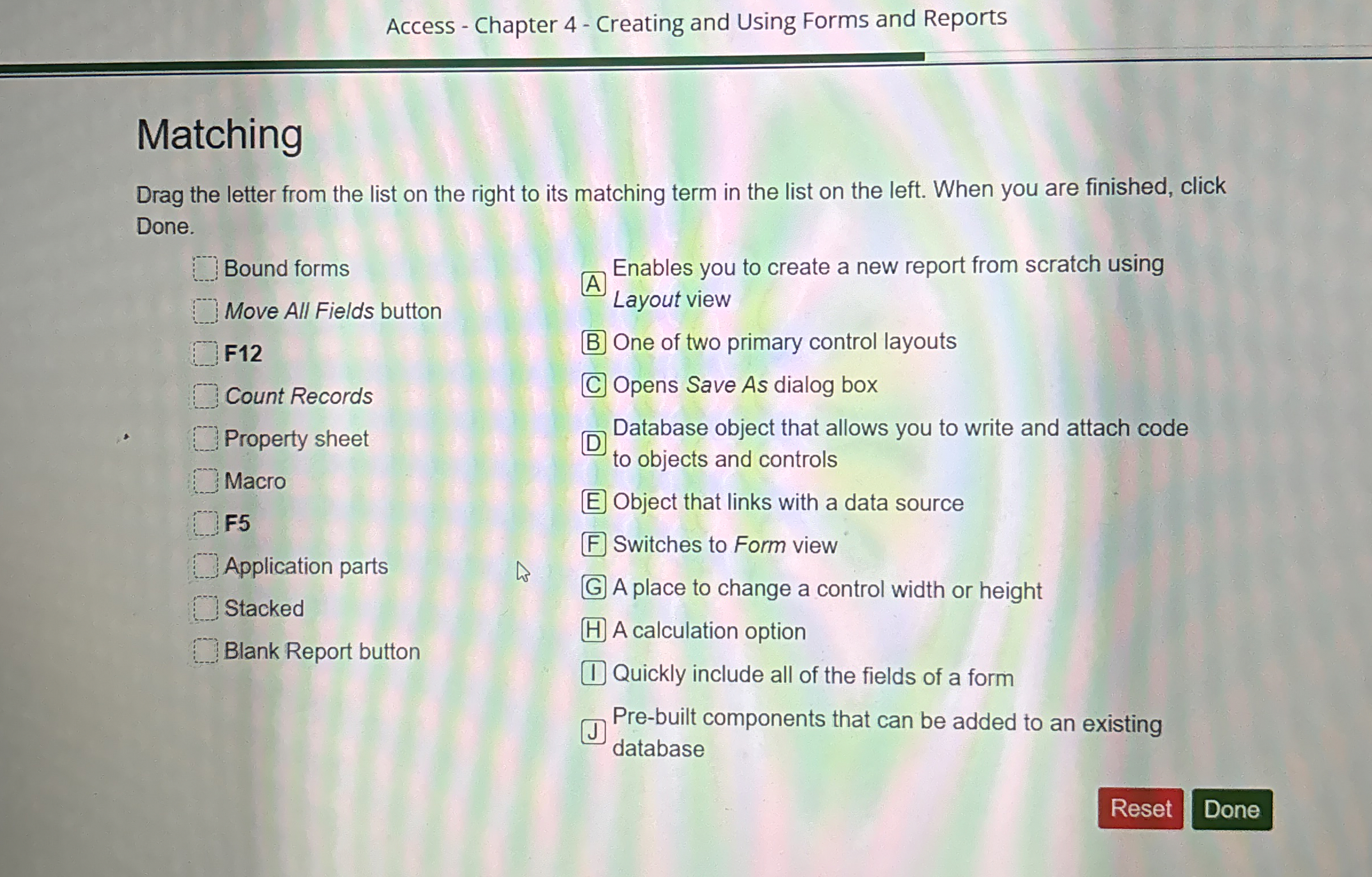
Drag the letter from the list on the right to its matching term in the list on the left. When you are finished, click Done.
Bound forms
Move All Fields button
F
Count Records
Property sheet
Macro
F
Application parts
Stacked
Blank Report button
A
Enables you to create a new report from scratch using
Layout view
B One of two primary control layouts
C Opens Save As dialog box
Database object that allows you to write and attach code to objects and controls
Object that links with a data source
Switches to Form view
A place to change a control width or height
A calculation option
Quickly include all of the fields of a form
Prebuilt components that can be added to an existing database
Step by Step Solution
There are 3 Steps involved in it
1 Expert Approved Answer
Step: 1 Unlock

Question Has Been Solved by an Expert!
Get step-by-step solutions from verified subject matter experts
Step: 2 Unlock
Step: 3 Unlock
 Study Help