







Question: access module 10 automating tasks with macro (access file needed) Chapter Review 10-2a Practice: Review Assignments Data File needed for the Review Assignments: Ordering.accdb (cont.
access module 10 automating tasks with macro (access file needed)
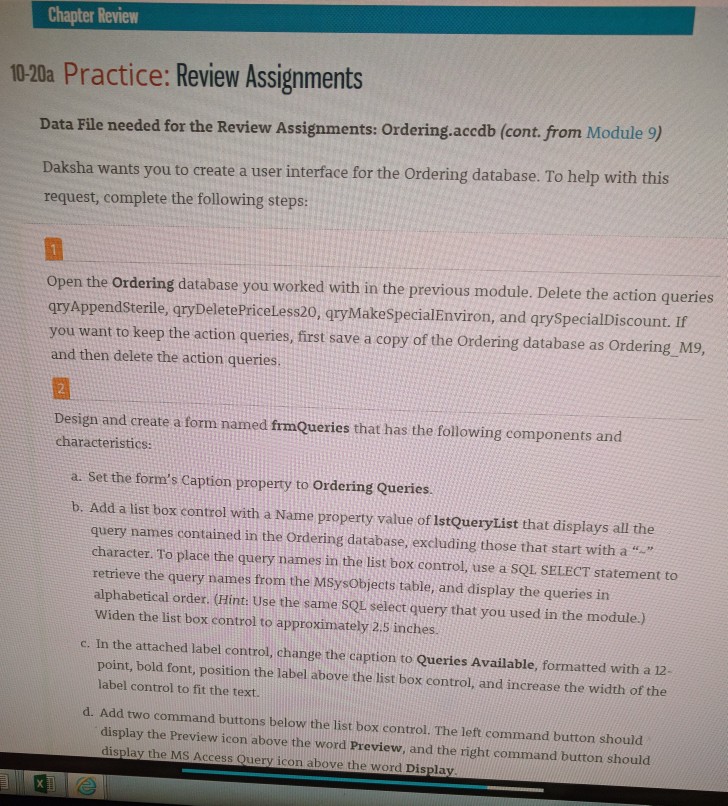
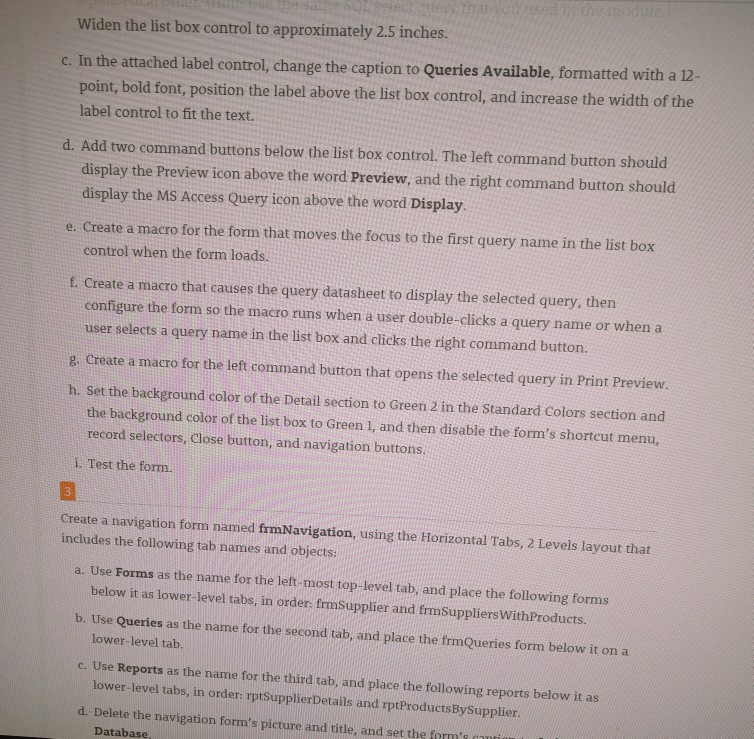
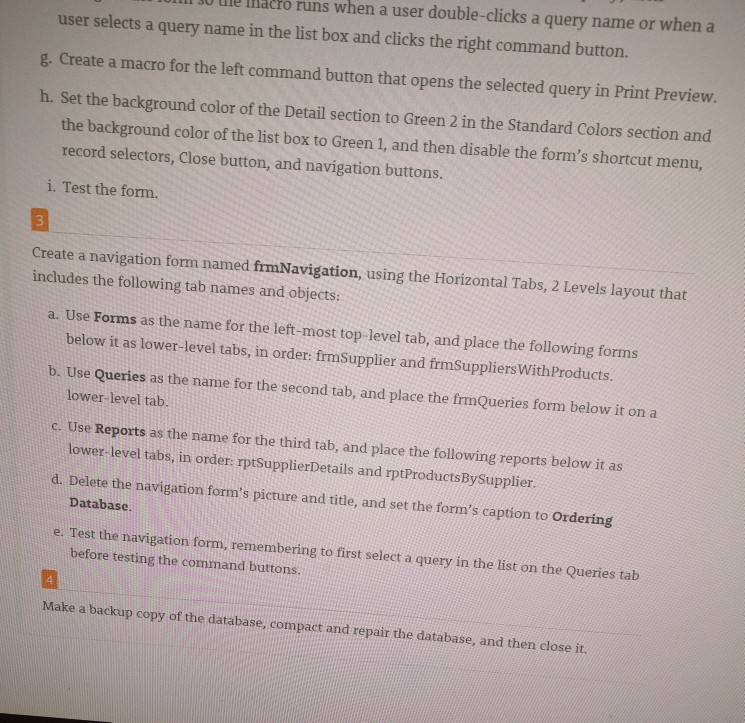
Chapter Review 10-2a Practice: Review Assignments Data File needed for the Review Assignments: Ordering.accdb (cont. from Module 9) Daksha wants you to create a user interface for the Ordering database. To help with this request, complete the following steps: Open the Ordering database you worked with in the previous module. Delete the action queries qryAppendSterile, qryDeletePriceless20, qryMakeSpecialEnviron, and qryspecialDiscount. If you want to keep the action queries, first save a copy of the Ordering database as Ordering M9, and then delete the action queries Design and create a form named frmQueries that has the following components and characteristics: a. set the form's Caption property to Ordering Queries b. Add a list box control with a Name property value of IstQueryList that displays all the query names contained in the ordering database, excluding those that start with a character. To place the query names in the list box control, use a SQL SELECT statement to retrieve the query names from the MSysObjects table, and display the queries in alphabetical order. (Hint: Use the same SQL select query that you used in the module.) Widen the list box control to approximately 2.5 inches. c. In the attached label control, change the caption to Queries Available, formatted with a 12 point, bold font, position the label above the list box control, and increase the width of the label control to fit the text d. Add two command buttons below the list box control. The left command button should display the Preview icon above the word Preview, and the right command button should display the MS Access Query icon above the word Display Chapter Review 10-2a Practice: Review Assignments Data File needed for the Review Assignments: Ordering.accdb (cont. from Module 9) Daksha wants you to create a user interface for the Ordering database. To help with this request, complete the following steps: Open the Ordering database you worked with in the previous module. Delete the action queries qryAppendSterile, qryDeletePriceless20, qryMakeSpecialEnviron, and qryspecialDiscount. If you want to keep the action queries, first save a copy of the Ordering database as Ordering M9, and then delete the action queries Design and create a form named frmQueries that has the following components and characteristics: a. set the form's Caption property to Ordering Queries b. Add a list box control with a Name property value of IstQueryList that displays all the query names contained in the ordering database, excluding those that start with a character. To place the query names in the list box control, use a SQL SELECT statement to retrieve the query names from the MSysObjects table, and display the queries in alphabetical order. (Hint: Use the same SQL select query that you used in the module.) Widen the list box control to approximately 2.5 inches. c. In the attached label control, change the caption to Queries Available, formatted with a 12 point, bold font, position the label above the list box control, and increase the width of the label control to fit the text d. Add two command buttons below the list box control. The left command button should display the Preview icon above the word Preview, and the right command button should display the MS Access Query icon above the word Display
Step by Step Solution
There are 3 Steps involved in it

Get step-by-step solutions from verified subject matter experts
 Study Help