







Question: Accounting Exercise Answer the Accounting questions below and hit Submit. (1%). Use Microsoft Excel to construct a Transactions Journal (A to D shown below). Enter
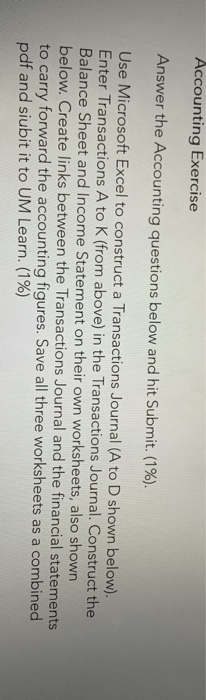
Accounting Exercise Answer the Accounting questions below and hit Submit. (1%). Use Microsoft Excel to construct a Transactions Journal (A to D shown below). Enter Transactions A to K (from above) in the Transactions Journal. Construct the Balance Sheet and Income Statement on their own worksheets, also shown below. Create links between the Transactions Journal and the financial statements to carry forward the accounting figures. Save all three worksheets as a combined pdf and siubit it to UM Learn. (1%) Accounting Exercise Answer the Accounting questions below and hit Submit. (1%). Use Microsoft Excel to construct a Transactions Journal (A to D shown below). Enter Transactions A to K (from above) in the Transactions Journal. Construct the Balance Sheet and Income Statement on their own worksheets, also shown below. Create links between the Transactions Journal and the financial statements to carry forward the accounting figures. Save all three worksheets as a combined pdf and siubit it to UM Learn. (1%)
Step by Step Solution
There are 3 Steps involved in it

Get step-by-step solutions from verified subject matter experts
 Study Help