







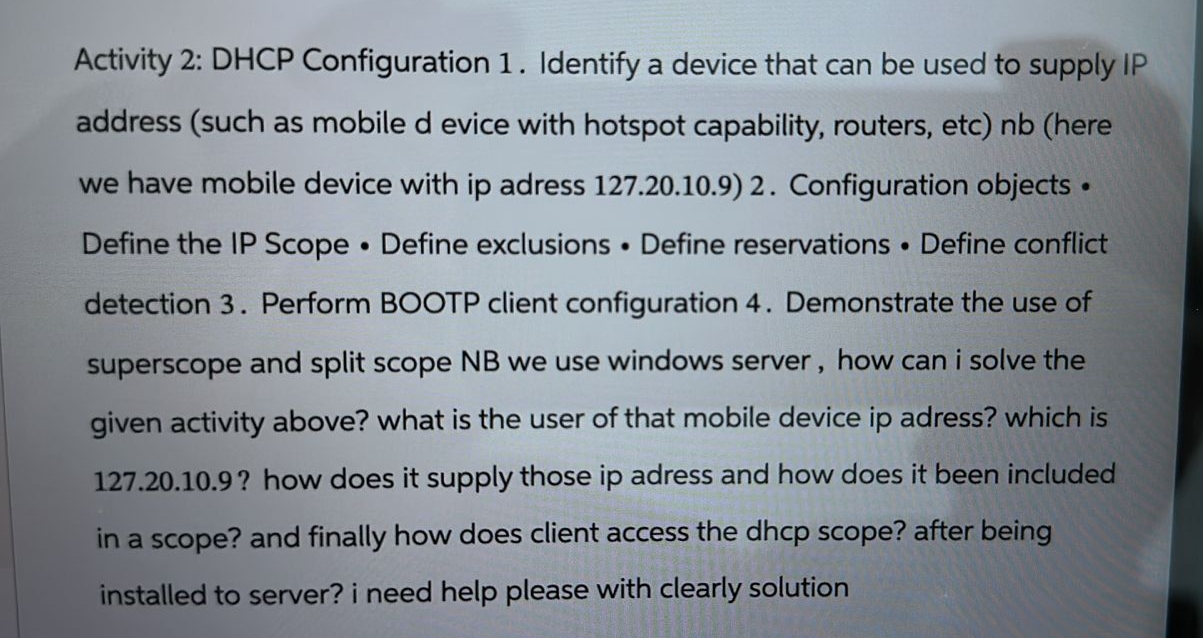
Question: Activity 2 : DHCP Configuration 1 . Identify a device that can be used to supply IP address ( such as mobile d evice with
Activity : DHCP Configuration Identify a device that can be used to supply IP address such as mobile d evice with hotspot capability, routers, etchere we have mobile device with ip adress Configuration objects Define the IP Scope Define exclusions Define reservations Define conflict detection Perform BOOTP client configuration Demonstrate the use of superscope and split scope NB we use windows server, how can i solve the given activity above? what is the user of that mobile device ip adress? which is how does it supply those ip adress and how does it been included in a scope? and finally how does client access the dhcp scope? after being installed to server? i need help please with clearly solution
Step by Step Solution
There are 3 Steps involved in it
1 Expert Approved Answer
Step: 1 Unlock

Question Has Been Solved by an Expert!
Get step-by-step solutions from verified subject matter experts
Step: 2 Unlock
Step: 3 Unlock
 Study Help