



Question: Activity Instruction Now that you have completed all the steps and recorded your responses, you will use your favorite presentation software to create and submit
Activity Instruction
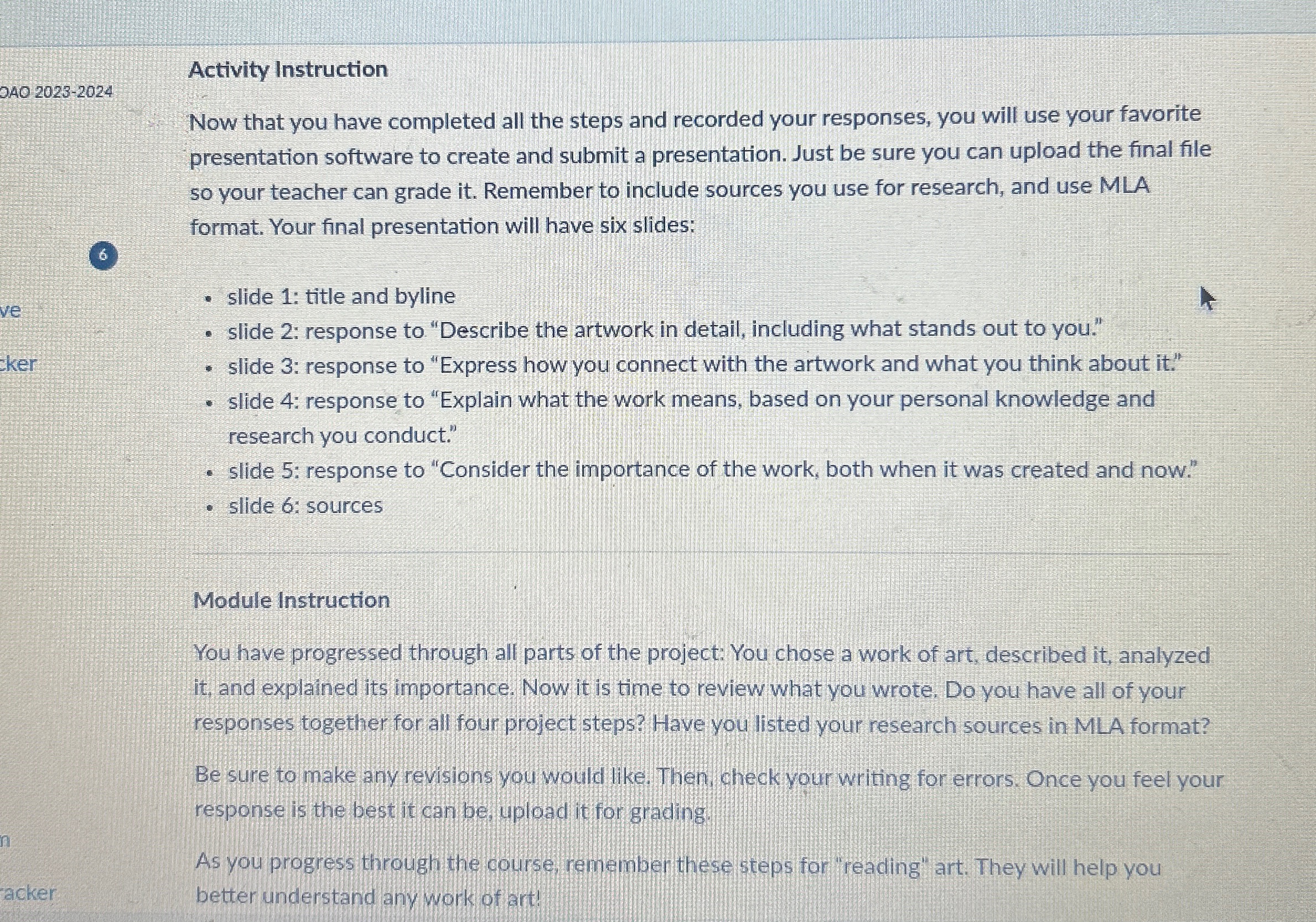
Now that you have completed all the steps and recorded your responses, you will use your favorite presentation software to create and submit a presentation. Just be sure you can upload the final file so your teacher can grade it Remember to include sources you use for research, and use MLA format. Your final presentation will have six slides:
slide : title and byline
slide : response to "Describe the artwork in detail, including what stands out to you."
slide : response to "Express how you connect with the artwork and what you think about it
slide : response to "Explain what the work means, based on your personal knowledge and research you conduct."
slide : response to "Consider the importance of the work, both when it was created and now."
slide : sources
Module Instruction
You have progressed through all parts of the project: You chose a work of art, described it analyzed it and explained its importance. Now it is time to review what you wrote. Do you have all of your responses together for all four project steps? Have you listed your research sources in MLA format?
Be sure to make any revisions you would like. Then check your writing for errors. Once you feel your response is the best it can be upload it for grading.
As you progress through the course, remember these steps for "reading" art. They will help you better understand any work of art!
Step by Step Solution
There are 3 Steps involved in it
1 Expert Approved Answer
Step: 1 Unlock

Question Has Been Solved by an Expert!
Get step-by-step solutions from verified subject matter experts
Step: 2 Unlock
Step: 3 Unlock