







Question: Add a text box, a label, and a button named btnCalc to the form. The btnCalc_Click procedure should assign the text box value to an
Add a text box, a label, and a button named btnCalc to the form. The btnCalc_Click procedure should assign the text box value to an integer variable and pass a copy for the varaible's value to a function named GetBonus. The GetBonus function should multiple the integer it recieves by 10% and return the result. The btnCalc_Click procesure should display the function's return value in the label control. Code the GetBonus function and the btnCalc_Click procedure. This is to be coded with, "Visual Studio 2015" >> "Visual Basic" >> "Windows Forms". Please and thank you, and I hope you have the best day!
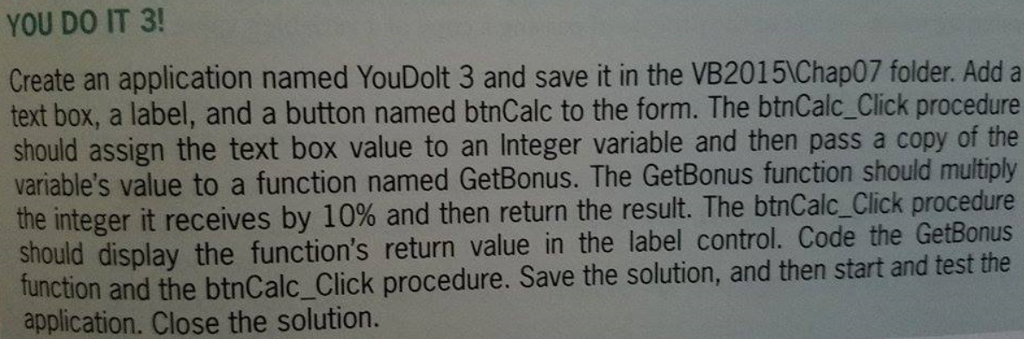
YOU DO IT 3! Create an application named YouDolt 3 and save it in the VB2015Chap07 folder. Add a text box, a label, and a button named btnCalc to the form. The btnCalc Click procedure should assign the text box value to an Integer variable and then pass a copy of the variable's value to a function named GetBonus. The function should the integer it receives by 10% and then return the result. The btnCalc Click procedure should display function's return value in the label control. Code the GetBonus function and the solution, and then start and test the the btnCalc Click procedure. Save the application. Close the solution
Step by Step Solution
There are 3 Steps involved in it

Get step-by-step solutions from verified subject matter experts
 Study Help