







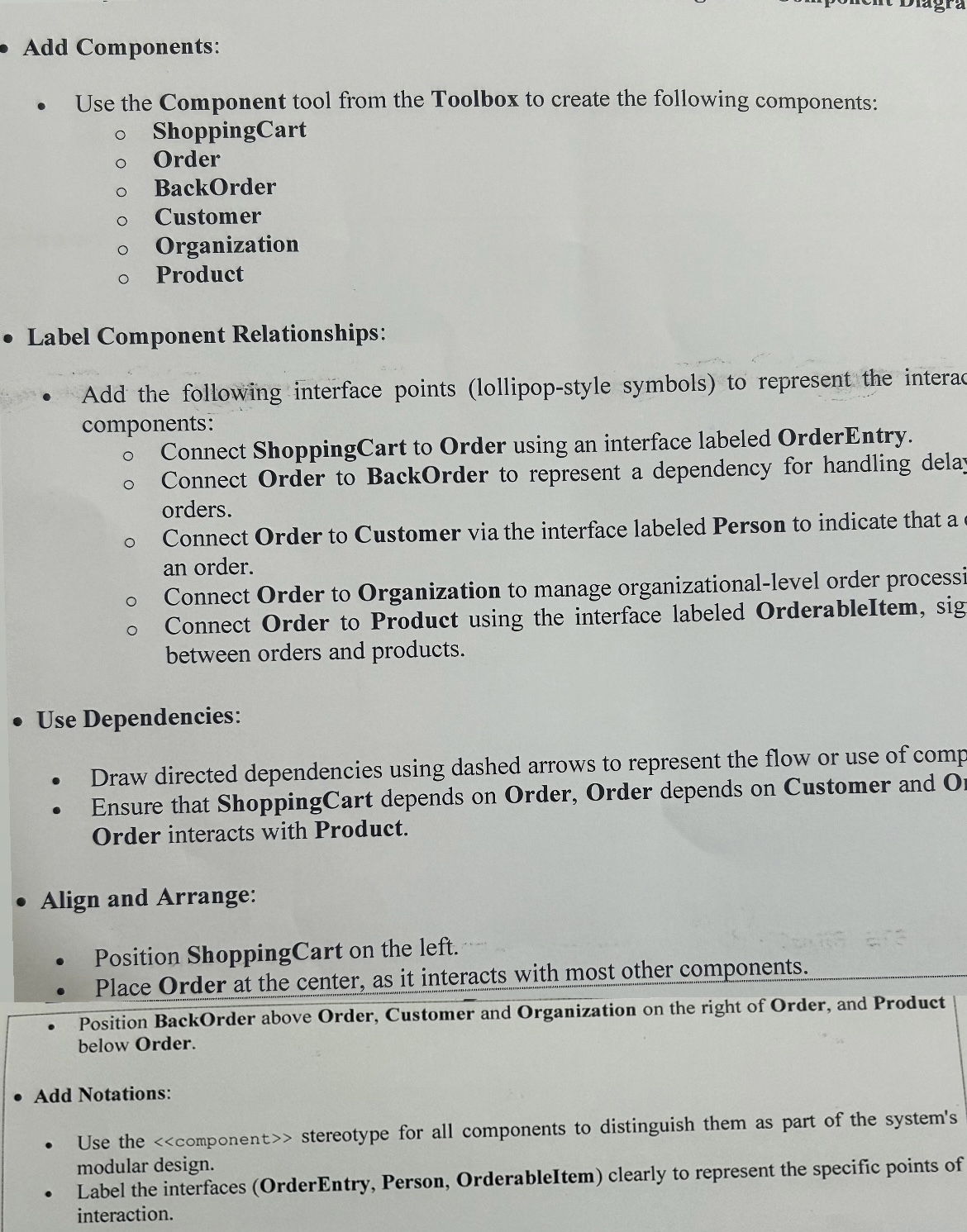
Question: Add Components: Use the Component tool from the Toolbox to create the following components: ShoppingCart Order BackOrder Customer Organization Product Label Component Relationships: Add the
Add Components:
Use the Component tool from the Toolbox to create the following components:
ShoppingCart
Order
BackOrder
Customer
Organization
Product
Label Component Relationships:
Add the following interface points lollipopstyle symbols to represent the interac components:
Connect ShoppingCart to Order using an interface labeled OrderEntry.
Connect Order to BackOrder to represent a dependency for handling delay. orders.
Connect Order to Customer via the interface labeled Person to indicate that a an order.
Connect Order to Organization to manage organizationallevel order processi
Connect Order to Product using the interface labeled OrderableItem, sig between orders and products.
Use Dependencies:
Draw directed dependencies using dashed arrows to represent the flow or use of comp
Ensure that ShoppingCart depends on Order, Order depends on Customer and Order interacts with Product.
Align and Arrange:
Position ShoppingCart on the left.
Place Order at the center, as it interacts with most other components.
Position BackOrder above Order, Customer and Organization on the right of Order, and Product below Order.
Add Notations:
Use the
Drow in paper the component digram
Step by Step Solution
There are 3 Steps involved in it
1 Expert Approved Answer
Step: 1 Unlock

Question Has Been Solved by an Expert!
Get step-by-step solutions from verified subject matter experts
Step: 2 Unlock
Step: 3 Unlock
 Study Help