





Question: ADD YOUR SPEAKER NOTES For each template on this page, first take a moment to review your slides and make any changes. Make sure you
ADD YOUR SPEAKER NOTES For each template on this
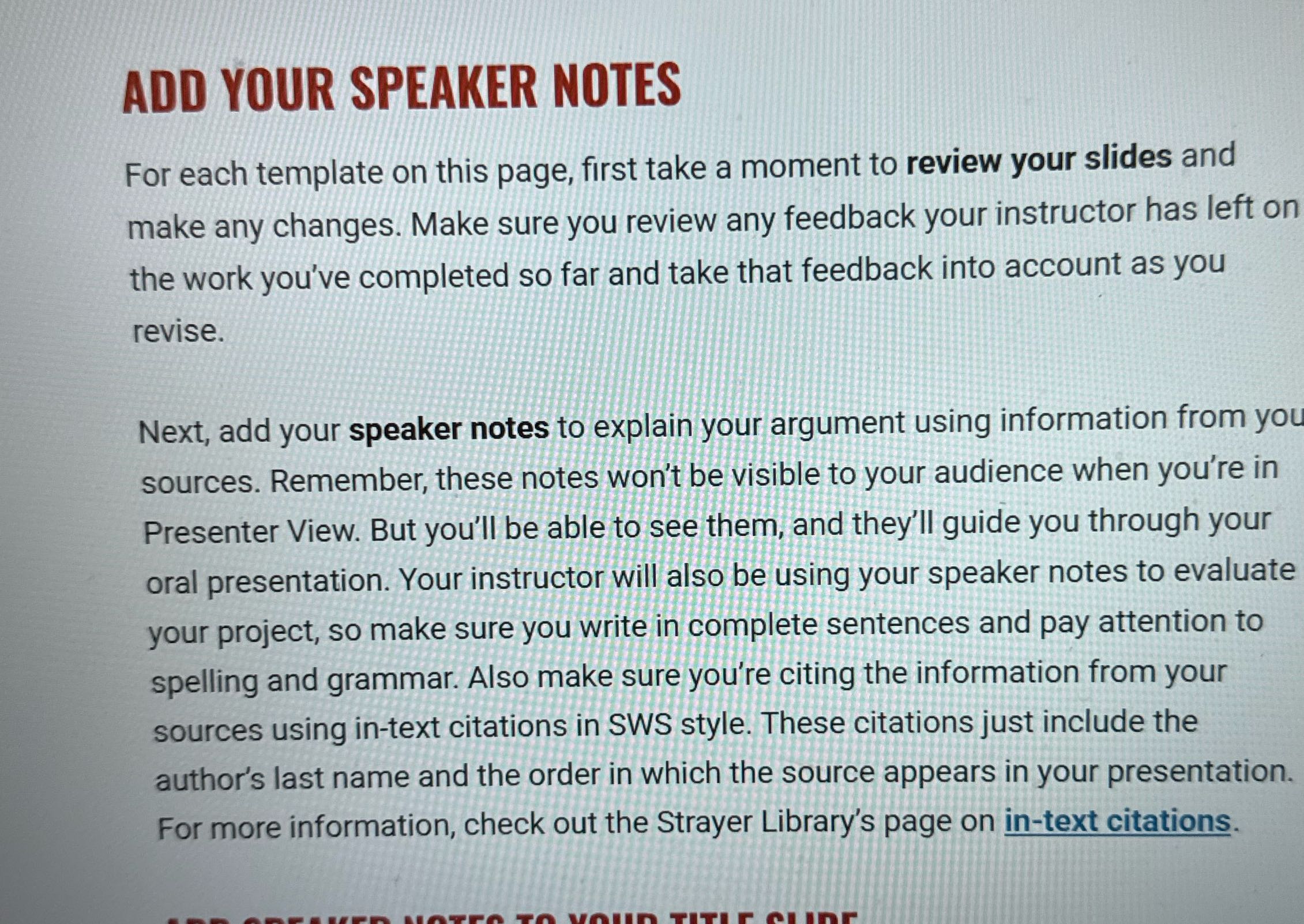
ADD YOUR SPEAKER NOTES For each template on this page, first take a moment to review your slides and make any changes. Make sure you review any feedback your instructor has left on the work you've completed so far and take that feedback into account as you revise. Next, add your speaker notes to explain your argument using information from you sources. Remember, these notes won't be visible to your audience when you're in Presenter View. But you'll be able to see them, and they'll guide you through your oral presentation. Your instructor will also be using your speaker notes to evaluate your project, so make sure you write in complete sentences and pay attention to spelling and grammar. Also make sure you're citing the information from your sources using in-text citations in SWS style. These citations just include the author's last name and the order in which the source appears in your presentation. For more information, check out the Strayer Library's page on in-text citations

Step by Step Solution

There are 3 Steps involved in it

1 Expert Approved Answer
Step: 1 Unlock blur-text-image

Question Has Been Solved by an Expert!

Get step-by-step solutions from verified subject matter experts

Step: 2 Unlock
Step: 3 Unlock

Students Have Also Explored These Related Accounting Questions!