







Question: = Adobe Reader Touch Project Objective: The purpose of this project is to enable the students to demonstrate their understanding of object oriented concepts
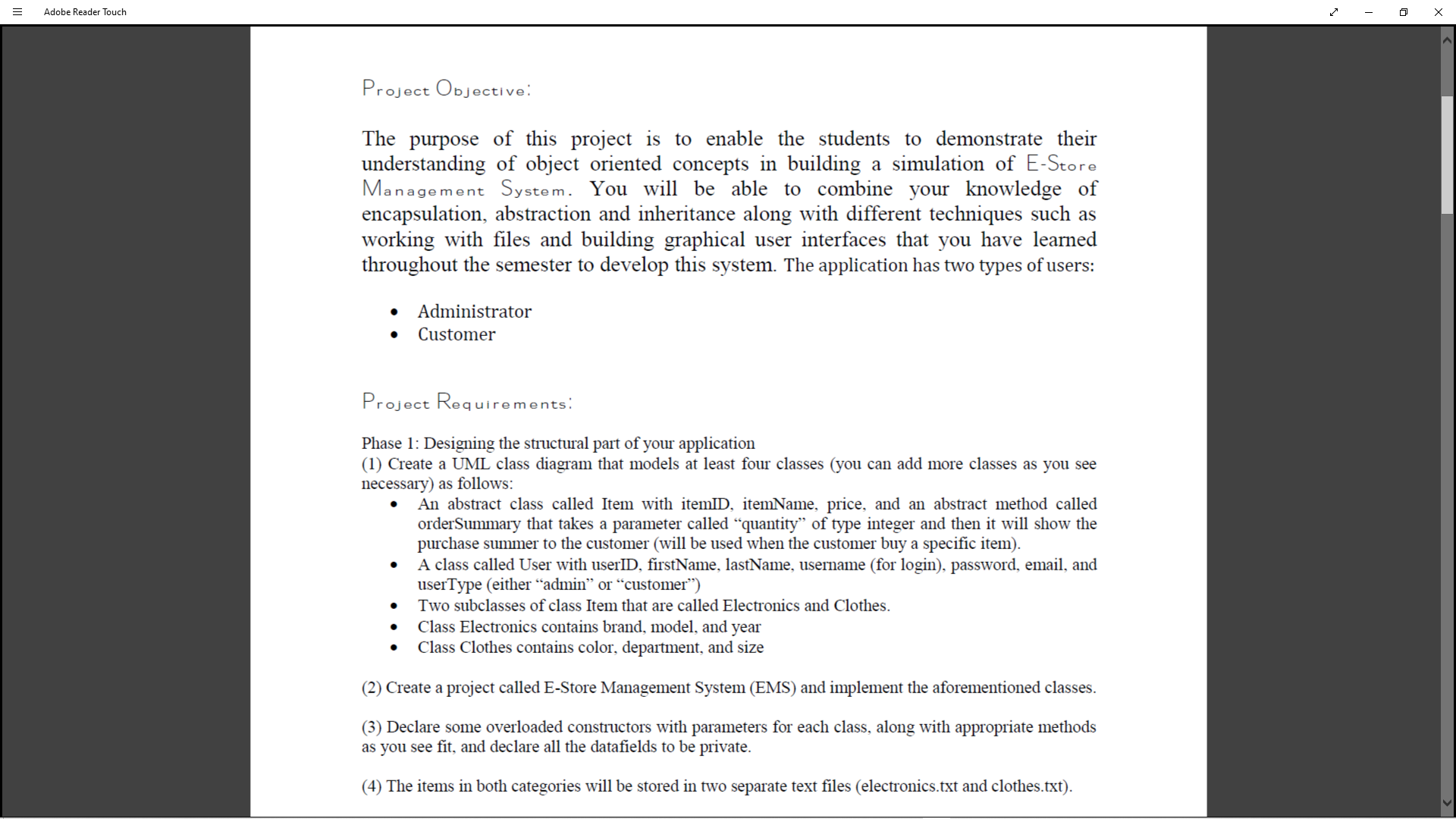
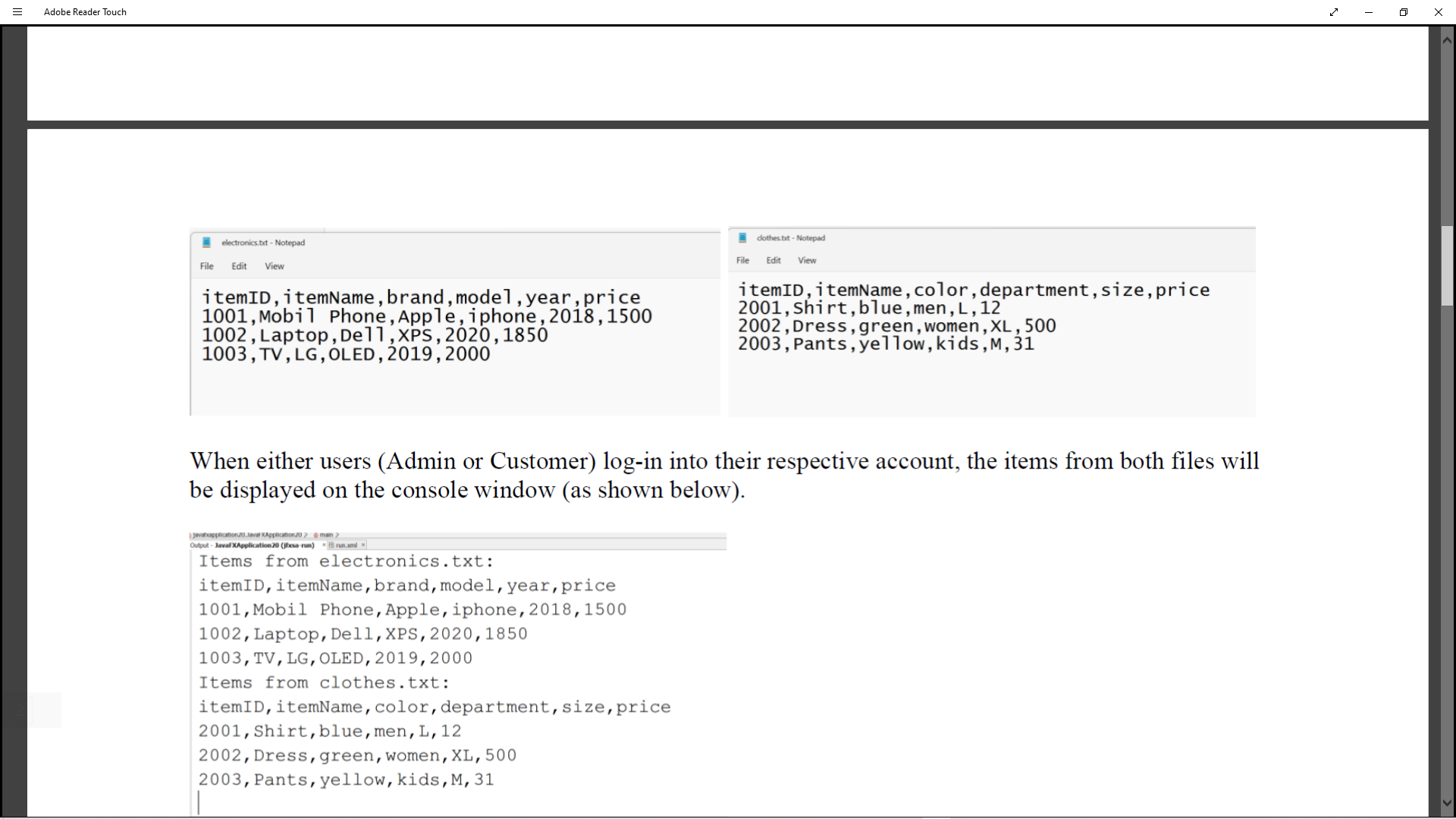
= Adobe Reader Touch Project Objective: The purpose of this project is to enable the students to demonstrate their understanding of object oriented concepts in building a simulation of E-Store Management System. You will be able to combine your knowledge of encapsulation, abstraction and inheritance along with different techniques such as working with files and building graphical user interfaces that you have learned throughout the semester to develop this system. The application has two types of users: Administrator Customer Project Requirements: Phase 1: Designing the structural part of your application (1) Create a UML class diagram that models at least four classes (you can add more classes as you see necessary) as follows: An abstract class called Item with itemID, itemName, price, and an abstract method called order Summary that takes a parameter called quantity" of type integer and then it will show the purchase summer to the customer (will be used when the customer buy a specific item). A class called User with userID, firstName, lastName, username (for login), password, email, and userType (either "admin" or "customer") Two subclasses of class Item that are called Electronics and Clothes. Class Electronics contains brand, model, and year Class Clothes contains color, department, and size (2) Create a project called E-Store Management System (EMS) and implement the aforementioned classes. (3) Declare some overloaded constructors with parameters for each class, along with appropriate methods as you see fit, and declare all the datafields to be private. (4) The items in both categories will be stored in two separate text files (electronics.txt and clothes.txt). = Adobe Reader Touch H electronics.txt-Notepad File Edit View itemID, itemName, brand, model, year, price 1001, Mobil Phone, Apple, iphone, 2018, 1500 1002, Laptop, Dell, XPS, 2020, 1850 1003, TV, LG, OLED, 2019, 2000 clothes.txt-Notepad Javaxapplication.20. Javal Application 20> @main > Output-JavaFXApplication 20 (jxsa-run) run.xml Items from electronics.txt: itemID, itemName, brand, model, year, price 1001, Mobil Phone, Apple, iphone, 2018, 1500 1002, Laptop, Dell, XPS, 2020, 1850 1003, TV, LG, OLED, 2019, 2000 Items from clothes.txt: itemID, itemName, color, department, size, price 2001, Shirt, blue, men, L, 12 2002, Dress, green, women, XL, 500 2003, Pants, yellow, kids, M, 31 File Edit View itemID, itemName, color, department, size, price 2001, shirt, blue, men, L, 12 2002, Dress, green, women, XL, 500 2003, Pants, yellow, kids, M, 31 When either users (Admin or Customer) log-in into their respective account, the items from both files will be displayed on the console window (as shown below).
Step by Step Solution
There are 3 Steps involved in it

Get step-by-step solutions from verified subject matter experts
 Study Help