







Question: Advanced and Nested Functions - Application Exercise Download this file to complete the application exercise: The data provided for this exercise contains sales transactions from
Advanced and Nested Functions Application Exercise
Download this file to complete the application exercise:
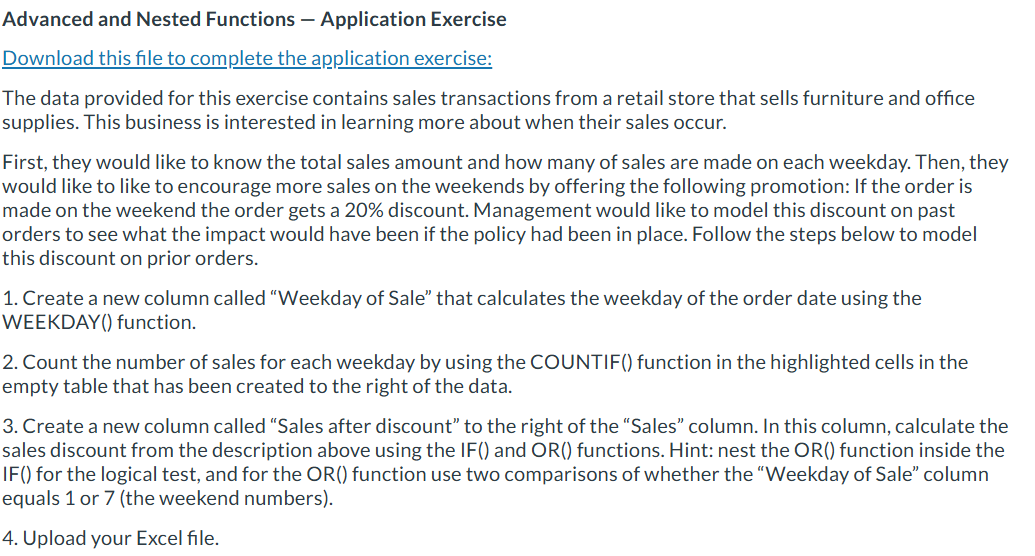
The data provided for this exercise contains sales transactions from a retail store that sells furniture and office supplies. This business is interested in learning more about when their sales occur.
First, they would like to know the total sales amount and how many of sales are made on each weekday. Then, they would like to like to encourage more sales on the weekends by offering the following promotion: If the order is made on the weekend the order gets a discount. Management would like to model this discount on past orders to see what the impact would have been if the policy had been in place. Follow the steps below to model this discount on prior orders.
Create a new column called "Weekday of Sale" that calculates the weekday of the order date using the WEEKDAY function.
Count the number of sales for each weekday by using the COUNTIF function in the highlighted cells in the empty table that has been created to the right of the data.
Create a new column called "Sales after discount" to the right of the "Sales" column. In this column, calculate the sales discount from the description above using the IF and OR functions. Hint: nest the OR function inside the IF for the logical test, and for the OR function use two comparisons of whether the "Weekday of Sale" column equals or the weekend numbers
Upload your Excel file.
Step by Step Solution
There are 3 Steps involved in it
1 Expert Approved Answer
Step: 1 Unlock

Question Has Been Solved by an Expert!
Get step-by-step solutions from verified subject matter experts
Step: 2 Unlock
Step: 3 Unlock
 Study Help