







Question: After completing a work breakdown structure and estimating tasks, the schedule and corresponding Gantt chart neeu to be created. Using Excel, please create a project
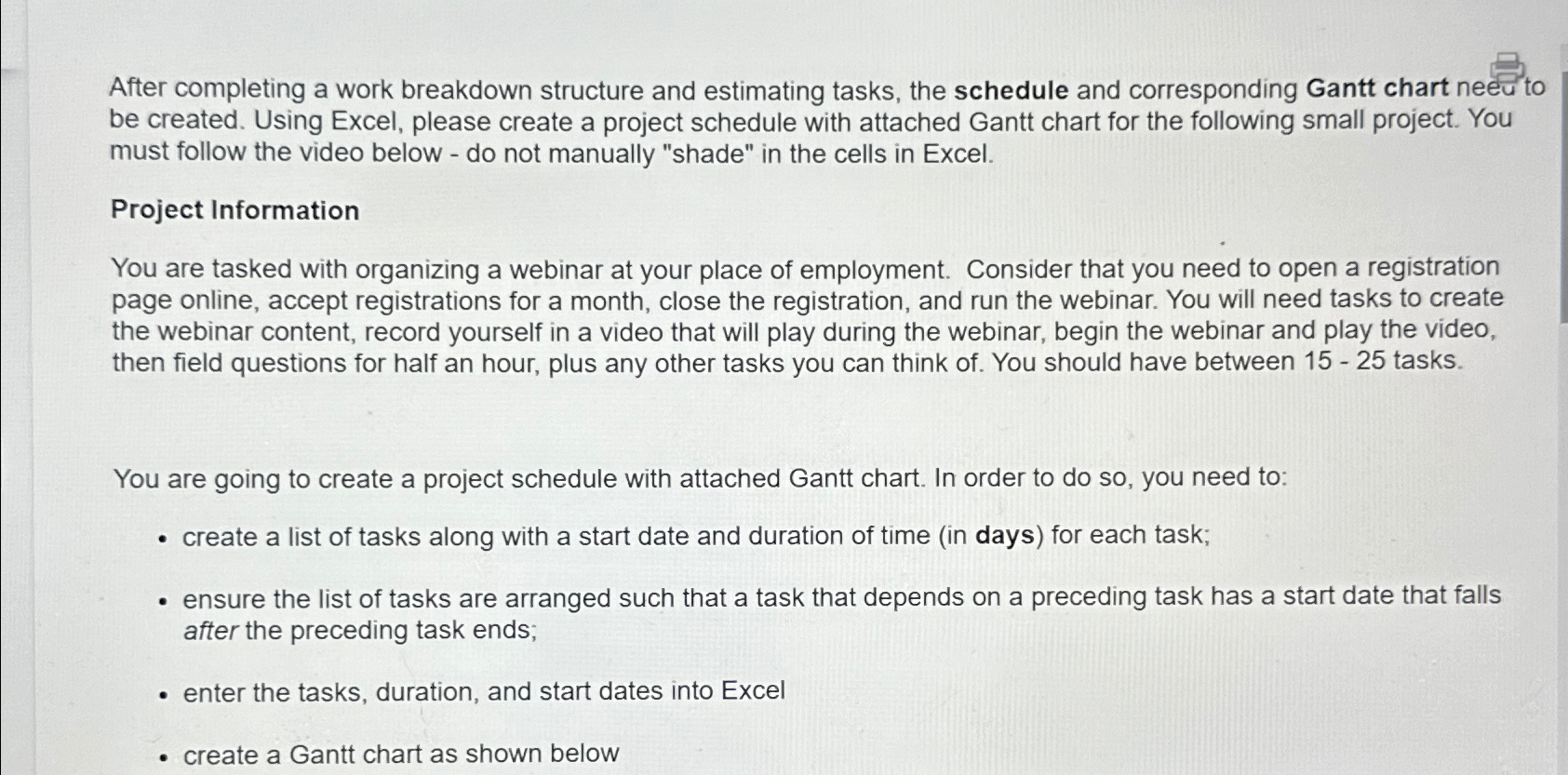
After completing a work breakdown structure and estimating tasks, the schedule and corresponding Gantt chart neeu to be created. Using Excel, please create a project schedule with attached Gantt chart for the following small project. You must follow the video below do not manually "shade" in the cells in Excel.
Project Information
You are tasked with organizing a webinar at your place of employment. Consider that you need to open a registration page online, accept registrations for a month, close the registration, and run the webinar. You will need tasks to create the webinar content, record yourself in a video that will play during the webinar, begin the webinar and play the video, then field questions for half an hour, plus any other tasks you can think of You should have between tasks.
You are going to create a project schedule with attached Gantt chart. In order to do so you need to:
create a list of tasks along with a start date and duration of time in days for each task;
ensure the list of tasks are arranged such that a task that depends on a preceding task has a start date that falls after the preceding task ends;
enter the tasks, duration, and start dates into Excel
create a Gantt chart as shown below
Step by Step Solution
There are 3 Steps involved in it
1 Expert Approved Answer
Step: 1 Unlock

Question Has Been Solved by an Expert!
Get step-by-step solutions from verified subject matter experts
Step: 2 Unlock
Step: 3 Unlock
 Study Help