







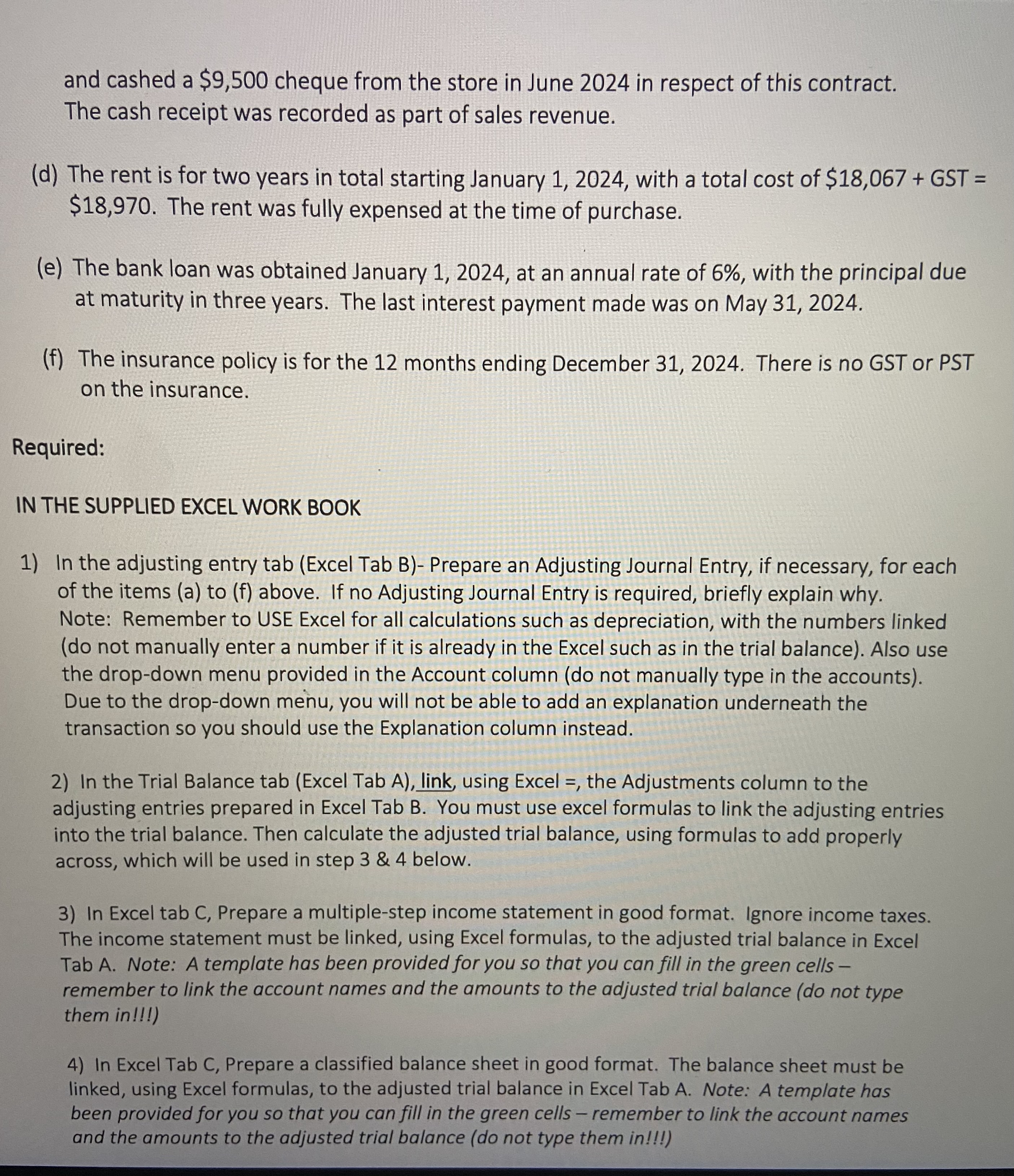
Question: and cashed a $ 9 , 5 0 0 cheque from the store in June 2 0 2 4 in respect of this contract. The
and cashed a $ cheque from the store in June in respect of this contract.
The cash receipt was recorded as part of sales revenue.
d The rent is for two years in total starting January with a total cost of $ GST
$ The rent was fully expensed at the time of purchase.
e The bank loan was obtained January at an annual rate of with the principal due
at maturity in three years. The last interest payment made was on May
f The insurance policy is for the months ending December There is no GST or PST
on the insurance.
Required:
IN THE SUPPLIED EXCEL WORK BOOK
In the adjusting entry tab Excel Tab BPrepare an Adjusting Journal Entry, if necessary, for each
of the items a to f above. If no Adjusting Journal Entry is required, briefly explain why.
Note: Remember to USE Excel for all calculations such as depreciation, with the numbers linked
do not manually enter a number if it is already in the Excel such as in the trial balance Also use
the dropdown menu provided in the Account column do not manually type in the accounts
Due to the dropdown menu, you will not be able to add an explanation underneath the
transaction so you should use the Explanation column instead.
In the Trial Balance tab Excel Tab A link, using Excel the Adjustments column to the
adjusting entries prepared in Excel Tab B You must use excel formulas to link the adjusting entries
into the trial balance. Then calculate the adjusted trial balance, using formulas to add properly
across, which will be used in step & below.
In Excel tab C Prepare a multiplestep income statement in good format. Ignore income taxes.
The income statement must be linked, using Excel formulas, to the adjusted trial balance in Excel
Tab A Note: A template has been provided for you so that you can fill in the green cells
remember to link the account names and the amounts to the adjusted trial balance do not type
them in
In Excel Tab C Prepare a classified balance sheet in good format. The balance sheet must be
linked, using Excel formulas, to the adjusted trial balance in Excel Tab A Note: A template has
been provided for you so that you can fill in the green cells remember to link the account names
and the amounts to the adjusted trial balance do not type them in
Step by Step Solution
There are 3 Steps involved in it
1 Expert Approved Answer
Step: 1 Unlock

Question Has Been Solved by an Expert!
Get step-by-step solutions from verified subject matter experts
Step: 2 Unlock
Step: 3 Unlock
 Study Help