







Question: and Educational Technologies 5. Ping from both PCs to the server to verify connectivity and take note of the paths followed by the packet.
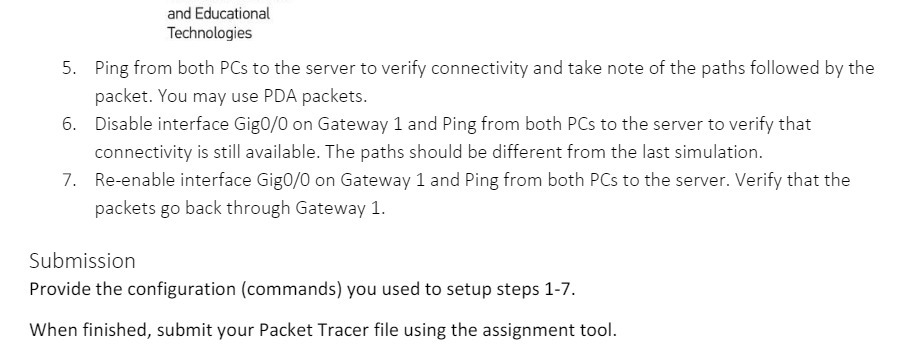
and Educational Technologies 5. Ping from both PCs to the server to verify connectivity and take note of the paths followed by the packet. You may use PDA packets. 6. Disable interface Gig0/0 on Gateway 1 and Ping from both PCs to the server to verify that connectivity is still available. The paths should be different from the last simulation. 7. Re-enable interface Gig0/0 on Gateway 1 and Ping from both PCs to the server. Verify that the packets go back through Gateway 1. Submission Provide the configuration (commands) you used to setup steps 1-7. When finished, submit your Packet Tracer file using the assignment tool.
Step by Step Solution
There are 3 Steps involved in it

Get step-by-step solutions from verified subject matter experts
 Study Help