







Question: Android development I just want to know the solution to the task(java code) Some basic frameworks already provided. Two Shapes Drawing App (Click HERE to
 Android development I just want to know the solution to the task(java code) Some basic frameworks already provided.
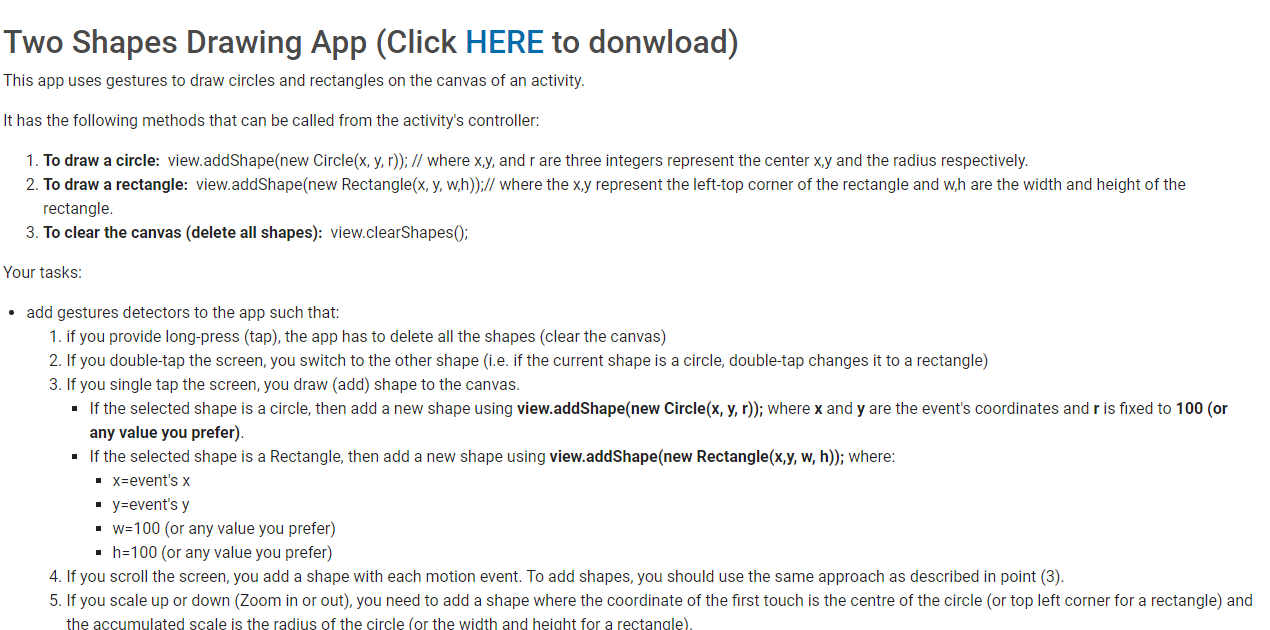
Two Shapes Drawing App (Click HERE to donwload) This app uses gestures to draw circles and rectangles on the canvas of an activity. It has the following methods that can be called from the activity's controller: 1. To draw a circle: view.addShape(new Circle(x, y,r)); // where x,y, and r are three integers represent the center x,y and the radius respectively. 2. To draw a rectangle: view.addShape(new Rectangle(x, y, w,h));// where the x,y represent the left-top corner of the rectangle and wh are the width and height of the rectangle. 3. To clear the canvas (delete all shapes): view.clearShapes(); Your tasks: add gestures detectors to the app such that: 1. if you provide long-press (tap), the app has to delete all the shapes (clear the canvas) 2. If you double-tap the screen, you switch to the other shape (i.e. if the current shape is a circle, double-tap changes it to a rectangle) 3. If you single tap the screen, you draw (add) shape to the canvas. If the selected shape is a circle, then add a new shape using view.addShape(new Circle(x,y,r)); where x and y are the event's coordinates and r is fixed to 100 (or any value you prefer). If the selected shape is a Rectangle, then add a new shape using view.addShape(new Rectangle(x,y, w, h)); where: X=event's x y=event's y W=100 (or any value you prefer) h=100 (or any value you prefer) 4. If you scroll the screen, you add a shape with each motion event. To add shapes, you should use the same approach as described in point (3). 5. If you scale up or down (Zoom in or out), you need to add a shape where the coordinate of the first touch is the centre of the circle (or top left corner for a rectangle) and the accumulated scale is the radius of the circle (or the width and height for a rectangle). Two Shapes Drawing App (Click HERE to donwload) This app uses gestures to draw circles and rectangles on the canvas of an activity. It has the following methods that can be called from the activity's controller: 1. To draw a circle: view.addShape(new Circle(x, y,r)); // where x,y, and r are three integers represent the center x,y and the radius respectively. 2. To draw a rectangle: view.addShape(new Rectangle(x, y, w,h));// where the x,y represent the left-top corner of the rectangle and wh are the width and height of the rectangle. 3. To clear the canvas (delete all shapes): view.clearShapes(); Your tasks: add gestures detectors to the app such that: 1. if you provide long-press (tap), the app has to delete all the shapes (clear the canvas) 2. If you double-tap the screen, you switch to the other shape (i.e. if the current shape is a circle, double-tap changes it to a rectangle) 3. If you single tap the screen, you draw (add) shape to the canvas. If the selected shape is a circle, then add a new shape using view.addShape(new Circle(x,y,r)); where x and y are the event's coordinates and r is fixed to 100 (or any value you prefer). If the selected shape is a Rectangle, then add a new shape using view.addShape(new Rectangle(x,y, w, h)); where: X=event's x y=event's y W=100 (or any value you prefer) h=100 (or any value you prefer) 4. If you scroll the screen, you add a shape with each motion event. To add shapes, you should use the same approach as described in point (3). 5. If you scale up or down (Zoom in or out), you need to add a shape where the coordinate of the first touch is the centre of the circle (or top left corner for a rectangle) and the accumulated scale is the radius of the circle (or the width and height for a rectangle)
Step by Step Solution
There are 3 Steps involved in it

Get step-by-step solutions from verified subject matter experts
 Study Help