







Question: answer all questions accordingly pls Cold Boot Switch/Router 1) ROM-POST (Power on Self-Test)-Several diagnostic programs that tests the hardware of the router 2) ROM-Bootstrap-check the
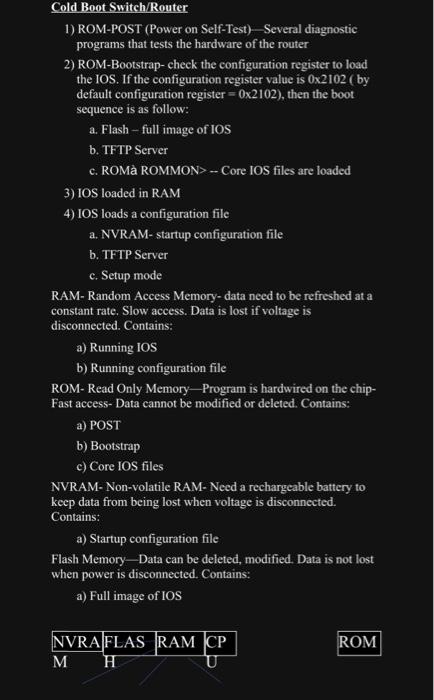
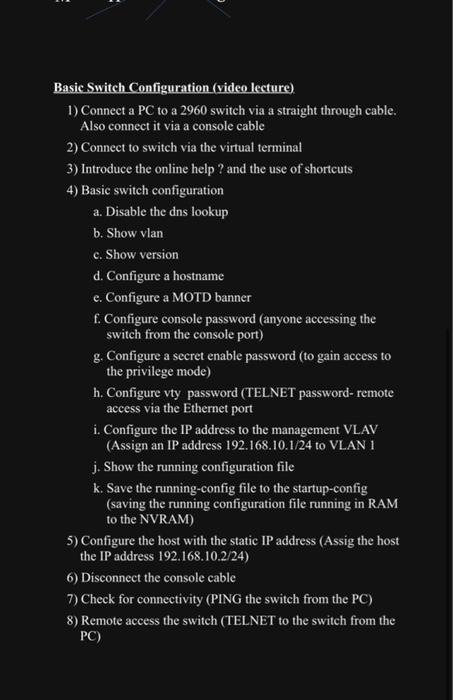
Cold Boot Switch/Router 1) ROM-POST (Power on Self-Test)-Several diagnostic programs that tests the hardware of the router 2) ROM-Bootstrap-check the configuration register to load the IOS. If the configuration register value is 0x2102 (by default configuration register=0x2102), then the boot sequence is as follow: a. Flash - full image of IOS b. TFTP Server c. ROM ROMMON> -- Core IOS files are loaded 3) IOS loaded in RAM 4) IOS loads a configuration file a. NVRAM- startup configuration file b. TFTP Server c. Setup mode RAM- Random Access Memory-data need to be refreshed at a constant rate. Slow access. Data is lost if voltage is disconnected. Contains: a) Running IOS b) Running configuration file ROM- Read Only Memory Program is hardwired on the chip- Fast access- Data cannot be modified or deleted. Contains: a) POST b) Bootstrap c) Core IOS files NVRAM- Non-volatile RAM- Need a rechargeable battery to keep data from being lost when voltage is disconnected. Contains: a) Startup configuration file Flash Memory Data can be deleted, modified. Data is not lost when power is disconnected. Contains: a) Full image of IOS NVRA FLAS RAM CP M H ROM Basic Switch Configuration (video lecture) 1) Connect a PC to a 2960 switch via a straight through cable. Also connect it via a console cable 2) Connect to switch via the virtual terminal 3) Introduce the online help? and the use of shortcuts 4) Basic switch configuration a. Disable the dns lookup b. Show vlan c. Show version d. Configure a hostname e. Configure a MOTD banner f. Configure console password (anyone accessing the switch from the console port) g. Configure a secret enable password (to gain access to the privilege mode) h. Configure vty password (TELNET password- remote access via the Ethernet port i. Configure the IP address to the management VLAV (Assign an IP address 192.168.10.1/24 to VLAN 1 j. Show the running configuration file k. Save the running-config file to the startup-config (saving the running configuration file running in RAM to the NVRAM) 5) Configure the host with the static IP address (Assig the host the IP address 192.168.10.2/24) 6) Disconnect the console cable 7) Check for connectivity (PING the switch from the PC) 8) Remote access the switch (TELNET to the switch from the PC)
Step by Step Solution
3.53 Rating (153 Votes )
There are 3 Steps involved in it
The context appears to be about configuring various system components such as hardware and network settings Here are some general tips a NVILAM starta... View full answer

Get step-by-step solutions from verified subject matter experts
 Study Help