







Question: Answer all questions As per Chegg guidelines it's a single question with four sub questions post with photos Use Linux only 1 INSTRUCTIONS Use Linux
Answer all questions As per Chegg guidelines it's a single question with four sub questions post with photos Use Linux only
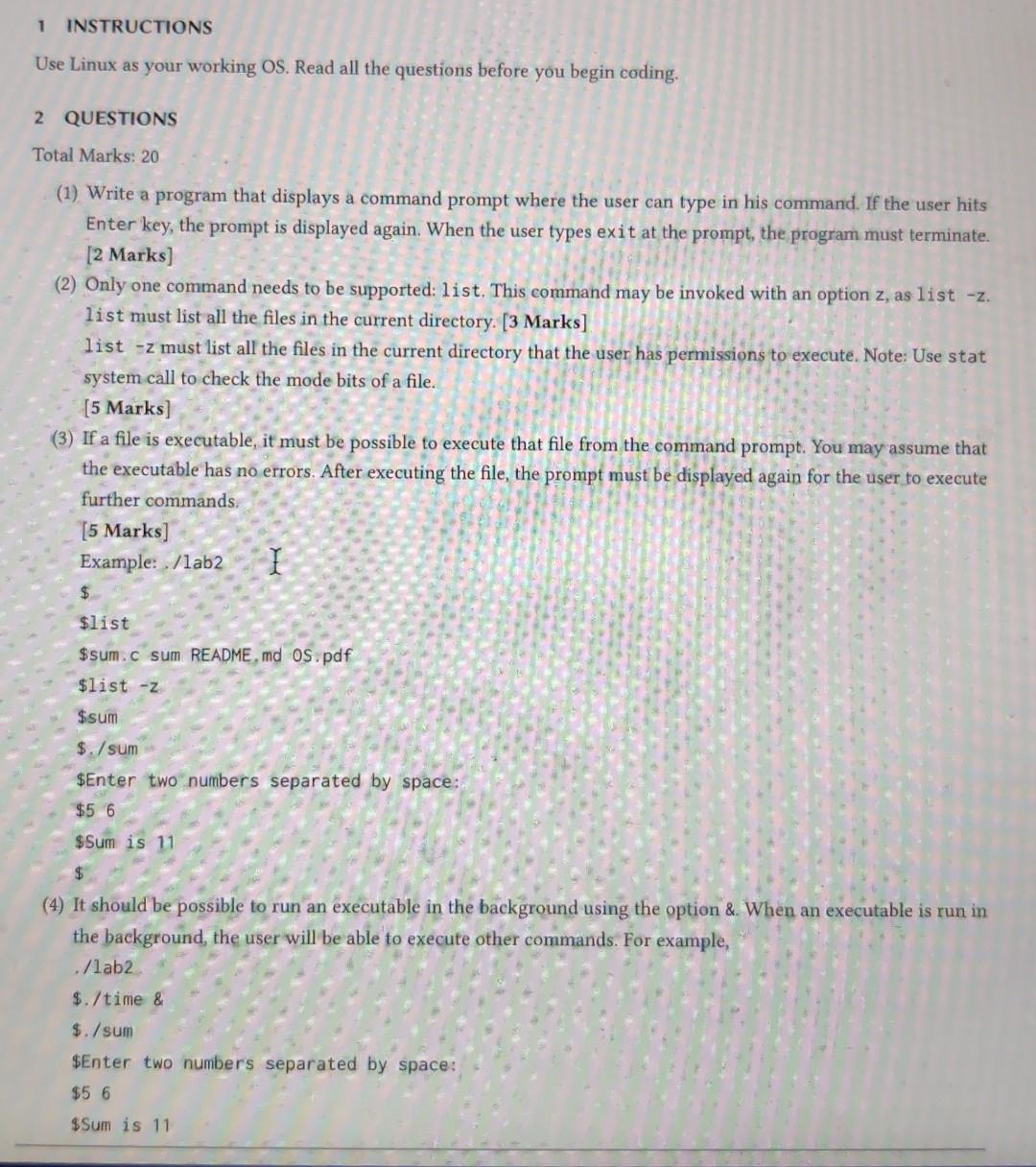
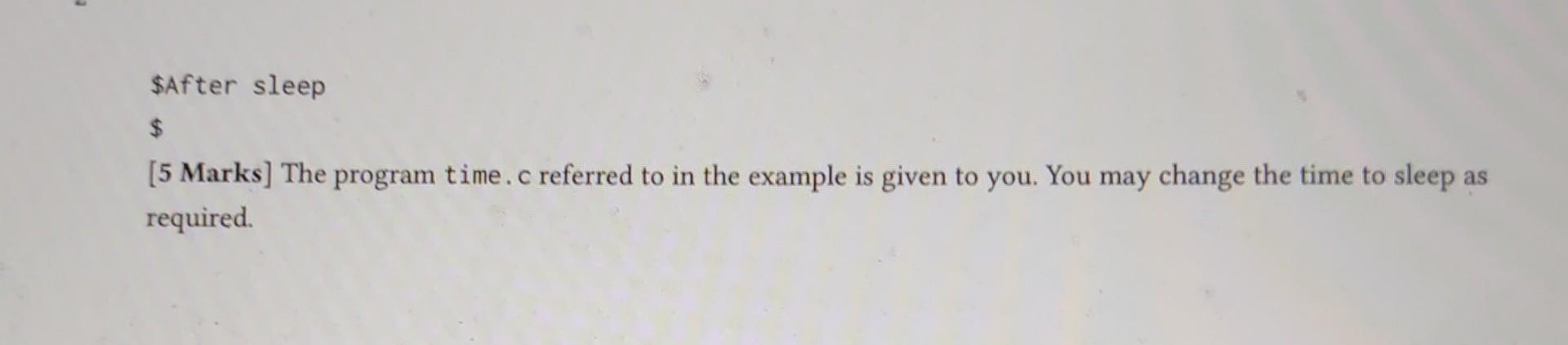
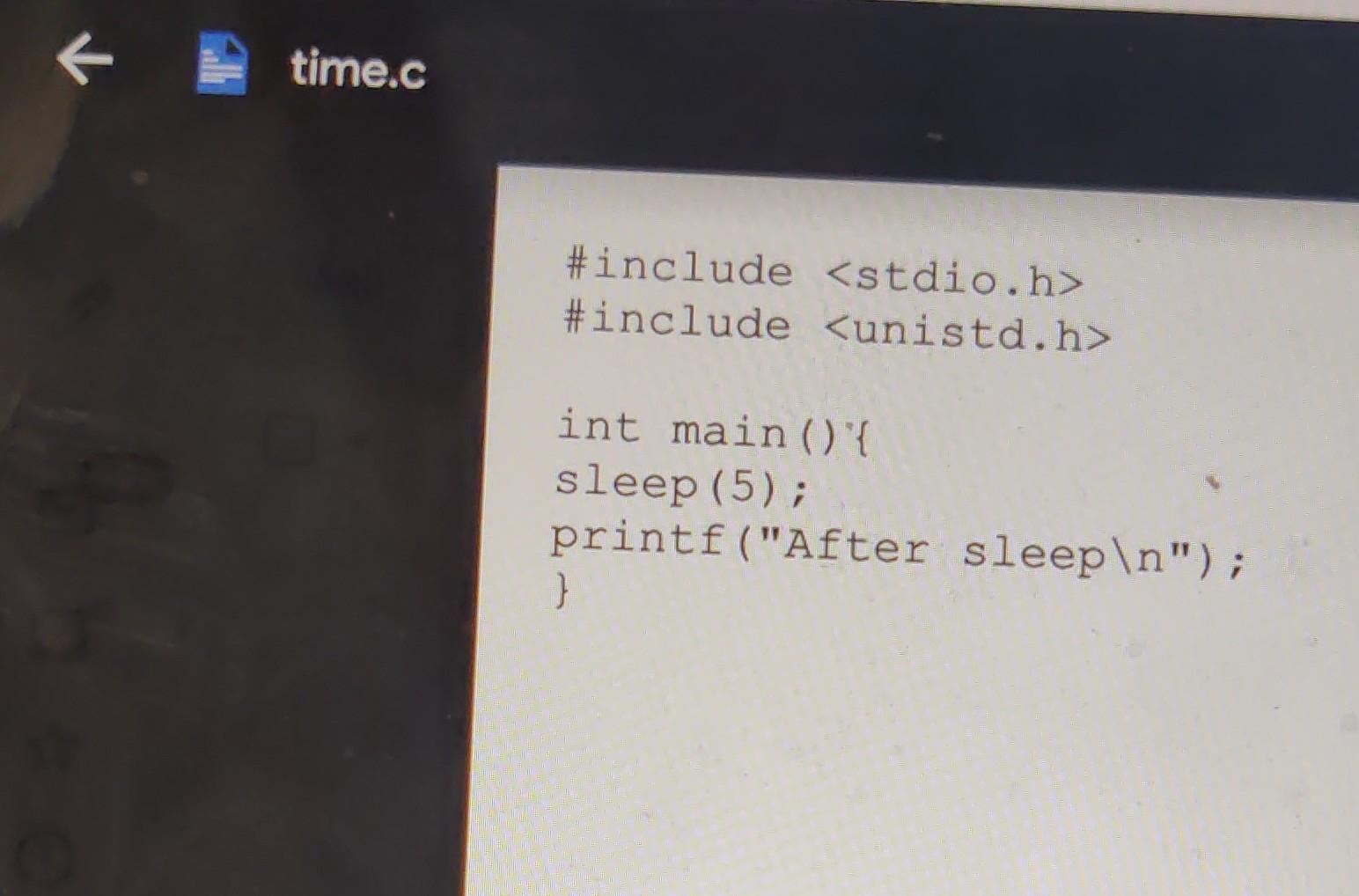
1 INSTRUCTIONS Use Linux as your working OS. Read all the questions before you begin coding. 2 QUESTIONS Total Marks: 20 (1) Write a program that displays a command prompt where the user can type in his command. If the user hits Enter key, the prompt is displayed again. When the user types exit at the prompt, the program must terminate. [2 Marks) (2) Only one command needs to be supported: list. This command may be invoked with an option z, as list -z. list must list all the files in the current directory. [3 Marks] list -z must list all the files in the current directory that the user has permissions to execute. Note: Use stat system call to check the mode bits of a file. [5 Marks) (3) If a file is executable, it must be possible ute that file from the command prompt. You may assume that the executable has no errors. After executing the file, the prompt must be displayed again for the user to execute further commands. [5 Marks] Example: /lab2 I $ $list $sum. c sum README.md OS.pdf $list - $sum $./sum $Enter two numbers separated by space: $5 6 $Sum is 11 $ (4) It should be possible to run an executable in the background using the option & When an executable is run in the background, the user will be able to execute other commands. For example, ./lab2 $./time & $./sum $Enter two numbers separated by space: $5 6 $Sum is 11 $After sleep $ [5 Marks] The program time.c referred to in the example is given to you. You may change the time to sleep as required K time.c #include
Step by Step Solution
There are 3 Steps involved in it

Get step-by-step solutions from verified subject matter experts
 Study Help