







Question: answer two Qs 5. When CodeWarrior assembled the program, it generated the machine-code translation of the original program. You can find this translation in a
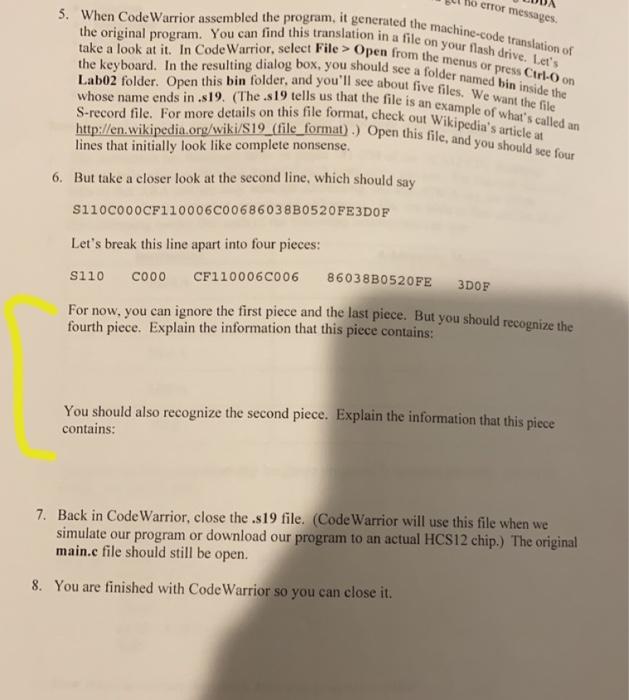
5. When CodeWarrior assembled the program, it generated the machine-code translation of the original program. You can find this translation in a file on your flash drive. Let's take a look at it. In Code Warrior, select File > Open from the menus or press Ctrl- on Labo2 folder. Open this bin folder, and you'll see about five files. We want the file the keyboard. In the resulting dialog box, you should see a folder named bin inside the whose name ends in .s19. (The.s19 tells us that the file is an example of what's called an http://en.wikipedia.org/wiki/S19_(file_format).) Open this file, and you should see four S-record file. For more details on this file format, check out Wikipedia's article at error messages like complete nonsense. 6. But take a closer look at the second line, which should say S110C0OOCF110006C00686038B0520FE3DOF Let's break this line apart into four pieces: S110 COOO CF110006C006 86038B0520FE For now, you can ignore the first piece and the last piece. But you should recognize the fourth piece. Explain the information that this piece contains: 3DOF You should also recognize the second piece. Explain the information that this piece contains: 7. Back in Code Warrior, close the .s19 file. (Code Warrior will use this file when we simulate our program or download our program to an actual HCS12 chip.) The original main.e file should still be open. 8. You are finished with CodeWarrior so you can close it
Step by Step Solution
There are 3 Steps involved in it

Get step-by-step solutions from verified subject matter experts
 Study Help