







Question: Application Layer - HTTP Protocol - Do the following steps 1. Start up a Wireshark capture session to display only HTTP protocol. Then using Google
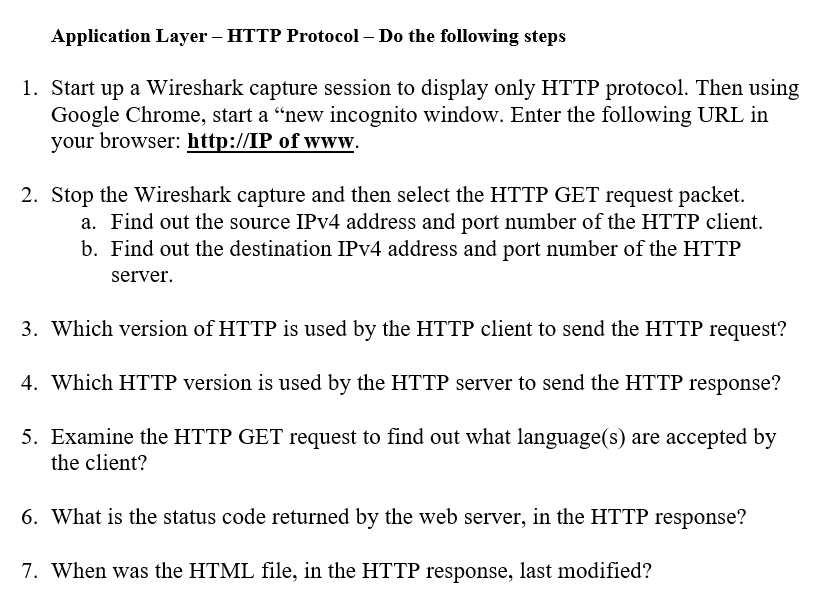
Application Layer - HTTP Protocol - Do the following steps 1. Start up a Wireshark capture session to display only HTTP protocol. Then using Google Chrome, start a "new incognito window. Enter the following URL in your browser:http://IP of www. 2. Stop the Wireshark capture and then select the HTTP GET request packet. a. Find out the source IPv4 address and port number of the HTTP client. b. Find out the destination IPv4 address and port number of the HTTP server. 3. Which version of HTTP is used by the HTTP client to send the HTTP request? 4. Which HITTP version is used by the HTTP server to send the HITTP response? 5. Examine the HTTP GET request to find out what language(s) are accepted by the client? 6. What is the status code returned by the web server, in the HTTP response? 7. When was the HTML file, in the HTTP response, last modified
Step by Step Solution
There are 3 Steps involved in it

Get step-by-step solutions from verified subject matter experts
 Study Help