







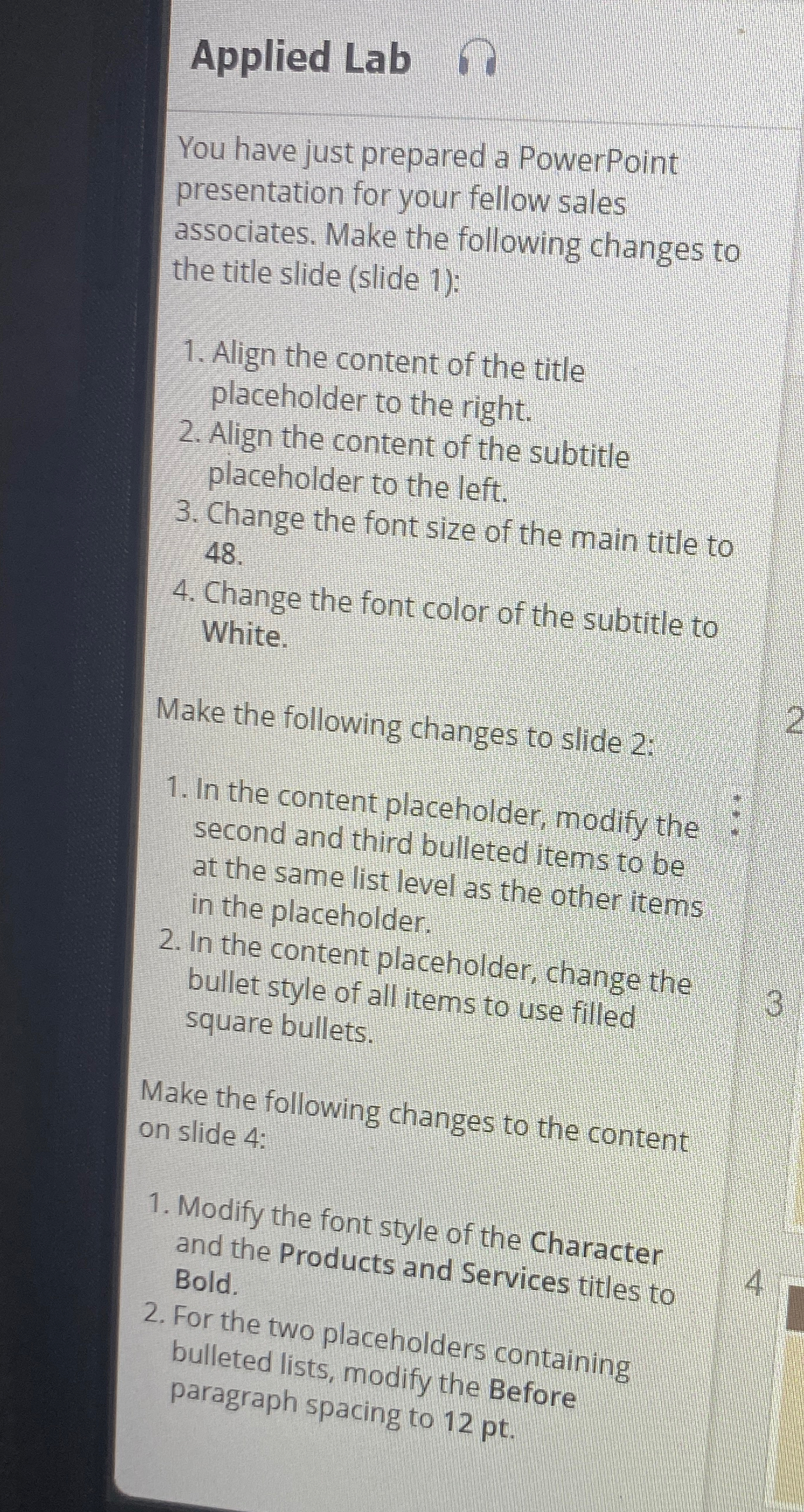
Question: Applied Lab You have just prepared a PowerPoint presentation for your fellow sales associates. Make the following changes to the title slide ( slide 1
Applied Lab
You have just prepared a PowerPoint presentation for your fellow sales associates. Make the following changes to the title slide slide :
Align the content of the title placeholder to the right.
Align the content of the subtitle placeholder to the left.
Change the font size of the main title to
Change the font color of the subtitle to White.
Make the following changes to slide :
In the content placeholder, modify the second and third bulleted items to be at the same list level as the other items in the placeholder.
In the content placeholder, change the bullet style of all items to use filled square bullets.
Make the following changes to the content on slide :
Modify the font style of the Character and the Products and Services titles to Bold.
For the two placeholders containing bulleted lists, modify the Before paragraph spacing to
Step by Step Solution
There are 3 Steps involved in it
1 Expert Approved Answer
Step: 1 Unlock

Question Has Been Solved by an Expert!
Get step-by-step solutions from verified subject matter experts
Step: 2 Unlock
Step: 3 Unlock
 Study Help