







Question: APPLY Case Problem 1 Data File needed for this Case Problem: Support_AC_1_Records.accdb Great Giraffe Jeremiah Garver is the operations manager at Great Giraffe, a career
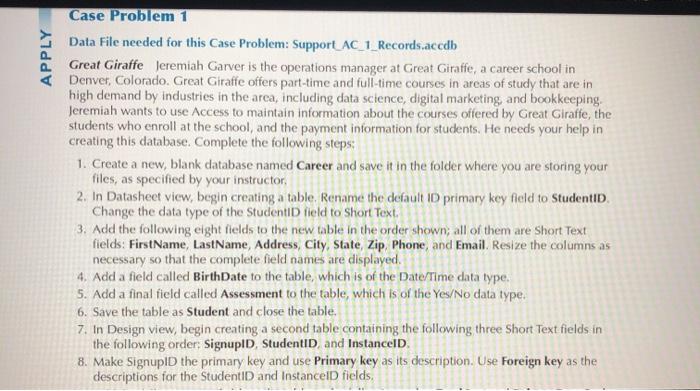
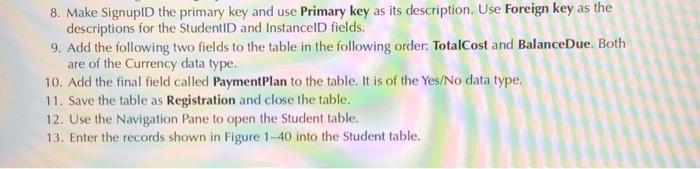
APPLY Case Problem 1 Data File needed for this Case Problem: Support_AC_1_Records.accdb Great Giraffe Jeremiah Garver is the operations manager at Great Giraffe, a career school in Denver, Colorado. Great Giraffe offers part-time and full-time courses in areas of study that are in high demand by industries in the area, including data science, digital marketing and bookkeeping Jeremiah wants to use Access to maintain information about the courses offered by Great Giraffe, the students who enroll at the school, and the payment information for students. He needs your help in creating this database. Complete the following steps: 1. Create a new, blank database named Career and save it in the folder where you are storing your files, as specified by your instructor 2. In Datasheet view, begin creating a table. Rename the default ID primary key field to StudentID. Change the data type of the StudentiD field to Short Text 3. Add the following eight fields to the new table in the order shown, all of them are Short Text fields: FirstName LastName Address, City State, Zip Phone, and Email. Resize the columns as necessary so that the complete field names are displayed. 4. Add a field called BirthDate to the table, which is of the Date/Time data type. 5. Add a final field called Assessment to the table, which is of the Yes/No data type. 6. Save the table as Student and close the table. 7. In Design view, begin creating a second table containing the following three Short Text fields in the following order: SignupID, StudentID and InstanceID. 8. Make SignupID the primary key and use Primary key as its description. Use Foreign key as the descriptions for the Student and InstanceID fields. 8. Make SignupID the primary key and use Primary key as its description. Use Foreign key as the descriptions for the StudentID and Instanced fields. 9. Add the following two fields to the table in the following order. TotalCost and BalanceDue. Both are of the Currency data type. 10. Add the final field called PaymentPlan to the table. It is of the Yes/No data type. 11. Save the table as Registration and close the table. 12. Use the Navigation Pane to open the Student table. 13. Enter the records shown in Figure 1-40 into the Student table
Step by Step Solution
There are 3 Steps involved in it

Get step-by-step solutions from verified subject matter experts
 Study Help