







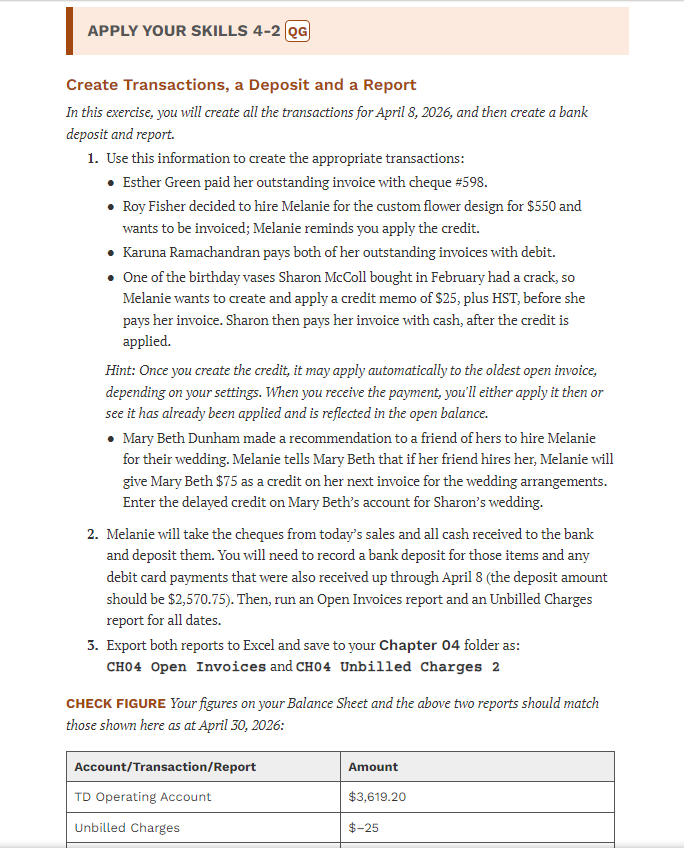
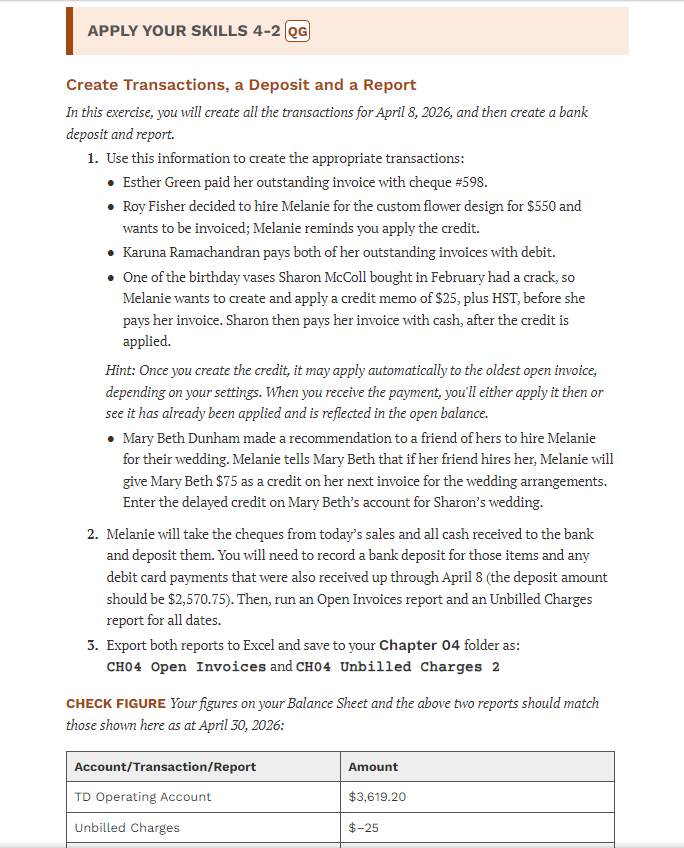
Question: APPLY YOUR SKILLS 4 - 2 Create Transactions, a Deposit and a Report In this exercise, you will create all the transactions for April 8
APPLY YOUR SKILLS
Create Transactions, a Deposit and a Report
In this exercise, you will create all the transactions for April and then create a bank
deposit and report.
Use this information to create the appropriate transactions:
Esther Green paid her outstanding invoice with cheque #
Roy Fisher decided to hire Melanie for the custom flower design for $ and
wants to be invoiced; Melanie reminds you apply the credit.
Karuna Ramachandran pays both of her outstanding invoices with debit.
One of the birthday vases Sharon McColl bought in February had a crack, so
Melanie wants to create and apply a credit memo of $ plus HST before she
pays her invoice. Sharon then pays her invoice with cash, after the credit is
applied.
Hint: Once you create the credit, it may apply automatically to the oldest open invoice,
depending on your settings. When you receive the payment, you'll either apply it then or
see it has already been applied and is reflected in the open balance.
Mary Beth Dunham made a recommendation to a friend of hers to hire Melanie
for their wedding. Melanie tells Mary Beth that if her friend hires her, Melanie will
give Mary Beth $ as a credit on her next invoice for the wedding arrangements.
Enter the delayed credit on Mary Beth's account for Sharon's wedding.
Melanie will take the cheques from today's sales and all cash received to the bank
and deposit them. You will need to record a bank deposit for those items and any
debit card payments that were also received up through April the deposit amount
should be $ Then, run an Open Invoices report and an Unbilled Charges
report for all dates.
Export both reports to Excel and save to your Chapter folder as:
CH Open Invoices and CH Unbilled Charges
CHECK FIGURE Your figures on your Balance Sheet and the above two reports should match
those shown here as at April :
Step by Step Solution
There are 3 Steps involved in it
1 Expert Approved Answer
Step: 1 Unlock

Question Has Been Solved by an Expert!
Get step-by-step solutions from verified subject matter experts
Step: 2 Unlock
Step: 3 Unlock
 Study Help