







Question: apter 1 5 Excel Activity: Sequencing Stion 1 Use the shortest - processing - time ( SPT ) sequencing rules to sequence the jobs. Compute
apter Excel Activity: Sequencing
Stion
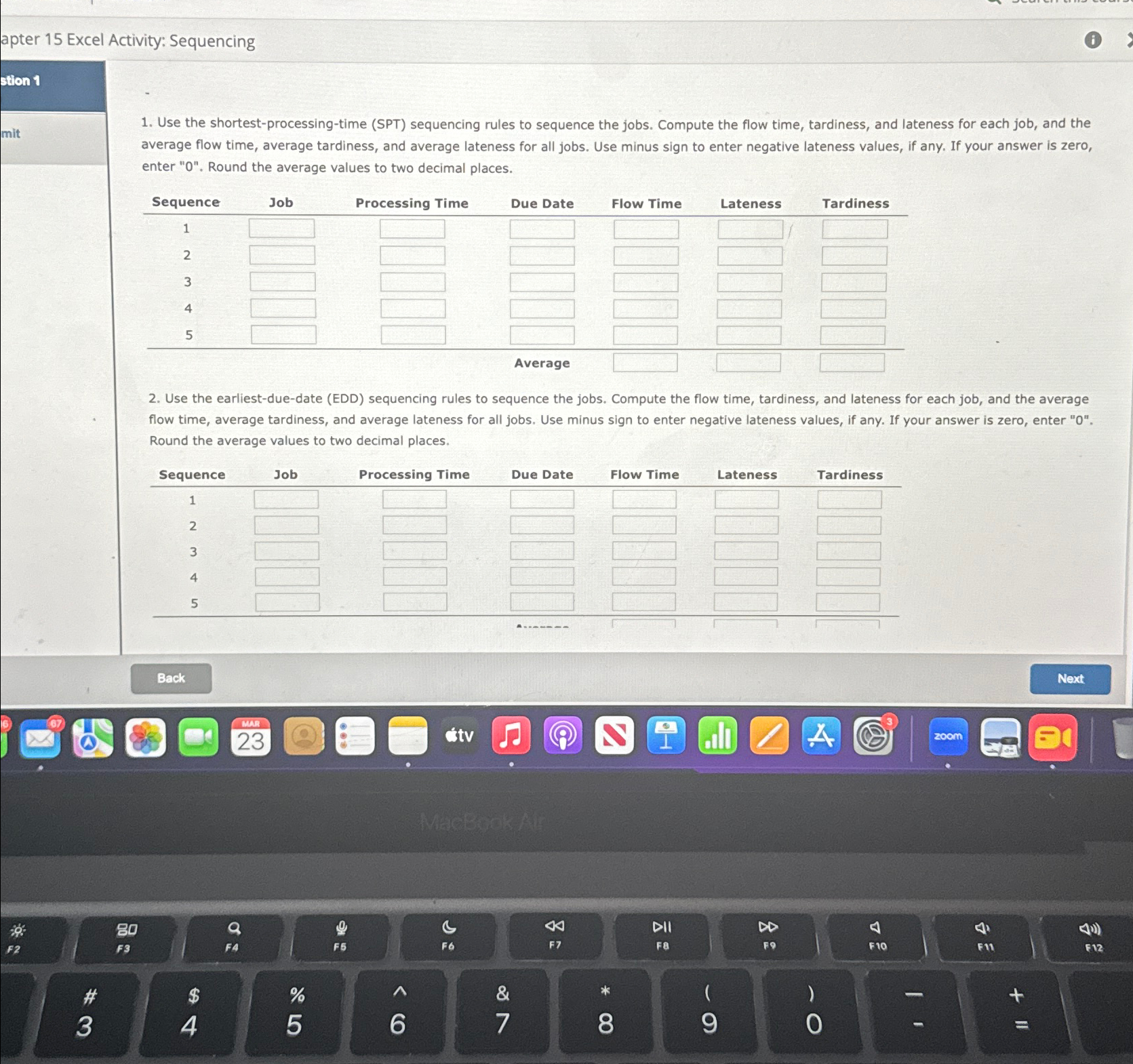
Use the shortestprocessingtime SPT sequencing rules to sequence the jobs. Compute the flow time, tardiness, and lateness for each job, and the average flow time, average tardiness, and average lateness for all jobs. Use minus sign to enter negative lateness values, if any. If your answer is zero, enter Round the average values to two decimal places.
tableSequence Job,Processing Time,Due Date,Flow Time,Lateness
Use the earliestduedate EDD sequencing rules to sequence the jobs. Compute the flow time, tardiness, and lateness for each job, and the average flow time, average tardiness, and average lateness for all jobs. Use minus sign to enter negative lateness values, if any. If your answer is zero, enter Round the average values to two decimal places.
tableSequenceJob,Processing Time,Due Date,Flow Time,Lateness,Tardiness
Step by Step Solution
There are 3 Steps involved in it
1 Expert Approved Answer
Step: 1 Unlock

Question Has Been Solved by an Expert!
Get step-by-step solutions from verified subject matter experts
Step: 2 Unlock
Step: 3 Unlock
 Study Help