







Question: ArrayIntList.java: public class ArrayIntList implements IntList{ private int[] data; // array of integers private int size; // current number of elements in the list public
![ArrayIntList.java: public class ArrayIntList implements IntList{ private int[] data; // array](https://dsd5zvtm8ll6.cloudfront.net/si.experts.images/questions/2024/09/66f2fb479bd5f_07166f2fb471d393.jpg)
ArrayIntList.java:
public class ArrayIntList implements IntList{ private int[] data; // array of integers private int size; // current number of elements in the list
public static final int CAPACITY = 20;
// post: throws an IndexOutOfBoundsException if the given index is // not a legal index of the current list private void checkIndex(int index) { if (index = size) { throw new IndexOutOfBoundsException("index: " + index); } }
// post: checks that the underlying array has the given capacity, // throwing an IllegalStateException if it does not private void checkCapacity(int capacity) { if (capacity > data.length) { throw new IllegalStateException("would exceed list capacity"); } } }
IntList.java:
public interface IntList { public void add(int value); public String toString(); public int size(); public int get(int index); public int indexOf(int value); public void add(int index, int value); public void remove(int index); }
SimpleArrayIntList.java:
public class SimpleArrayIntList { // fields // constructors // accessors // mutators // toString }
ExploringArrayList.java:
import java.util.*;
public class ExploringArrayList { public static void main(String[] args) { } }
// translation from array to ArrayList: // String[] => ArrayList
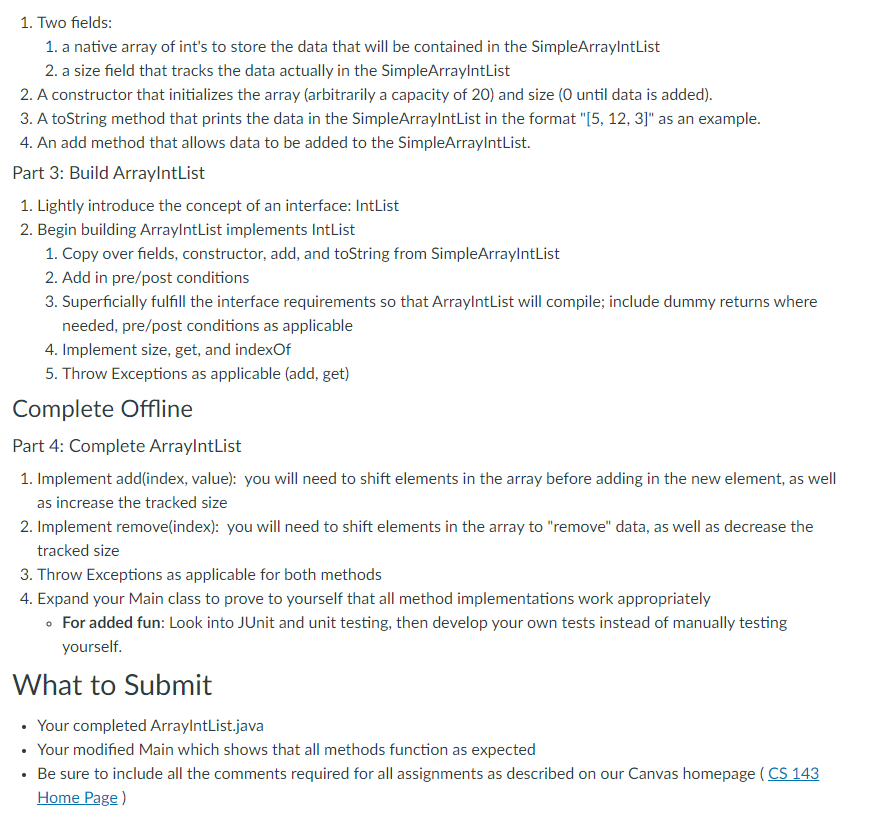
Topics In this assignment, we will review the fundamentals of an ArrayList. We will then explore the underlying implementation using a custom class called ArrayIntList, reviewing classes and objects in the process. Starter Files Download and open ArraylntList.zip in JGrasp (or your editor of choice) - ExploringArrayList.java - This file will be used and eventually turned in to explore Java's built in ArrayList and then test our implementations of SimpleArraylntList and ArraylntList - SimpleArraylntList.java - This file will be used to explore the basic functionality implementation of ArrayList - IntList.java - This is an interface that does not need any modifications; it will be used to demonstrate the usage of interfaces - ArraylntList.java - This file will be generated and eventually turned in as a means to explore the implementation of Java's ArrayList Instructions For this assignment, you should follow along to the video, building your code with me. At the end of the video, you will be asked to extend upon the code and turn in your modifications. Built Together Part 1: Explore java.util.ArrayList 1. Review the primary functionality of an ArrayList, including constructing an ArrayList object and utilizing its behaviors (add, toString, remove, size, ...). 2. Observe what happens "underneath the hood" using JGrasp's canvas visualizer. Part 2: Build SimpleArraylntList Generate a new class called SimpleArraylntList that we will use to understand how java.util.ArrayList works "under the hood". 1. Two fields: 1. a native array of int's to store the data that will be contained in the SimpleArraylntList 2. a size field that tracks the data actually in the SimpleArraylntList 2. A constructor that initializes the array (arbitrarily a capacity of 20) and size ( 0 until data is added). 3. A toString method that prints the data in the SimpleArraylntList in the format "[5, 12, 3]" as an example. 4. An add method that allows data to be added to the SimpleArraylntList. Part 3: Build ArraylntList 1. Lightly introduce the concept of an interface: IntList 2. Begin building ArraylntList implements IntList 1. Copy over fields, constructor, add, and toString from SimpleArraylntList 2. Add in pre/post conditions 3. Superficially fulfill the interface requirements so that ArraylntList will compile; include dummy returns where needed, pre/post conditions as applicable 4. Implement size, get, and indexOf 5. Throw Exceptions as applicable (add, get) Complete Offline Part 4: Complete ArraylntList 1. Implement add(index, value): you will need to shift elements in the array before adding in the new element, as well as increase the tracked size 2. Implement remove(index): you will need to shift elements in the array to "remove" data, as well as decrease the tracked size 3. Throw Exceptions as applicable for both methods 4. Expand your Main class to prove to yourself that all method implementations work appropriately - For added fun: Look into JUnit and unit testing, then develop your own tests instead of manually testing yourself. What to Submit - Your completed ArraylntList.java - Your modified Main which shows that all methods function as expected - Be sure to include all the comments required for all assignments as described on our Canvas homepage I Home Page )
Step by Step Solution
There are 3 Steps involved in it

Get step-by-step solutions from verified subject matter experts
 Study Help