







Question: As I demonstrated in class, the FIND ( ) function returns the location of some text within other text. Use the function help feature to
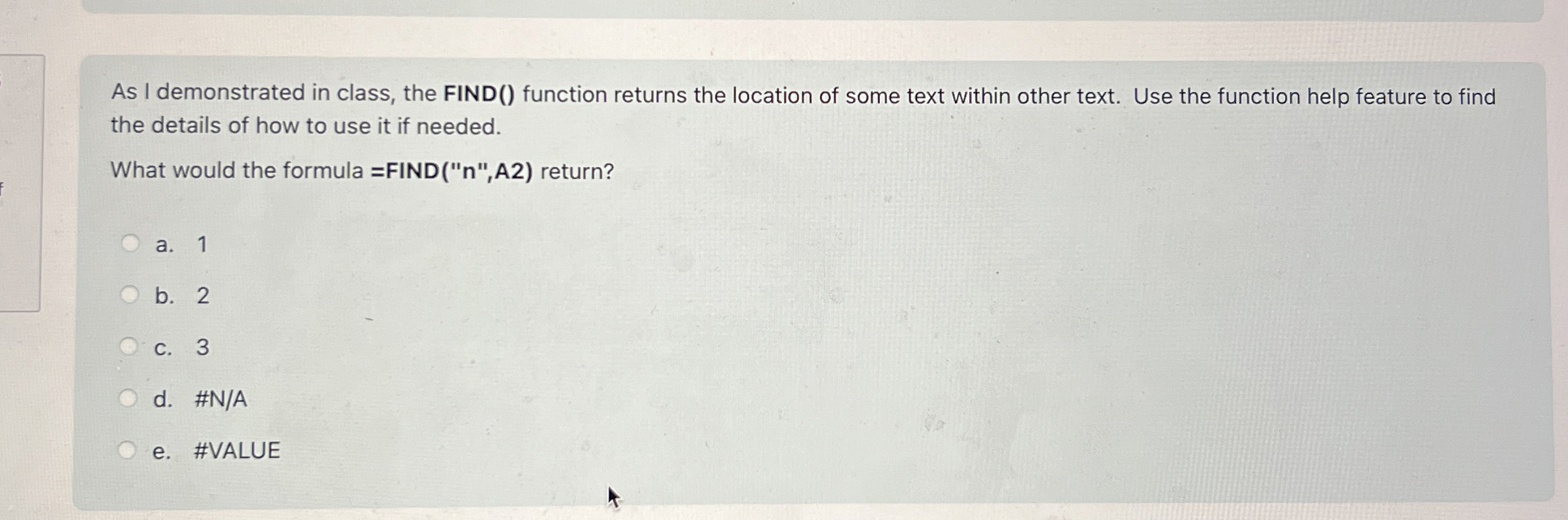
As I demonstrated in class, the FIND function returns the location of some text within other text. Use the function help feature to find the details of how to use it if needed.
What would the formula FINDA return?
a
b
c
d #NA
e #VALUE
Step by Step Solution
There are 3 Steps involved in it
1 Expert Approved Answer
Step: 1 Unlock

Question Has Been Solved by an Expert!
Get step-by-step solutions from verified subject matter experts
Step: 2 Unlock
Step: 3 Unlock
 Study Help