



Question: As simple as possible. Unix Using Unix Commands apply the following in the terminal: 1. Create a new Folder on the Desktop and name it
As simple as possible.
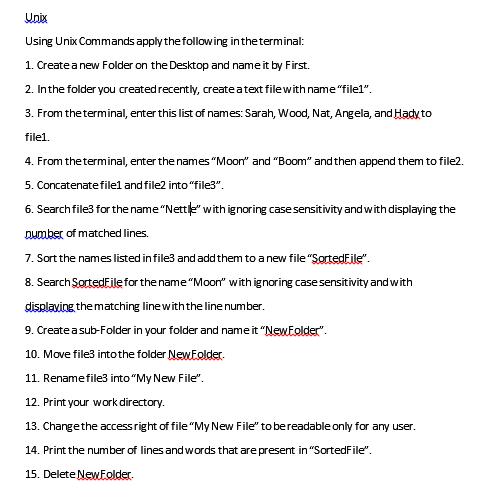
Unix Using Unix Commands apply the following in the terminal: 1. Create a new Folder on the Desktop and name it by First. 2. In the folder you created recently, create a text file with name "filei". 3. From the terminal, enter this list of names: Sarah, Wood, Nat, Angela, and Hady to filel. 4. From the terminal, enter the names Moon" and "Boom" and then append them to file2. 5. Concatenatefilet and file2 into "file3". 6. Search file for the name "Nettile" with ignoring case sensitivity and with displaying the number of matched lines. 7. Sort the names listed in file and add them to a new file "SortedFile". 8. Search SortedFile for the name "Moon" with ignoring case sensitivity and with displaying the matching line with the line number. 9. Create a sub-Folder in your folder and name it "NewFolder". 10. Move file3 into the folder NewFolder. 11. Renamefile3 intoMy New File". 12. Print your work directory. 13. Change the accessright of file "My New File to bereadable only for any user. 14. Print the number of lines and words that are present in "SortedFile". 15. Delete NewFolder
Step by Step Solution
There are 3 Steps involved in it

Get step-by-step solutions from verified subject matter experts