







Question: Assembly Language. using DOSBox and DEBUG 10. Use the a 100% command to enter the following short program: mov al,ff inc al sub al,2 mov
Assembly Language. using DOSBox and DEBUG
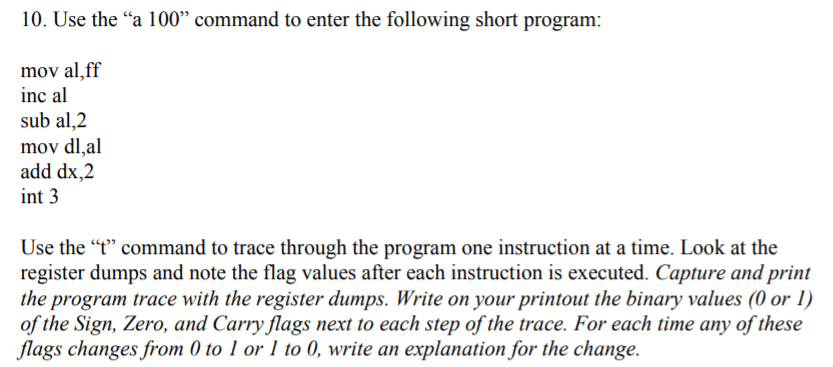
10. Use the "a 100% command to enter the following short program: mov al,ff inc al sub al,2 mov dl,al add dx,2 int 3 Use the "t" command to trace through the program one instruction at a time. Look at the register dumps and note the flag values after each instruction is executed. Capture and print the program trace with the register dumps. Write on your printout the binary values (0 or I) of the Sign, Zero, and Carry flags next to each step of the trace. For each time any of these flags changes from 0 to l or 1 to 0, write an explanation for the change. 10. Use the "a 100% command to enter the following short program: mov al,ff inc al sub al,2 mov dl,al add dx,2 int 3 Use the "t" command to trace through the program one instruction at a time. Look at the register dumps and note the flag values after each instruction is executed. Capture and print the program trace with the register dumps. Write on your printout the binary values (0 or I) of the Sign, Zero, and Carry flags next to each step of the trace. For each time any of these flags changes from 0 to l or 1 to 0, write an explanation for the change
Step by Step Solution
There are 3 Steps involved in it

Get step-by-step solutions from verified subject matter experts
 Study Help