







Question: Assignment 02: Swift Practice - Strings Requirements: Open a new Xcode Playground (click Get started with a playground and choose Blank playground) and name it
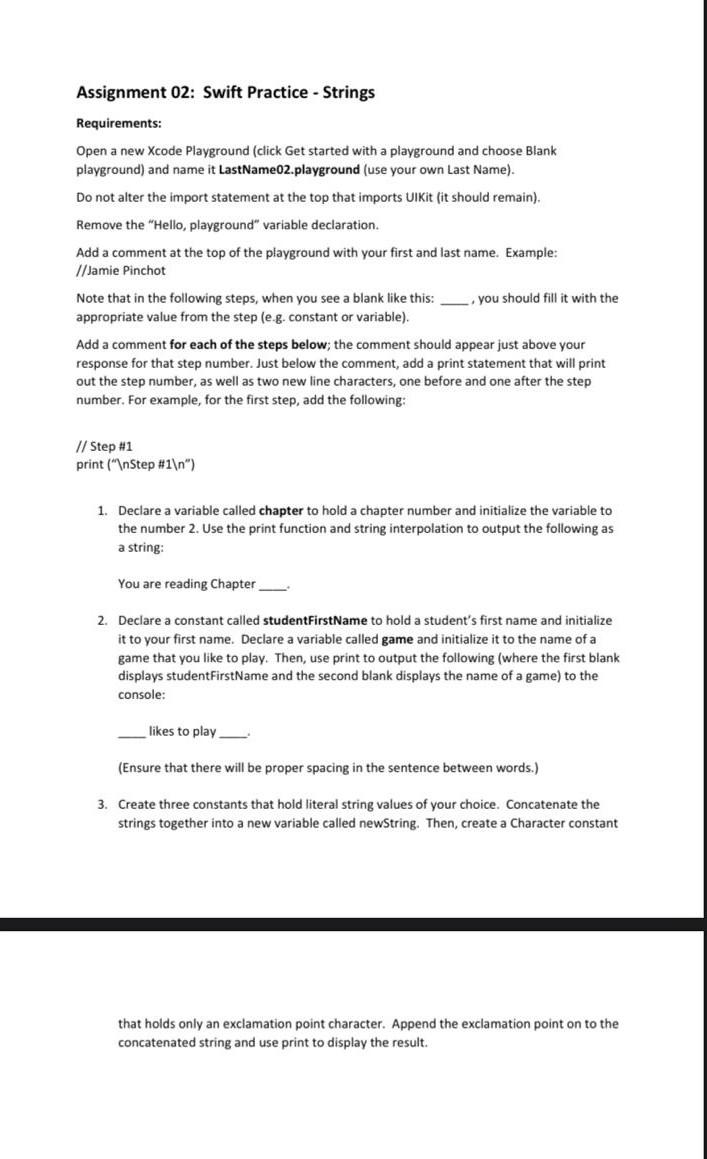
Assignment 02: Swift Practice - Strings Requirements: Open a new Xcode Playground (click Get started with a playground and choose Blank playground) and name it LastName02.playground (use your own Last Name). Do not alter the import statement at the top that imports UIKit (it should remain). Remove the "Hello, playground" variable declaration. Add a comment at the top of the playground with your first and last name. Example: //Jamie Pinchot Note that in the following steps, when you see a blank like this: , you should fill it with the appropriate value from the step (e.g. constant or variable). Add a comment for each of the steps below; the comment should appear just above your response for that step number. Just below the comment, add a print statement that will print out the step number, as well as two new line characters, one before and one after the step number. For example, for the first step, add the following: // Step H1 print ("InStep \#1 ) 1. Declare a variable called chapter to hold a chapter number and initialize the variable to the number 2. Use the print function and string interpolation to output the following as a string: You are reading Chapter 2. Declare a constant called studentFirstName to hold a student's first name and initialize it to your first name. Declare a variable called game and initialize it to the name of a game that you like to play. Then, use print to output the following (where the first blank displays studentFirstName and the second blank displays the name of a game) to the console: likes to play (Ensure that there will be proper spacing in the sentence between words.) 3. Create three constants that hold literal string values of your choice. Concatenate the strings together into a new variable called newString. Then, create a Character constant that holds only an exclamation point character. Append the exclamation point on to the concatenated string and use print to display the result
Step by Step Solution
There are 3 Steps involved in it

Get step-by-step solutions from verified subject matter experts
 Study Help