







Question: Assignment 03: Swift Practice - Numbers Requirements: Open a new Xcode Playground (click Get started with a playground and choose Blank playground) and name it
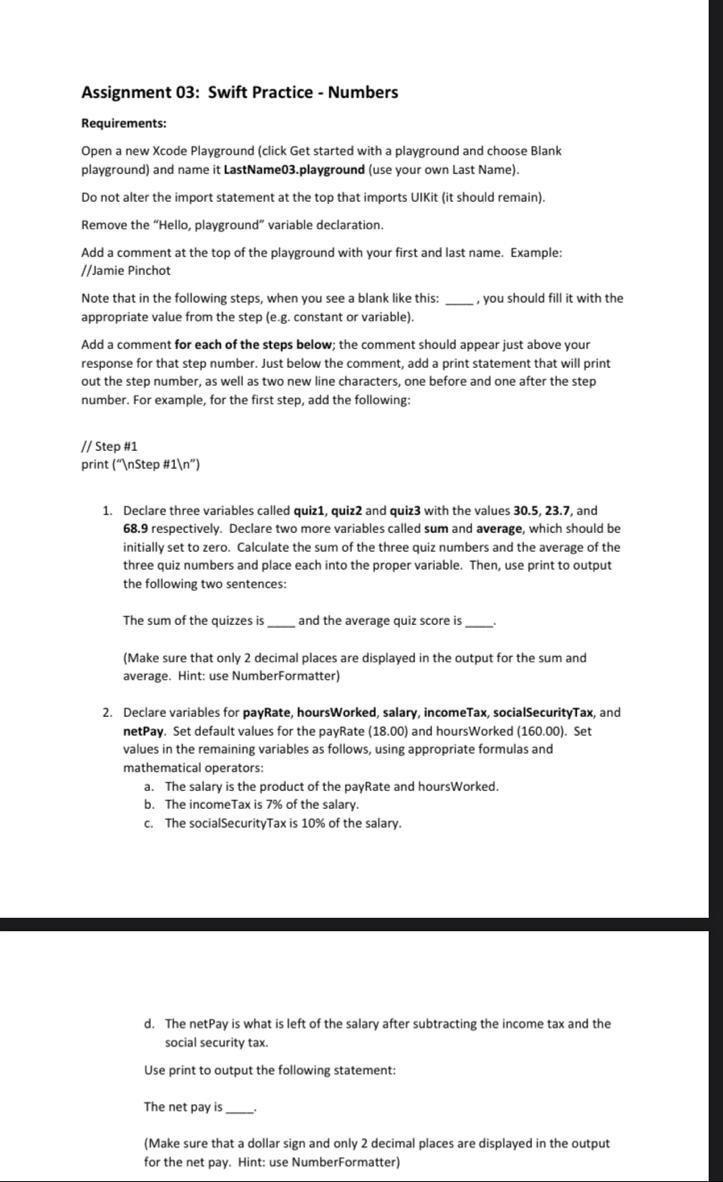
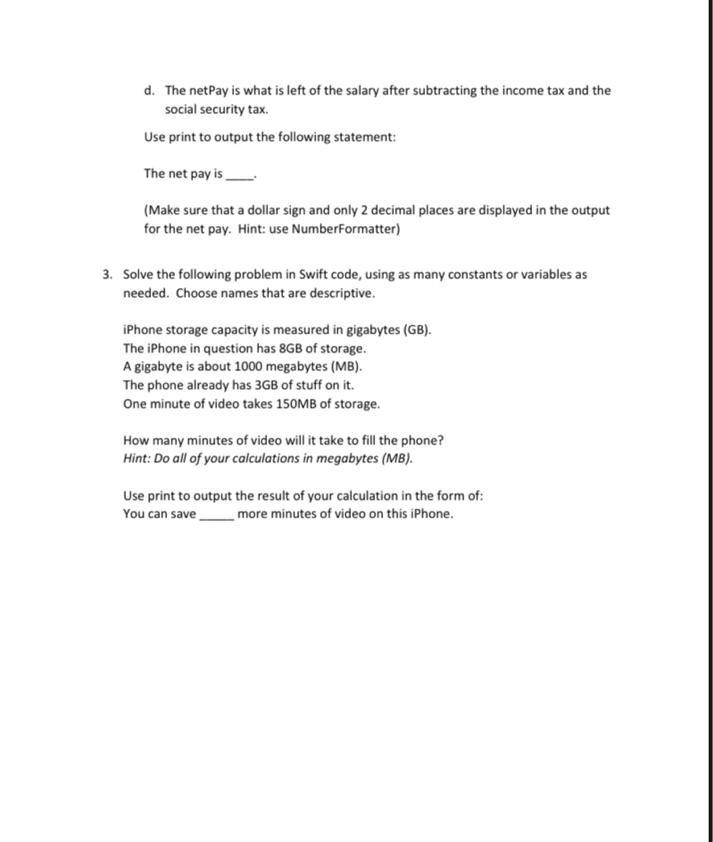
Assignment 03: Swift Practice - Numbers Requirements: Open a new Xcode Playground (click Get started with a playground and choose Blank playground) and name it LastName03.playground (use your own Last Name). Do not alter the import statement at the top that imports UIKit (it should remain). Remove the "Hello, playground" variable declaration. Add a comment at the top of the playground with your first and last name. Example: // Jamie Pinchot Note that in the following steps, when you see a blank like this: , you should fill it with the appropriate value from the step (e.g. constant or variable). Add a comment for each of the steps below; the comment should appear just above your response for that step number. Just below the comment, add a print statement that will print out the step number, as well as two new line characters, one before and one after the step number. For example, for the first step, add the following: // Step \#1 print (" Step \#1 ") 1. Declare three variables called quiz1, quiz2 and quiz3 with the values 30.5, 23.7, and 68.9 respectively. Declare two more variables called sum and average, which should be initially set to zero. Calculate the sum of the three quiz numbers and the average of the three quiz numbers and place each into the proper variable. Then, use print to output the following two sentences: The sum of the quizzes is and the average quiz score is (Make sure that only 2 decimal places are displayed in the output for the sum and average. Hint: use NumberFormatter) 2. Declare variables for payRate, hoursWorked, salary, incomeTax, socialSecurityTax, and netPay. Set default values for the payRate (18.00) and hoursWorked (160.00). Set values in the remaining variables as follows, using appropriate formulas and mathematical operators: a. The salary is the product of the payRate and hoursWorked. b. The incomeTax is 7% of the salary. c. The socialSecurityTax is 10% of the salary. d. The netPay is what is left of the salary after subtracting the income tax and the social security tax. Use print to output the following statement: The net pay is (Make sure that a dollar sign and only 2 decimal places are displayed in the output for the net pay. Hint: use NumberFormatter) d. The netPay is what is left of the salary after subtracting the income tax and the social security tax. Use print to output the following statement: The net pay is (Make sure that a dollar sign and only 2 decimal places are displayed in the output for the net pay. Hint: use NumberFormatter) 3. Solve the following problem in Swift code, using as many constants or variables as needed. Choose names that are descriptive. iPhone storage capacity is measured in gigabytes (GB). The iPhone in question has 8GB of storage. A gigabyte is about 1000 megabytes (MB). The phone already has 3GB of stuff on it. One minute of video takes 150MB of storage. How many minutes of video will it take to fill the phone? Hint: Do all of your calculations in megabytes (MB). Use print to output the result of your calculation in the form of: You can save more minutes of video on this iPhone
Step by Step Solution
There are 3 Steps involved in it

Get step-by-step solutions from verified subject matter experts
 Study Help