







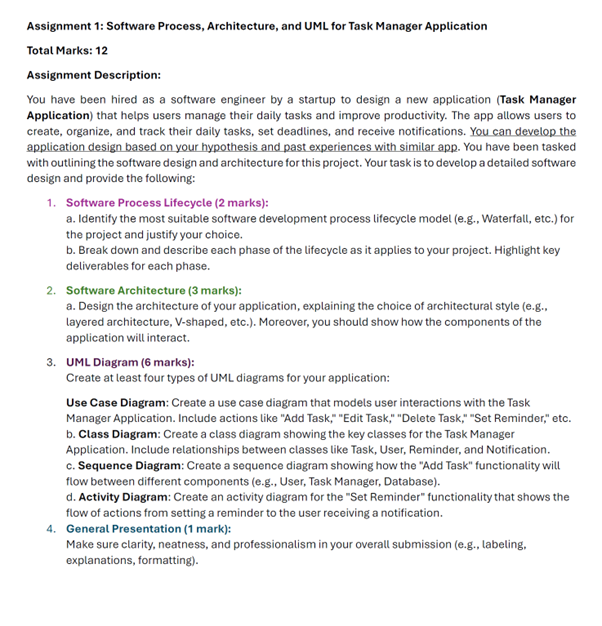
Question: Assignment 1 : Software Process, Architecture, and UML for Task Manager Application Total Marks: 1 2 Assignment Description: You have been hired as a software
Assignment : Software Process, Architecture, and UML for Task Manager Application
Total Marks:
Assignment Description:
You have been hired as a software engineer by a startup to design a new application Task Manager Application that helps users manage their daily tasks and improve productivity. The app allows users to create, organize, and track their daily tasks, set deadlines, and receive notifications. You can develop the application design based on your hypothesis and past experiences with similar app. You have been tasked with outlining the software design and architecture for this project. Your task is to develop a detailed software design and provide the following:
Software Process Lifecycle marks:
a Identify the most suitable software development process lifecycle model eg Waterfall, etc. for the project and justify your choice.
b Break down and describe each phase of the lifecycle as it applies to your project. Highlight key deliverables for each phase.
Software Architecture marks:
a Design the architecture of your application, explaining the choice of architectural style eg layered architecture, Vshaped, etc. Moreover, you should show how the components of the application will interact.
UML Diagram marks:
Create at least four types of UML diagrams for your application:
Use Case Diagram: Create a use case diagram that models user interactions with the Task Manager Application. Include actions like "Add Task," "Edit Task," "Delete Task," "Set Reminder," etc.
b Class Diagram: Create a class diagram showing the key classes for the Task Manager Application. Include relationships between classes like Task, User, Reminder, and Notification.
c Sequence Diagram: Create a sequence diagram showing how the "Add Task" functionality will flow between different components eg User, Task Manager, Database
d Activity Diagram: Create an activity diagram for the "Set Reminder" functionality that shows the flow of actions from setting a reminder to the user receiving a notification.
General Presentation mark:
Make sure clarity, neatness, and professionalism in your overall submission eg labeling, explanations, formatting
Step by Step Solution
There are 3 Steps involved in it
1 Expert Approved Answer
Step: 1 Unlock

Question Has Been Solved by an Expert!
Get step-by-step solutions from verified subject matter experts
Step: 2 Unlock
Step: 3 Unlock
 Study Help